Reads only your data
It sees what your Dailybot account can see in the organization you signed in to. Nothing more.
Dailybot MCP templates
Each template is a live page in Claude that reads your Dailybot through the Dailybot MCP connector. Open one, duplicate it, and it works on your own check-ins, forms and team.
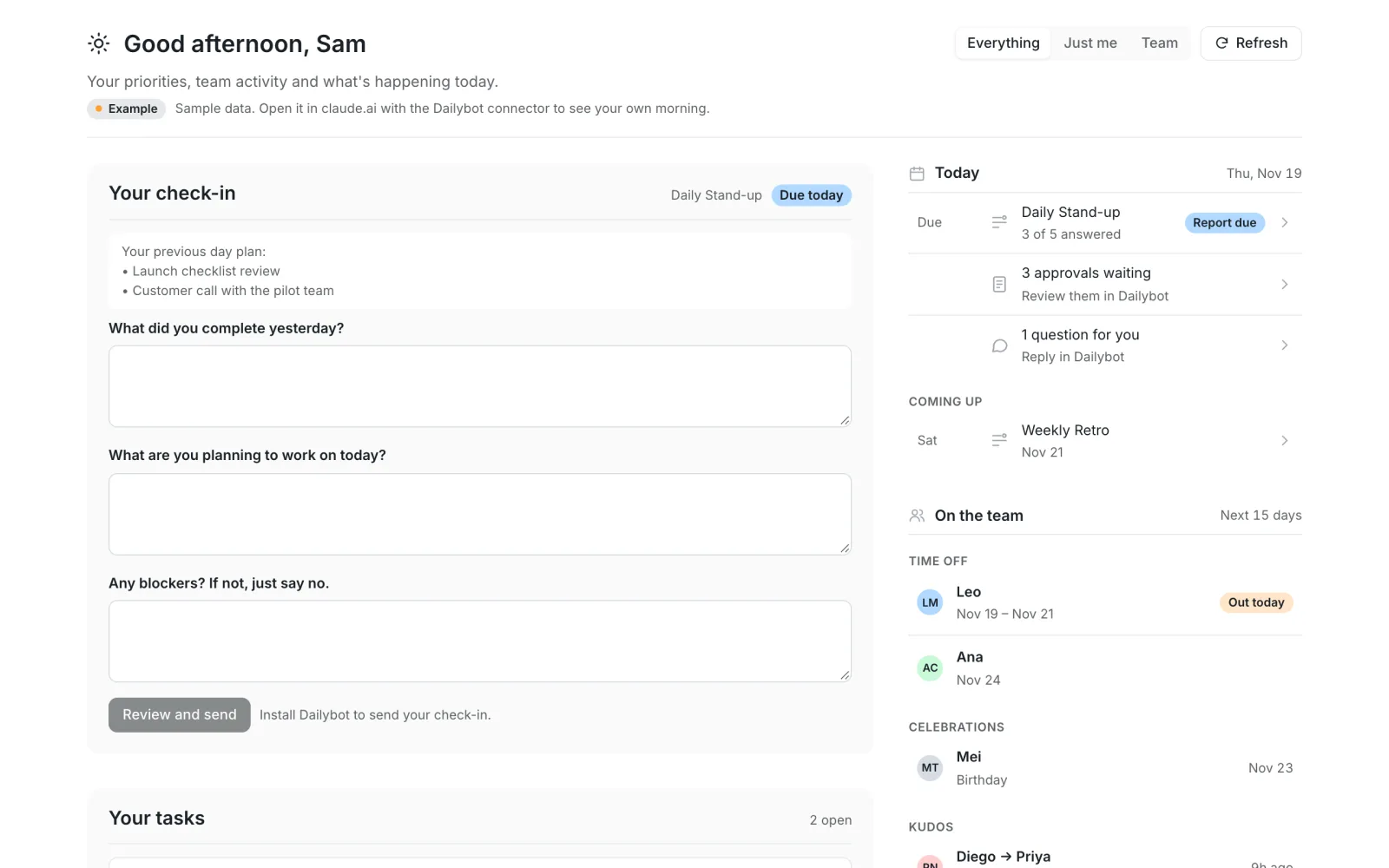
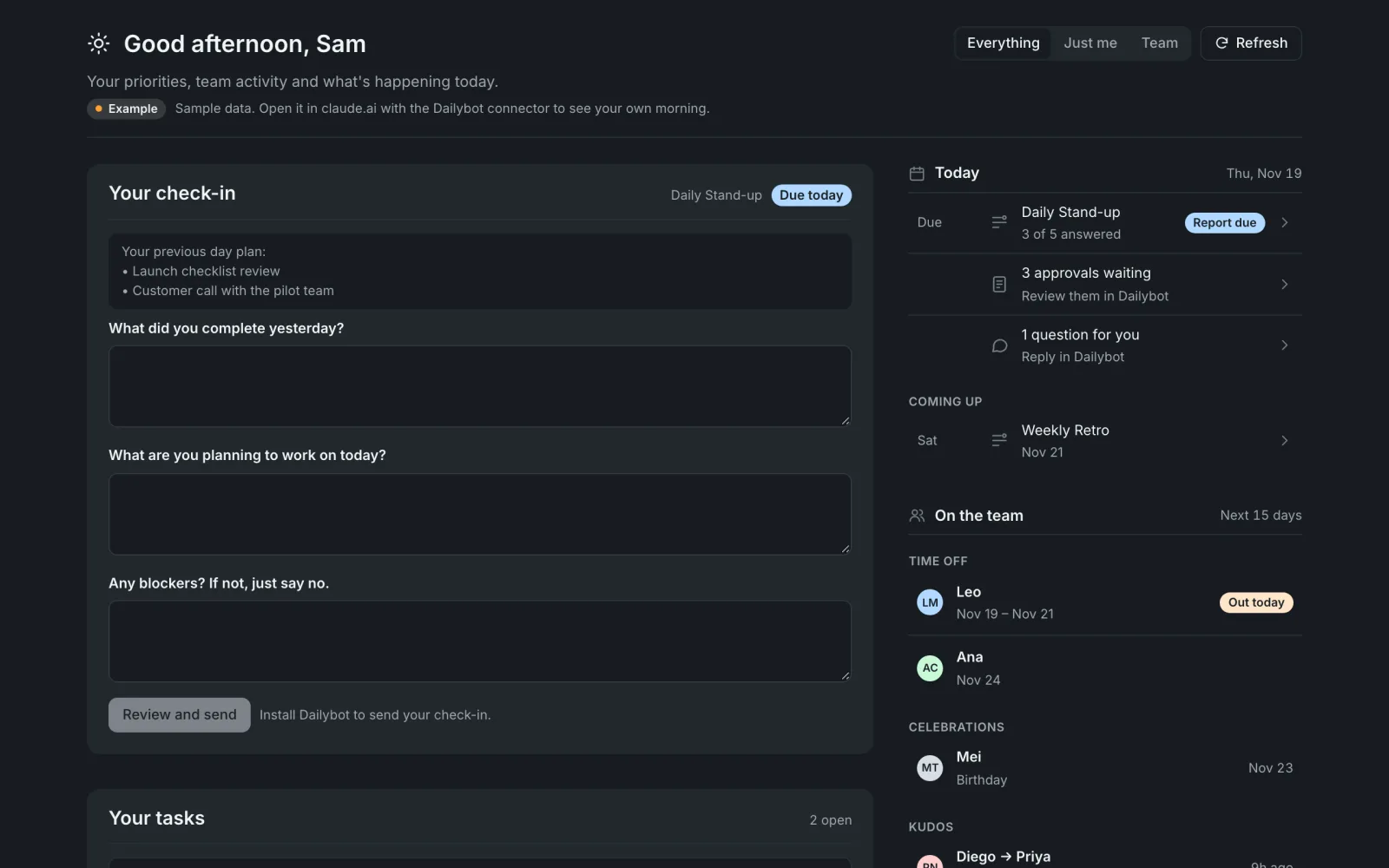
Start your day with your priorities, your check-in, your tasks and what the team posted.
7 read tools · 3 actions
see template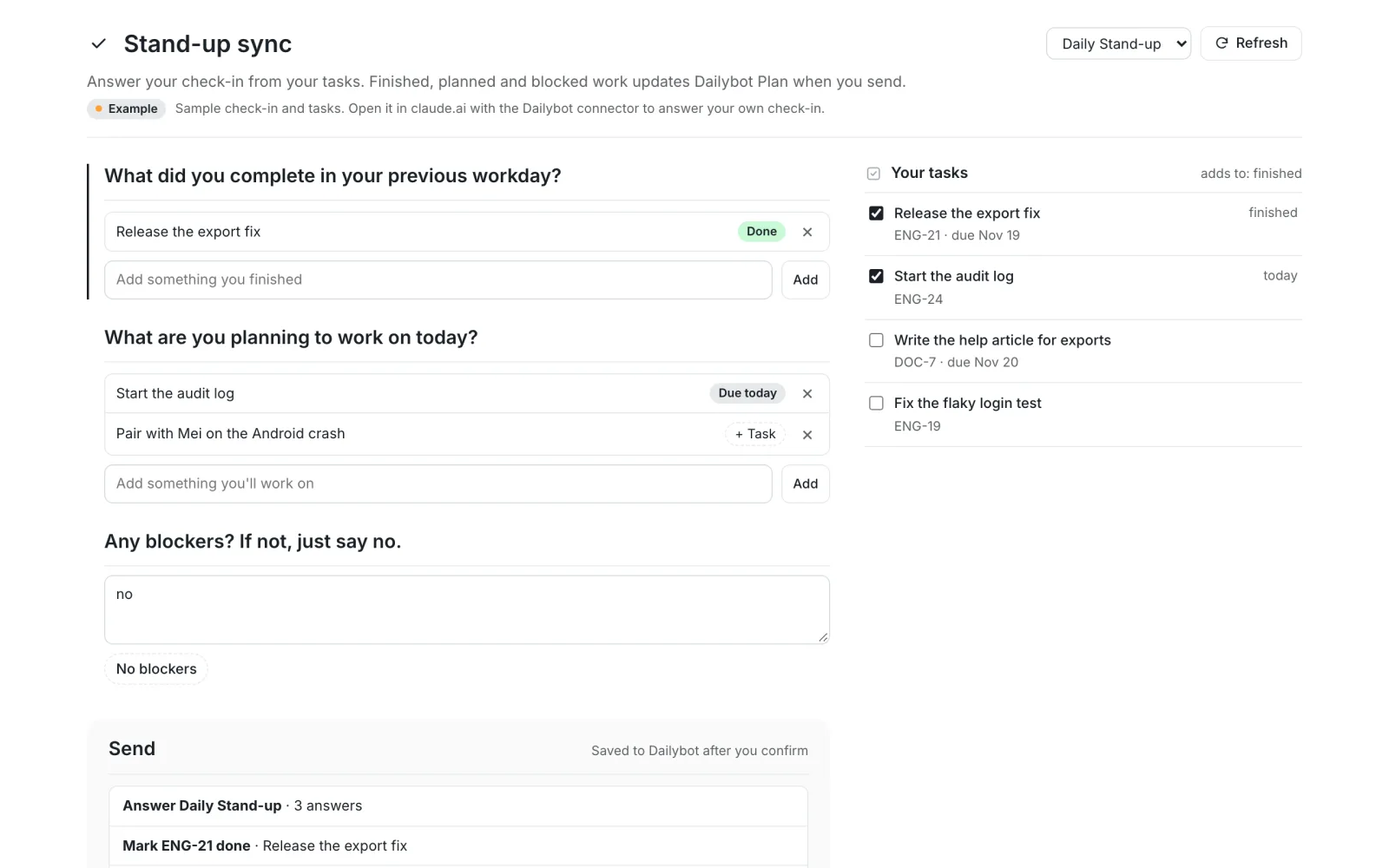
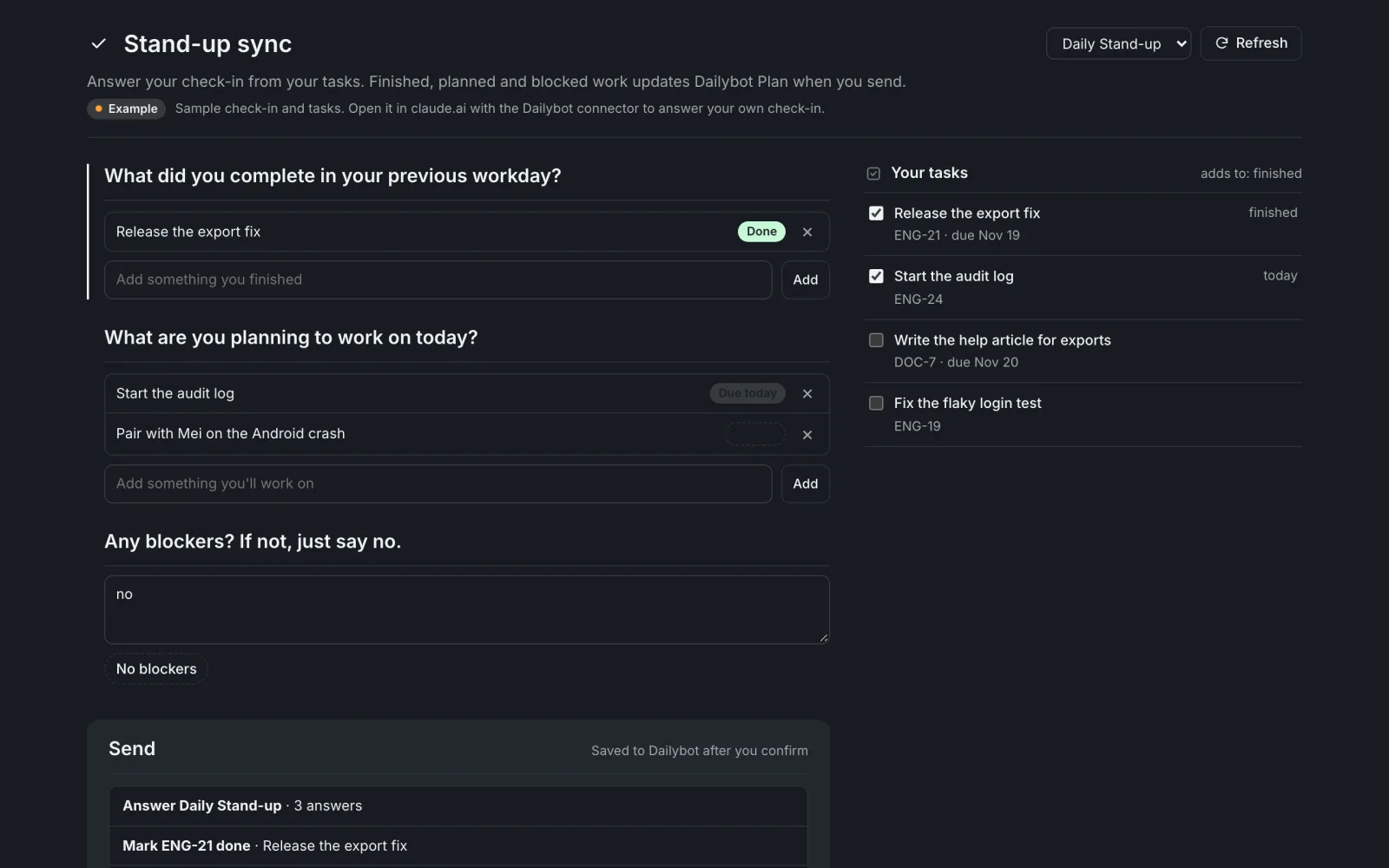
Answer your check-in from your task list. When you send, your tasks in Dailybot update to match.
4 read tools · 3 actions
see template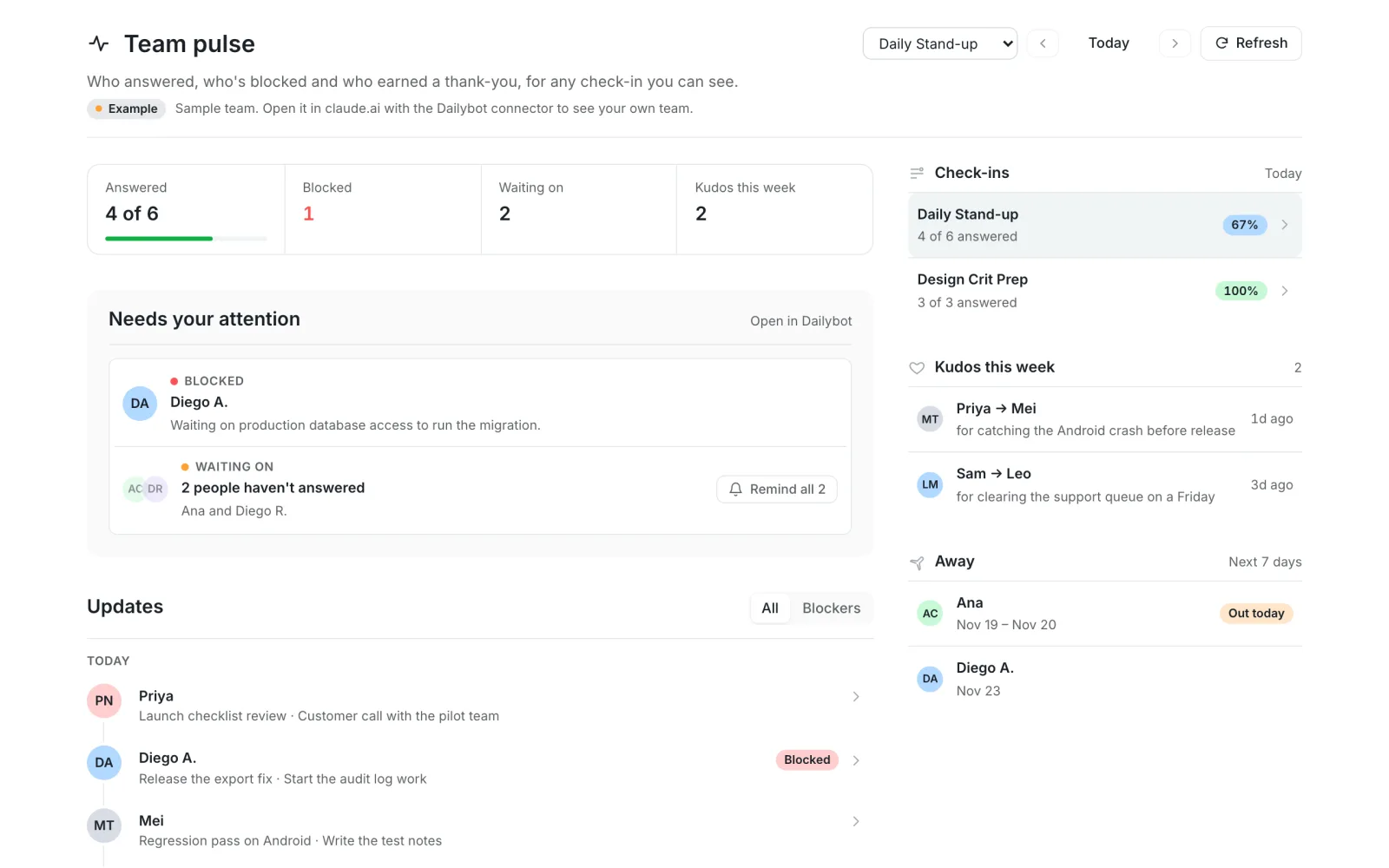
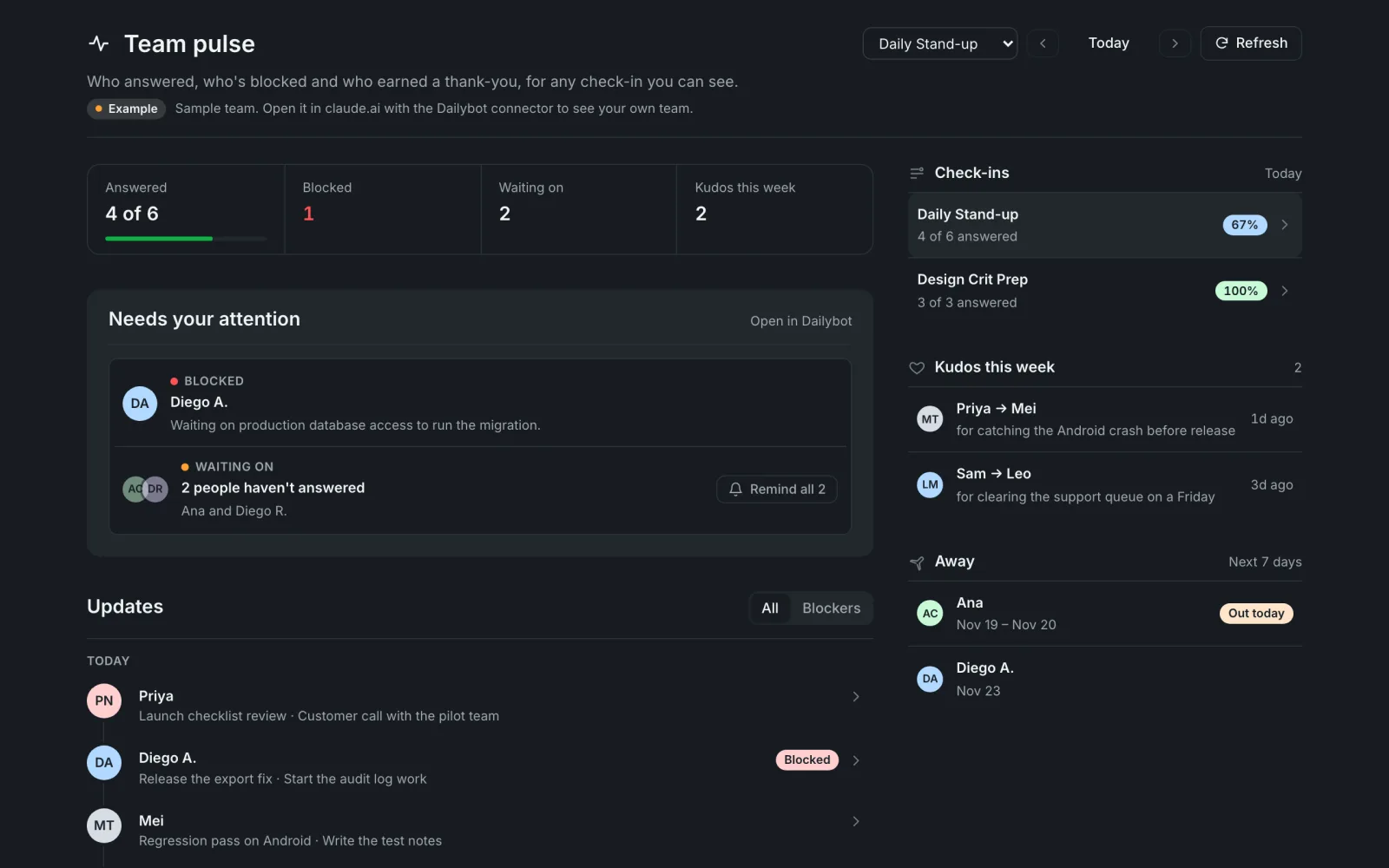
Read a check-in in one minute: who answered, who is blocked and who has not answered yet.
5 read tools · 2 actions
see template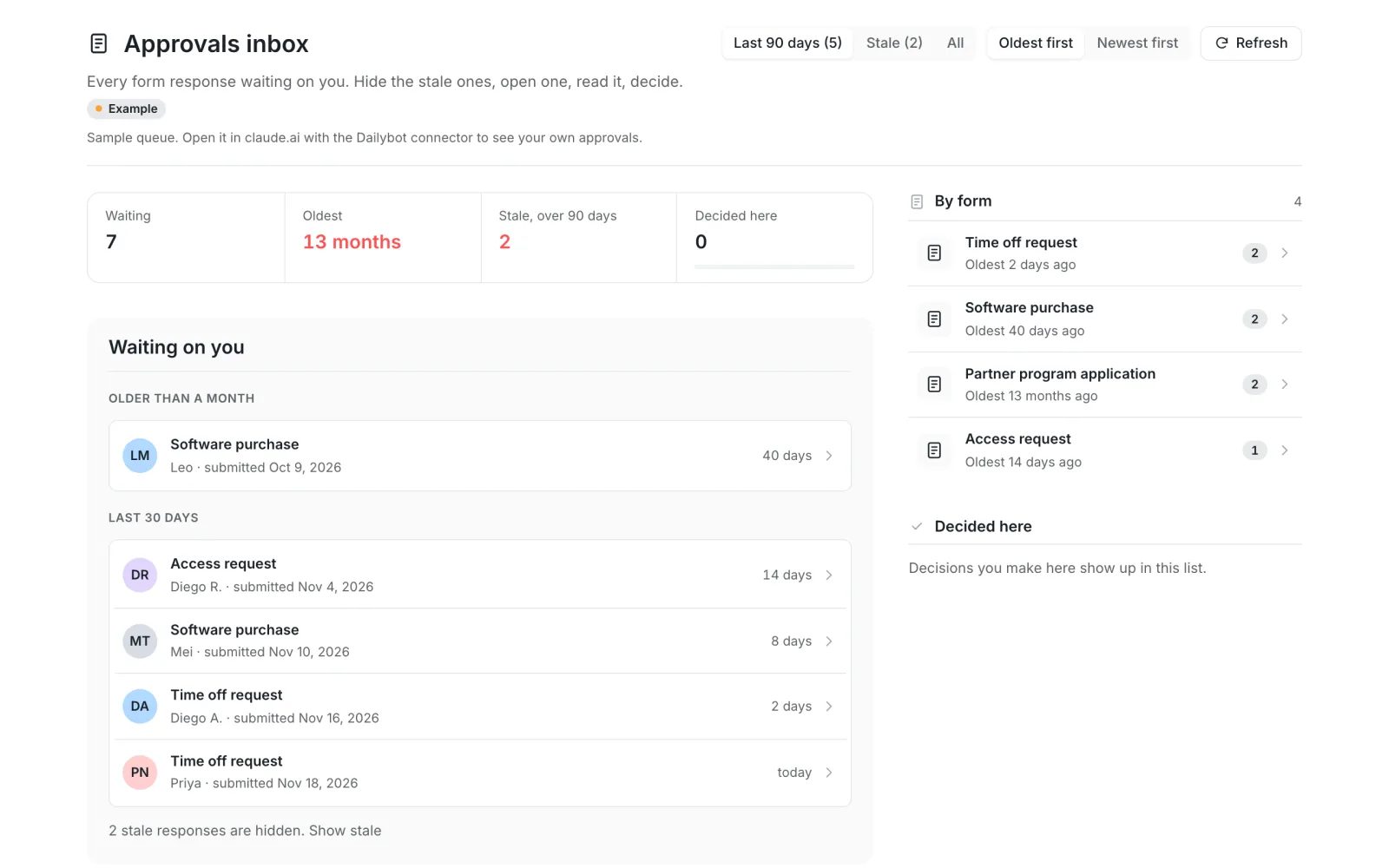
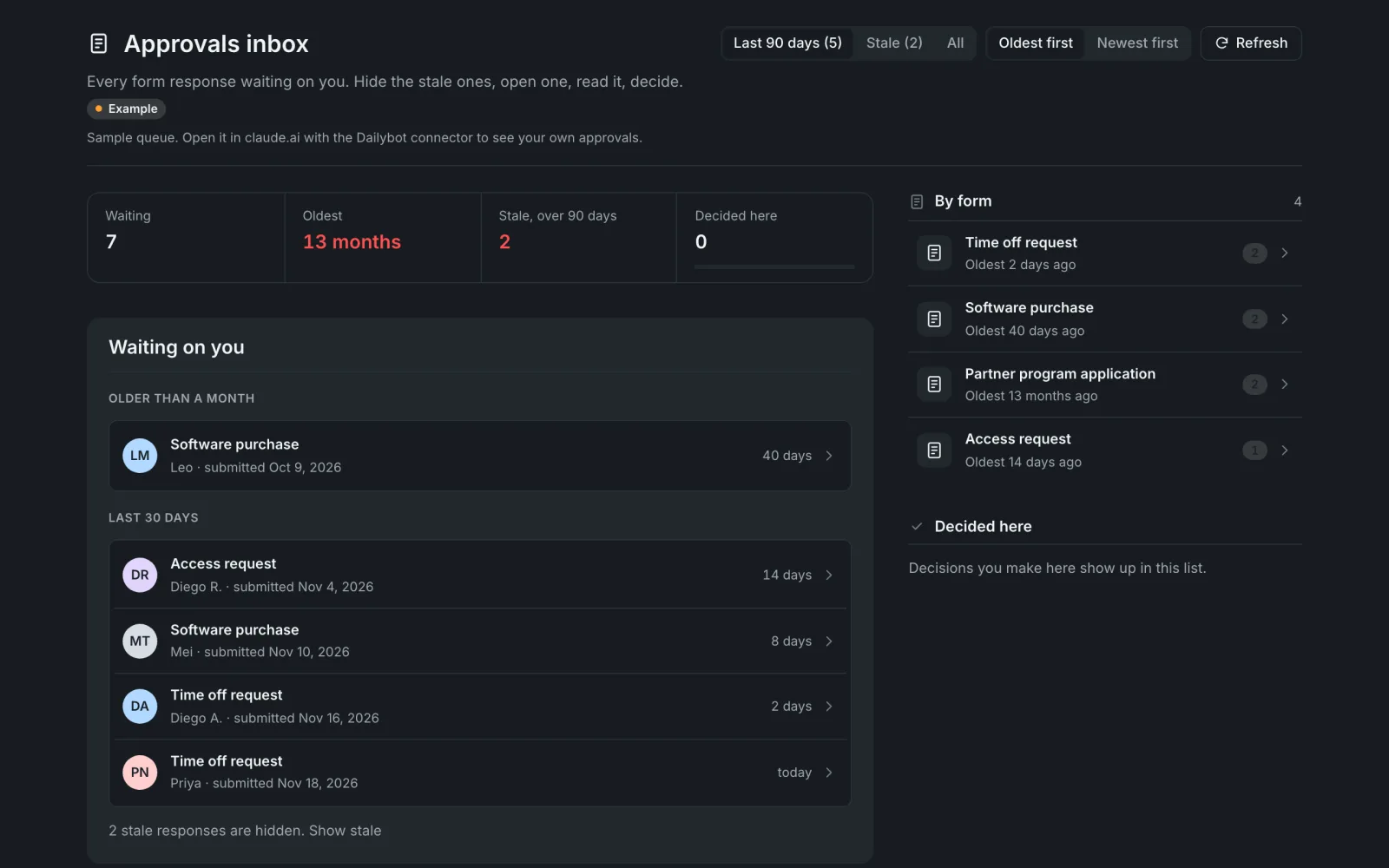
See every form response waiting on you, read one and approve or deny it.
3 read tools · 1 action
see template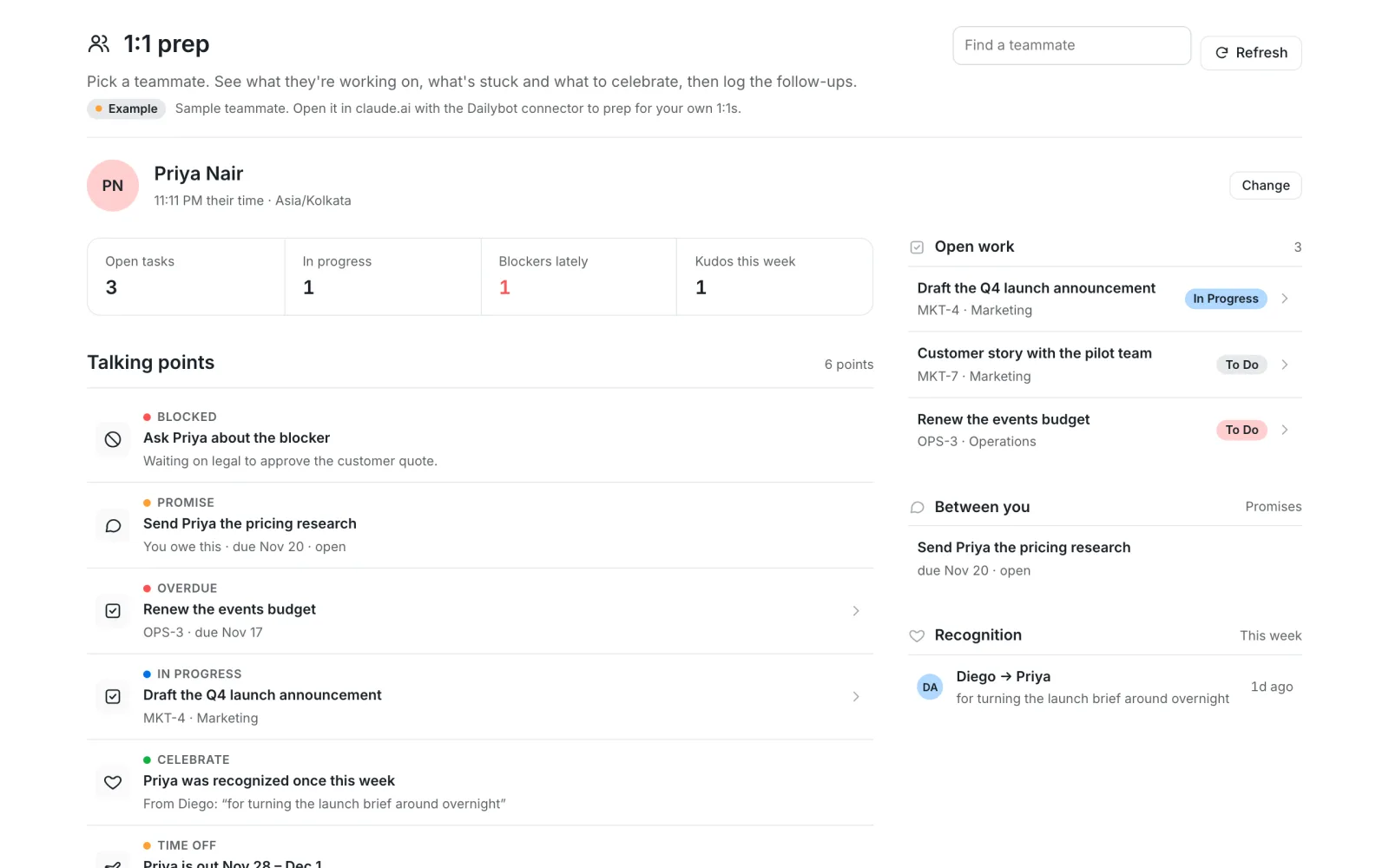
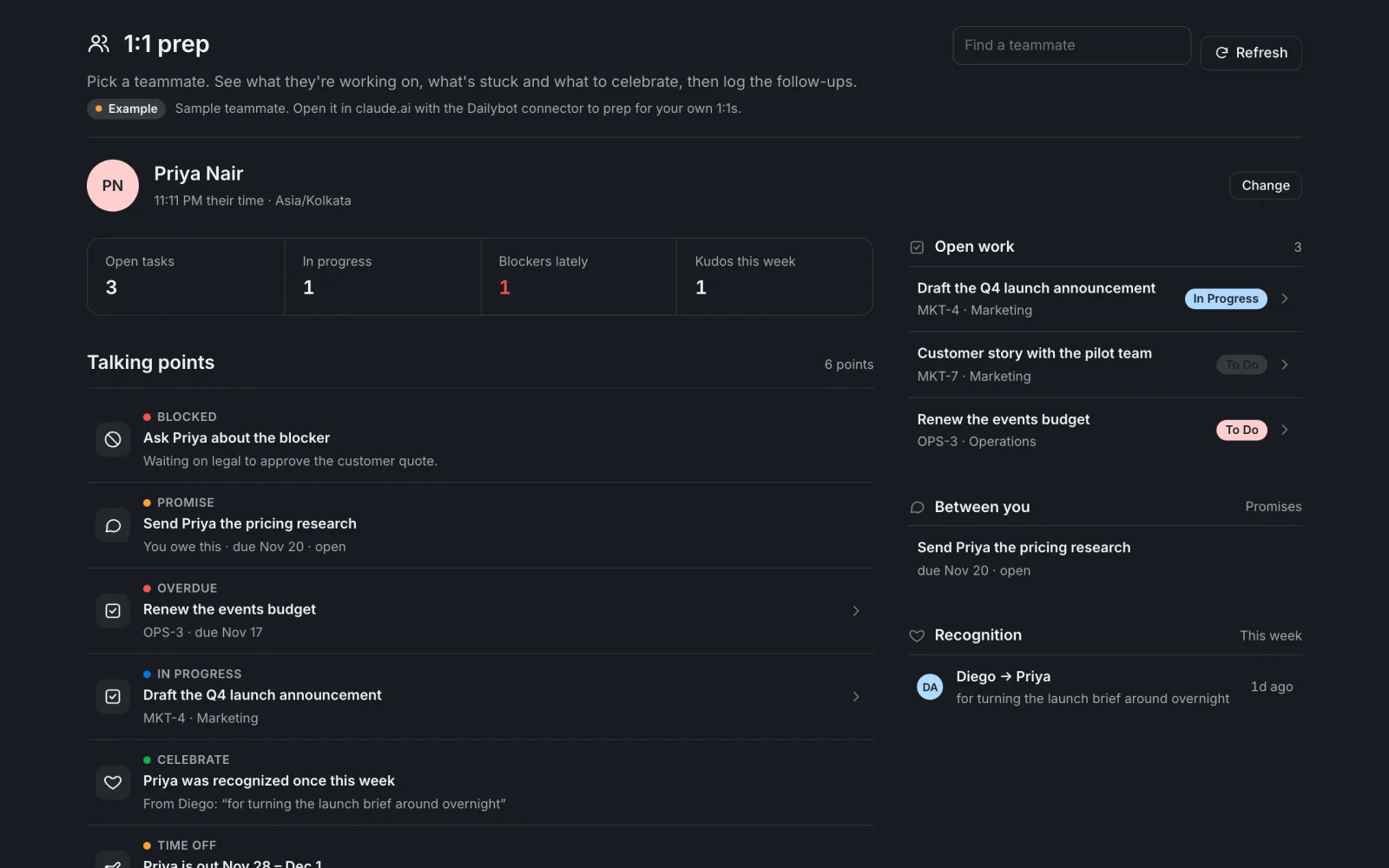
Pick a teammate and walk into the 1:1 knowing their open work, blockers and wins.
6 read tools · 2 actions
see template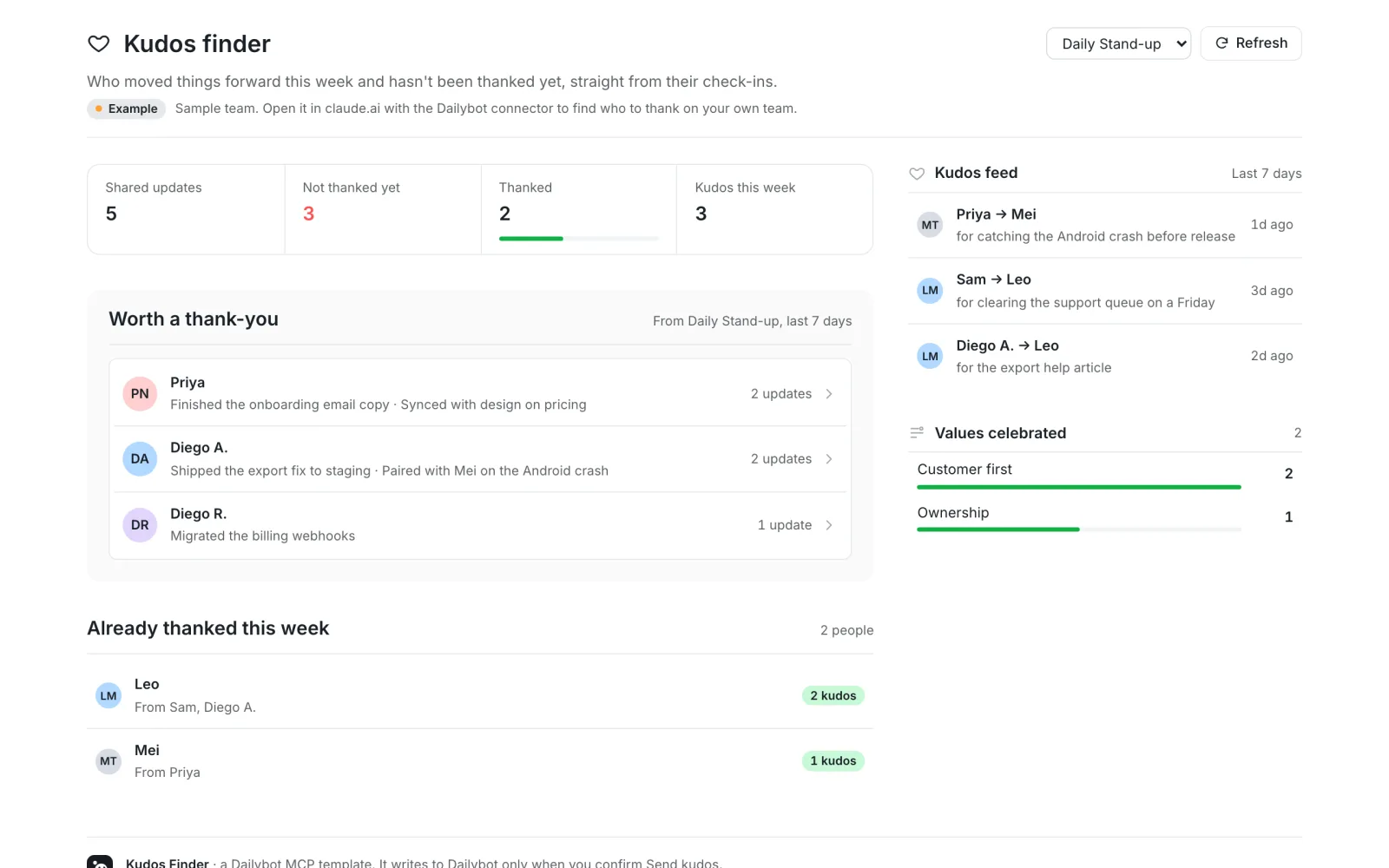
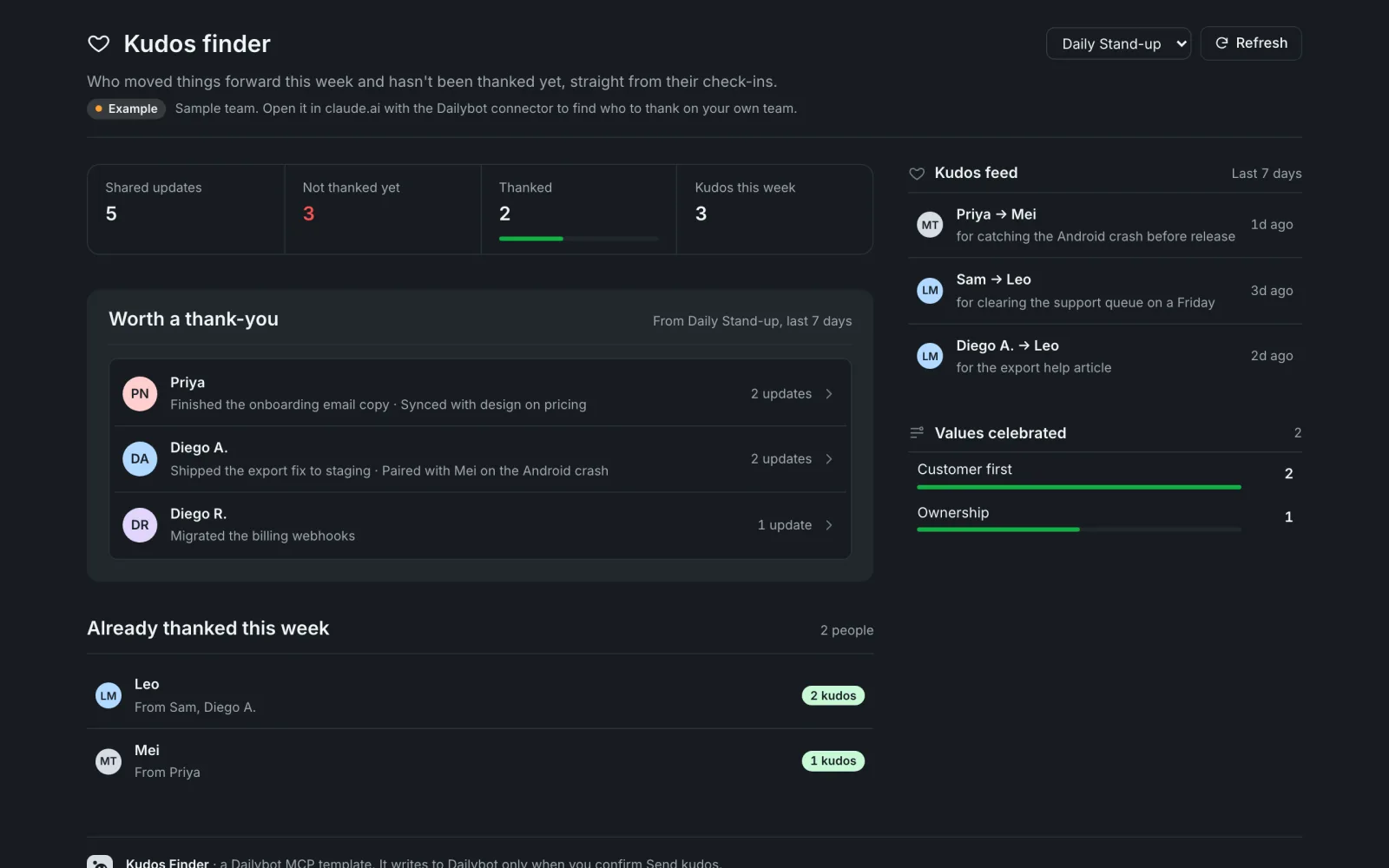
Find who moved things forward this week and hasn't been thanked, and draft kudos from their own wins.
4 read tools · 1 action
see template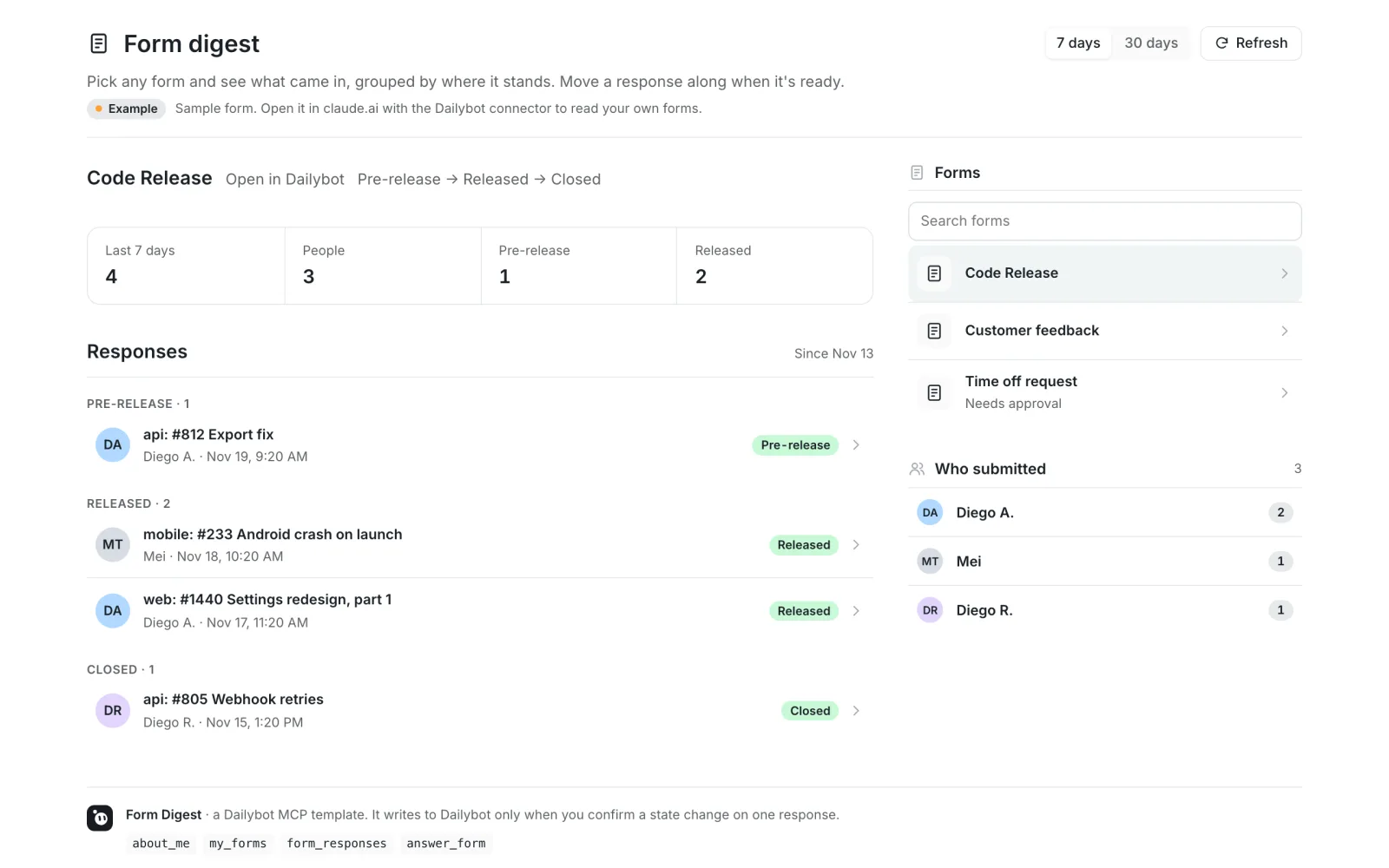
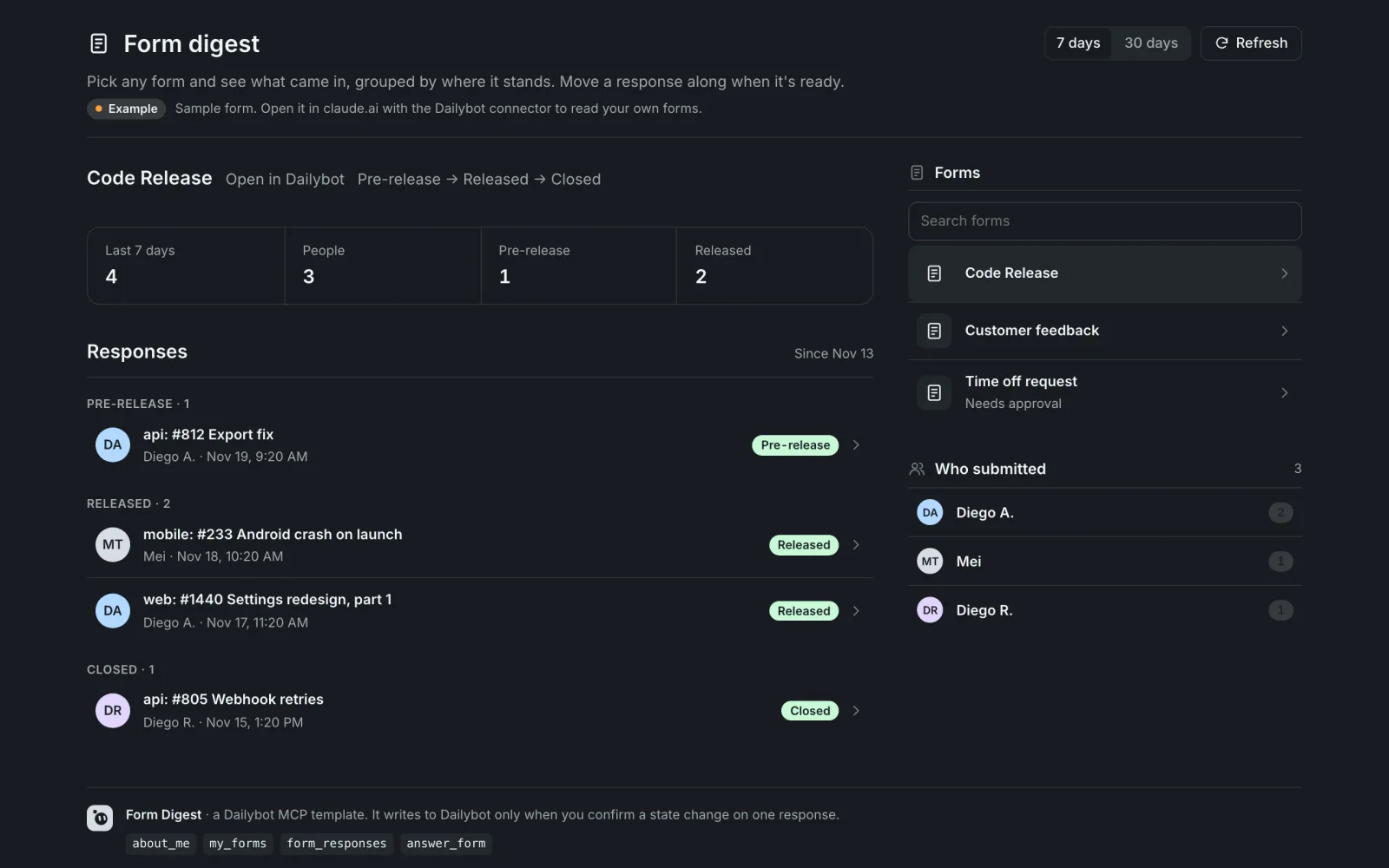
Pick any form and see its recent responses grouped by workflow state.
3 read tools · 1 action
see template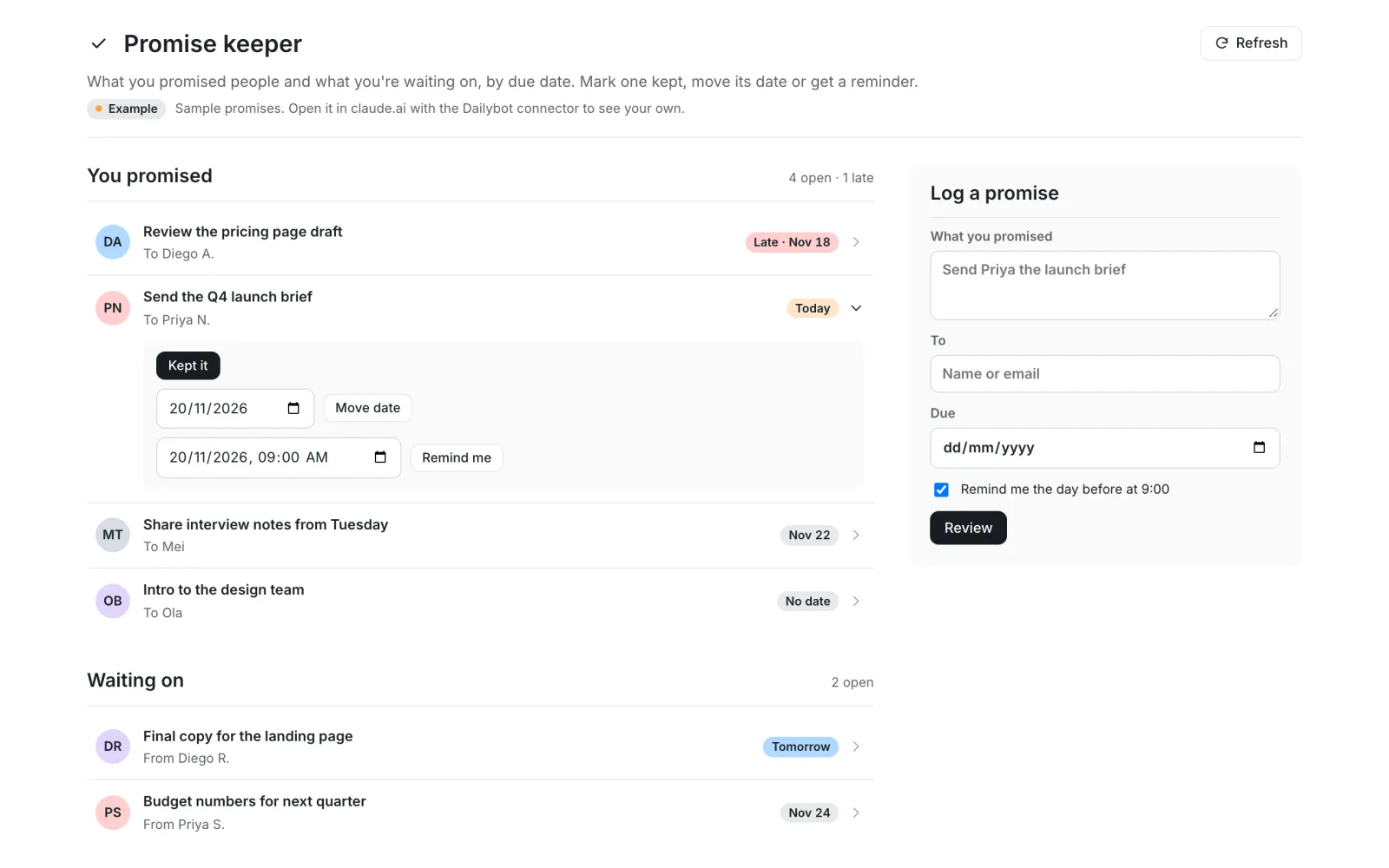
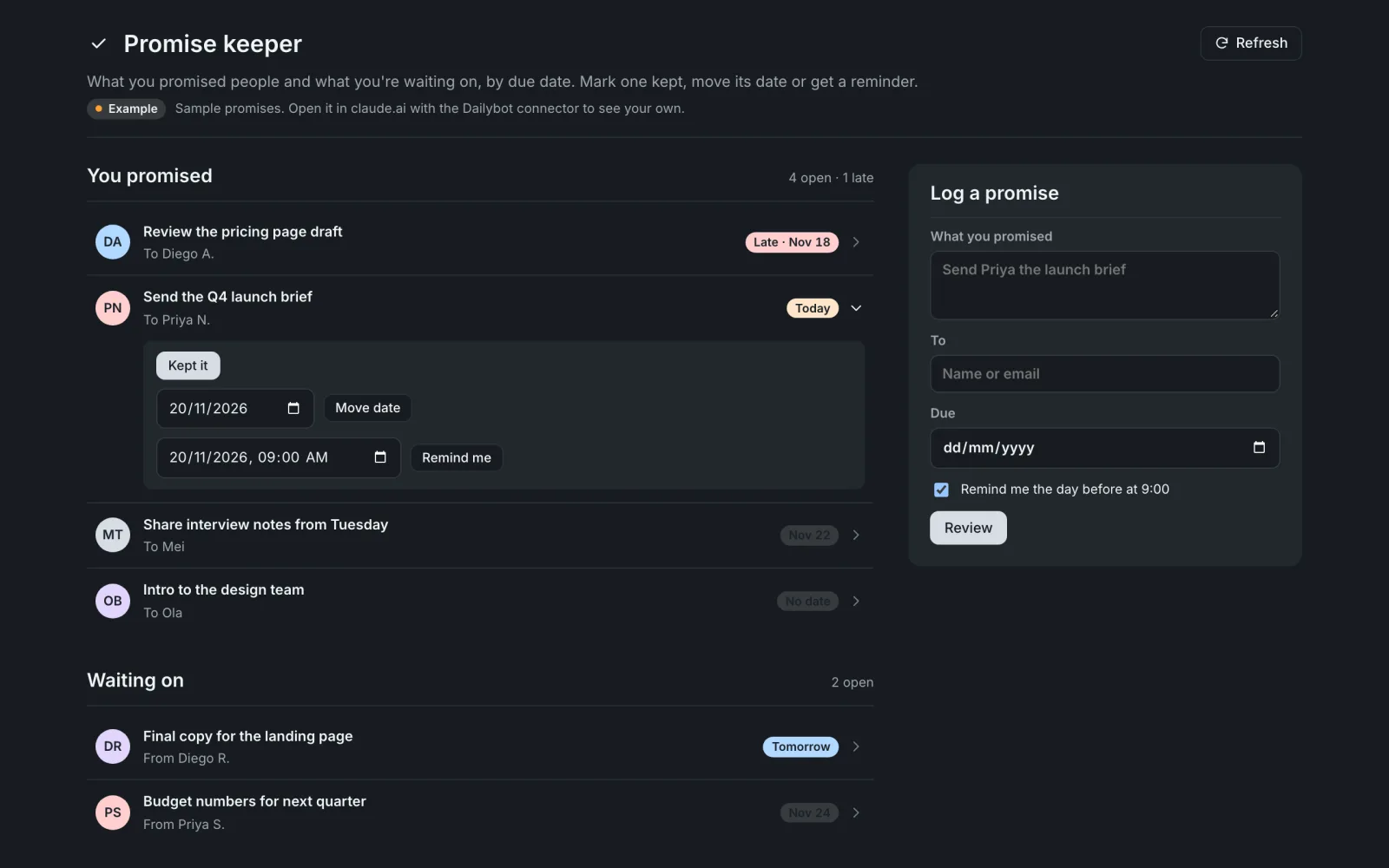
Everything you promised people and everything you're waiting on, by due date.
2 read tools · 2 actions
see template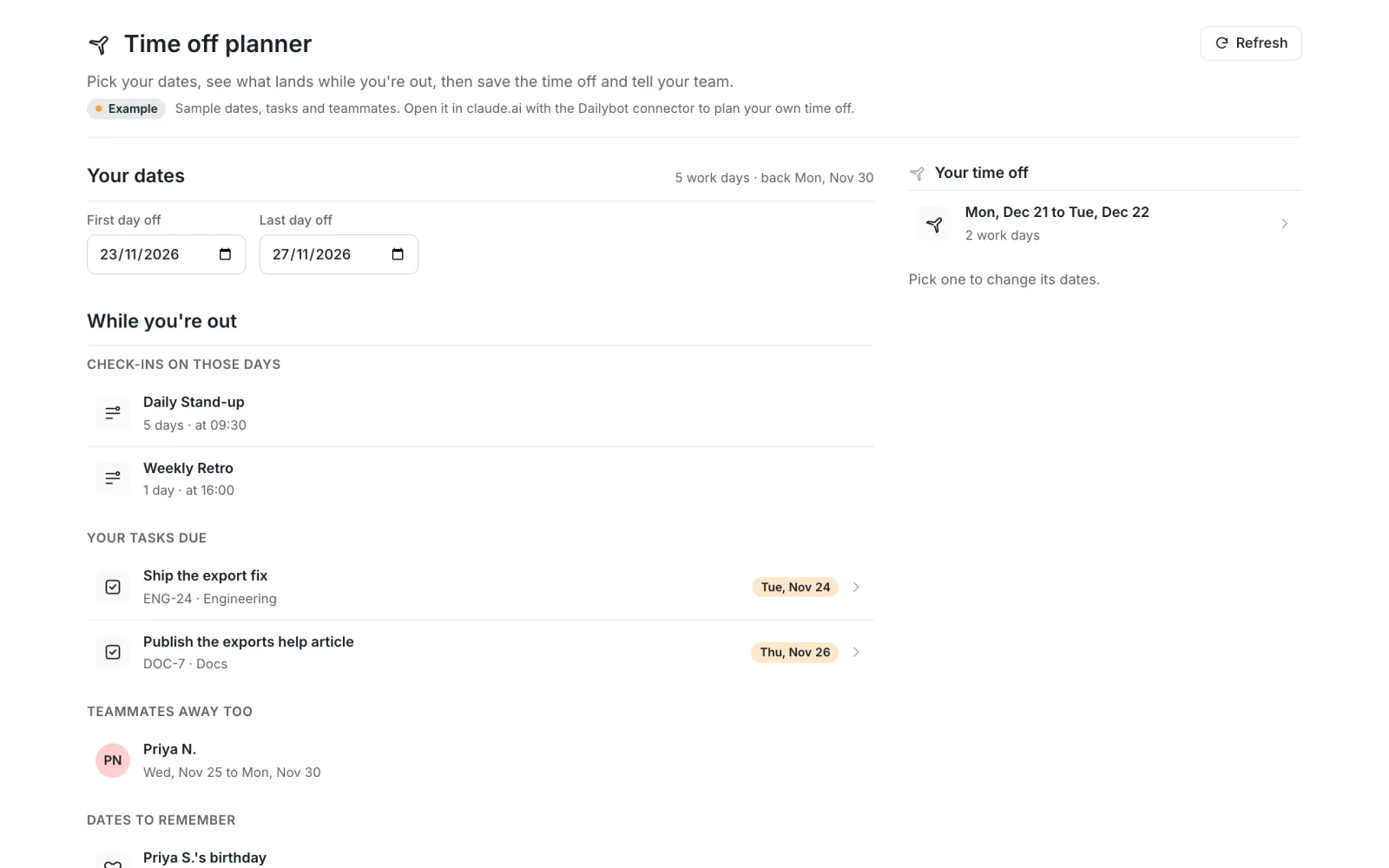
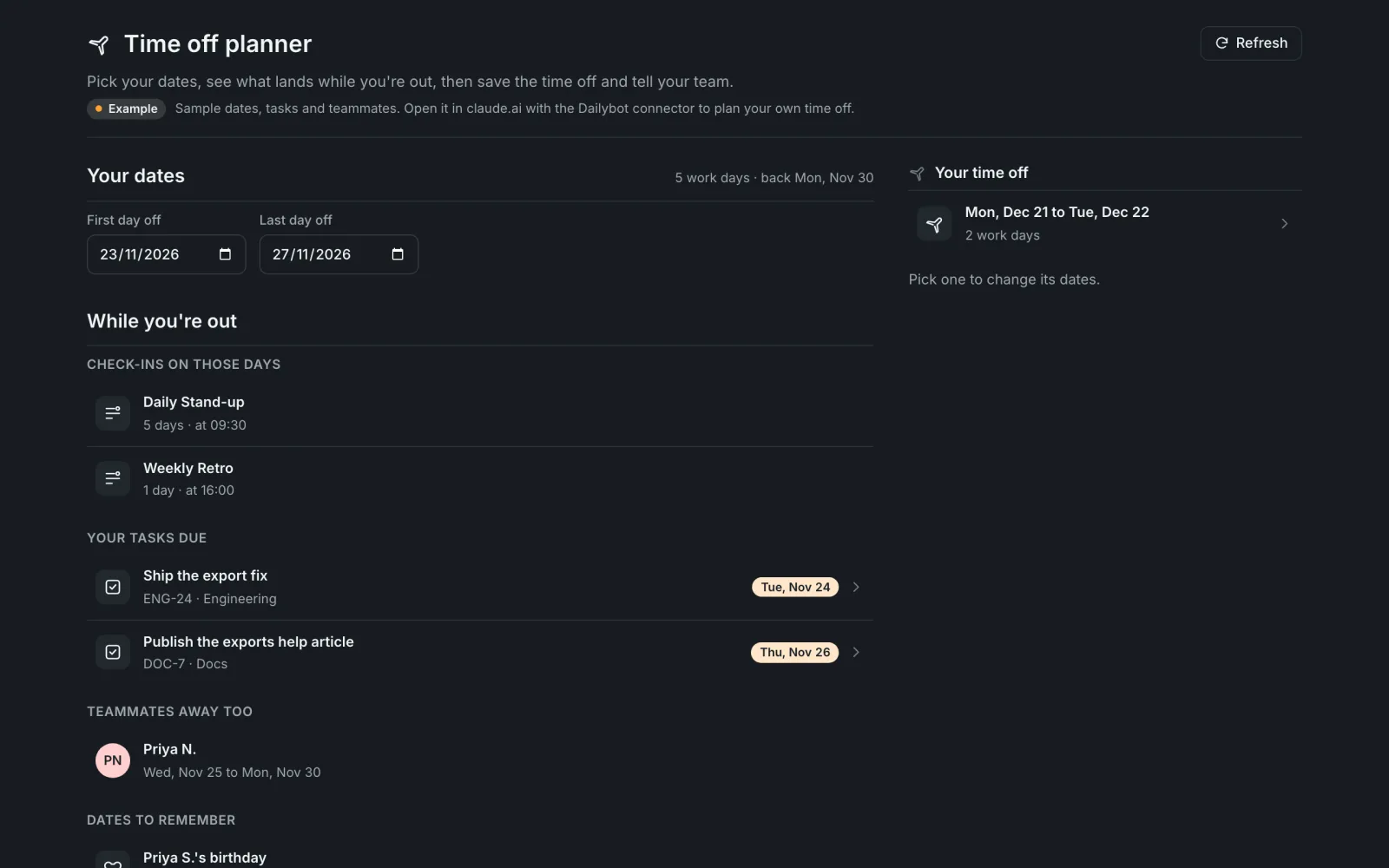
Pick your dates, see what lands while you're out, then save the time off and tell your team.
3 read tools · 2 actions
see template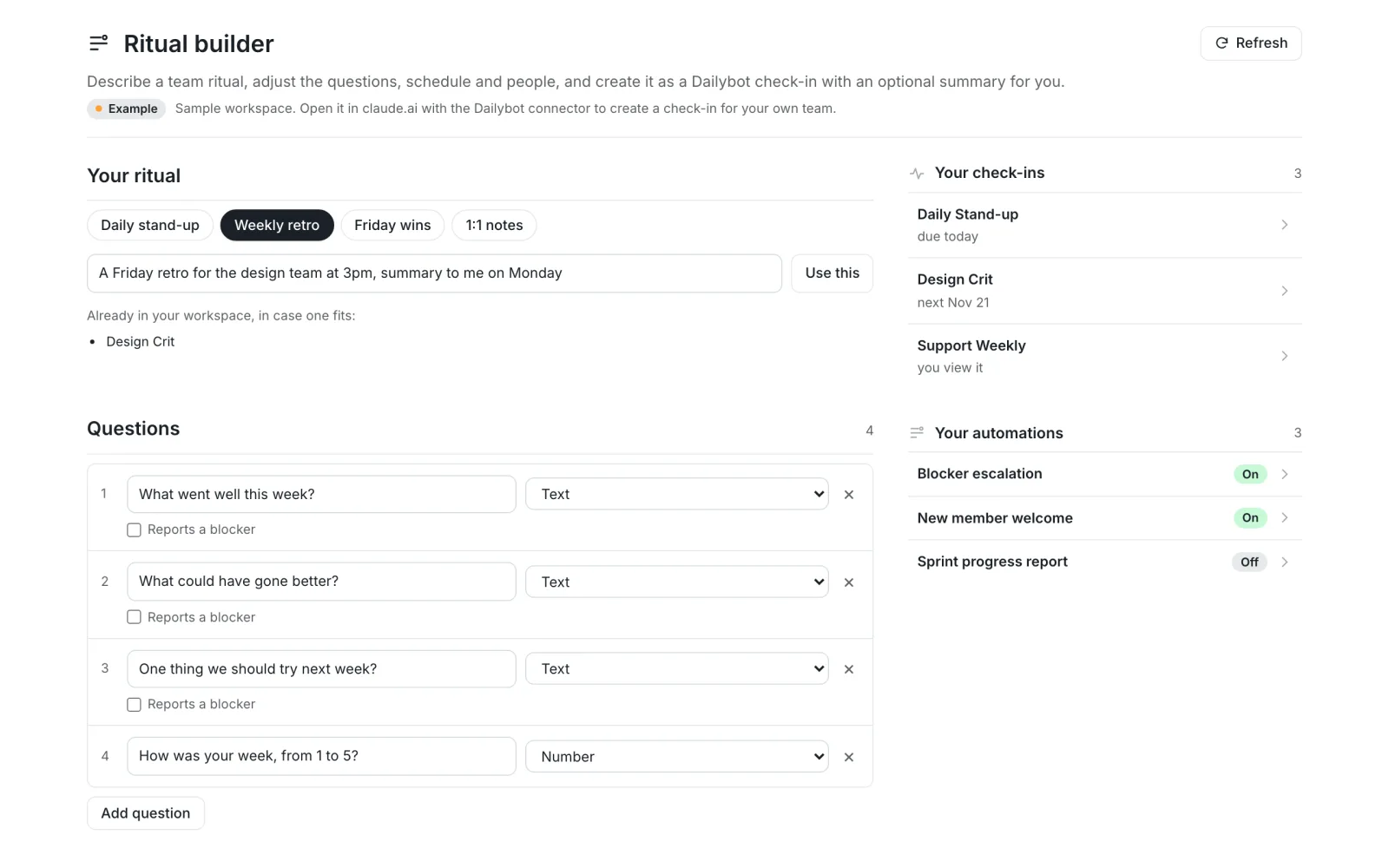
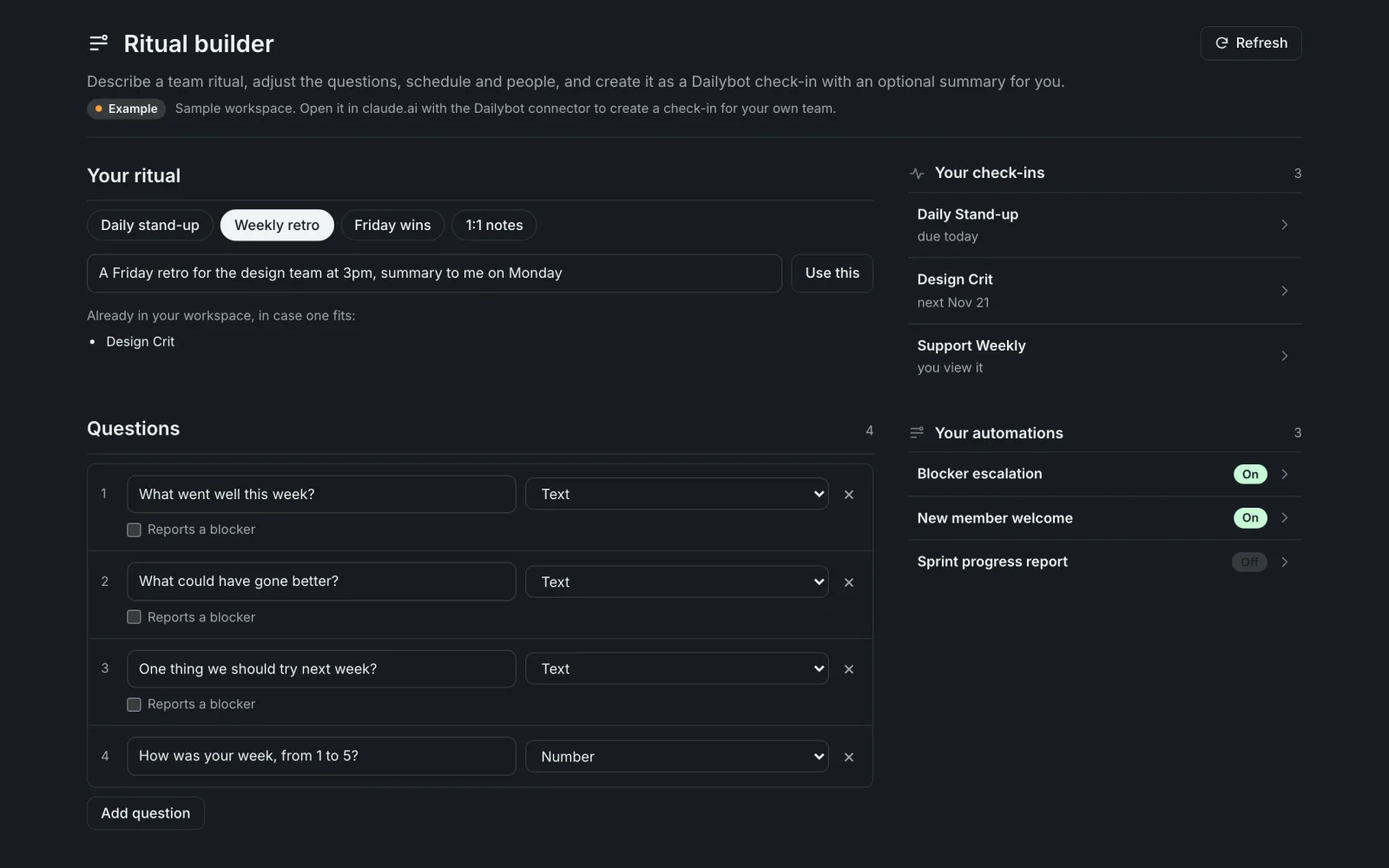
Describe a team ritual in a sentence, adjust the questions, schedule and people, and create it as a check-in with an optional summary for you.
5 read tools · 2 actions
see template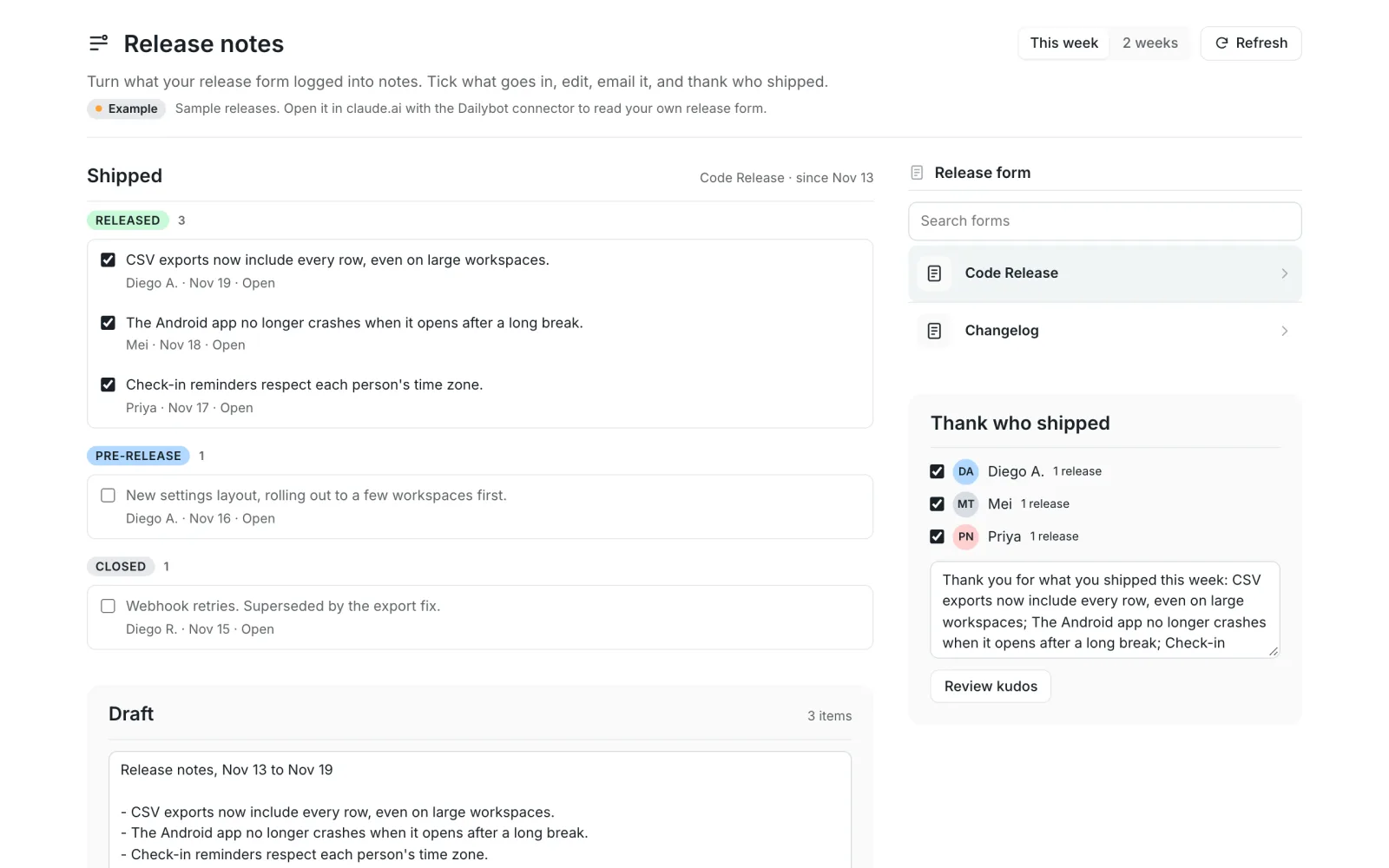
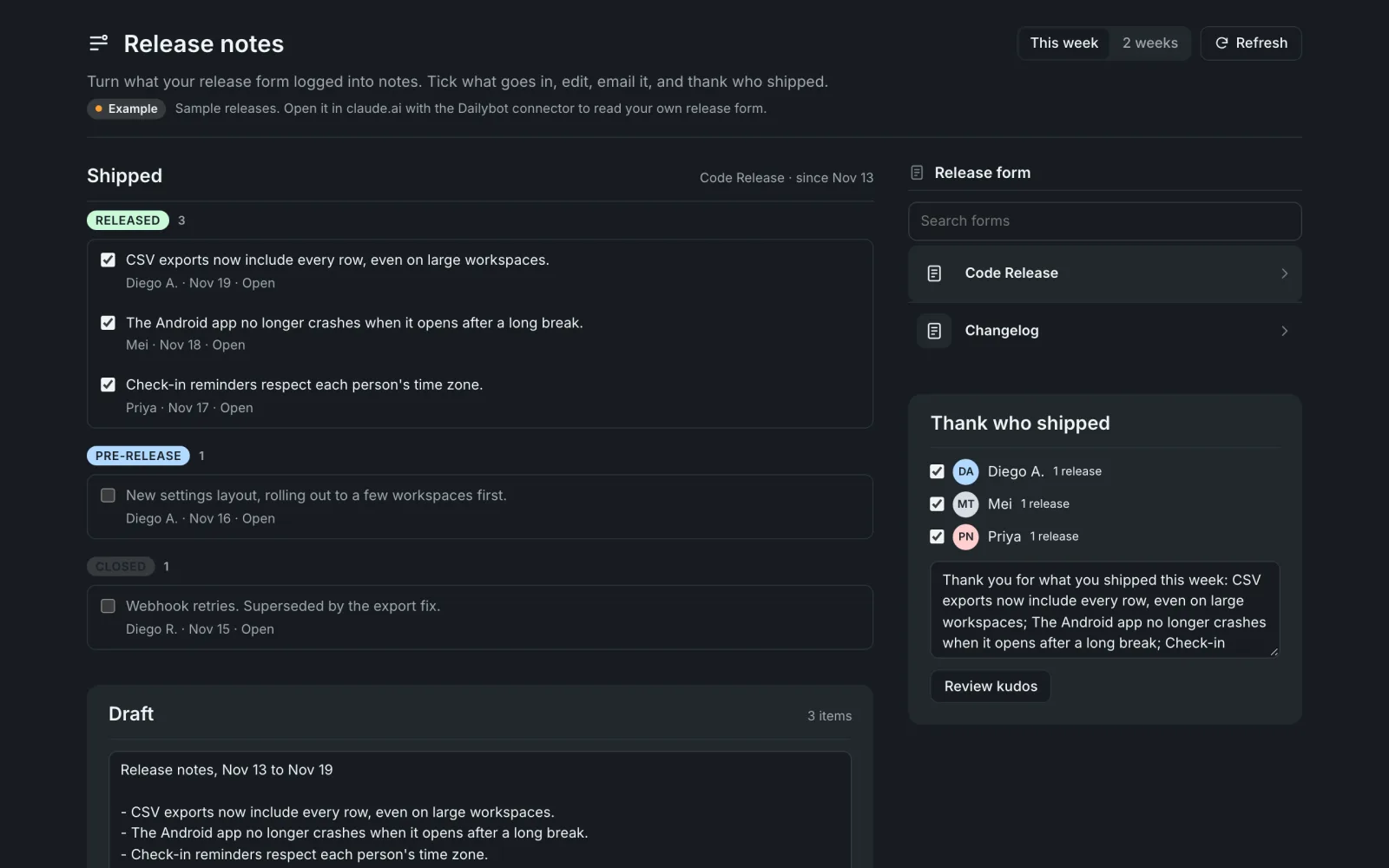
Turn what your release form logged into notes. Tick what goes in, edit, email it and thank who shipped.
3 read tools · 2 actions
see template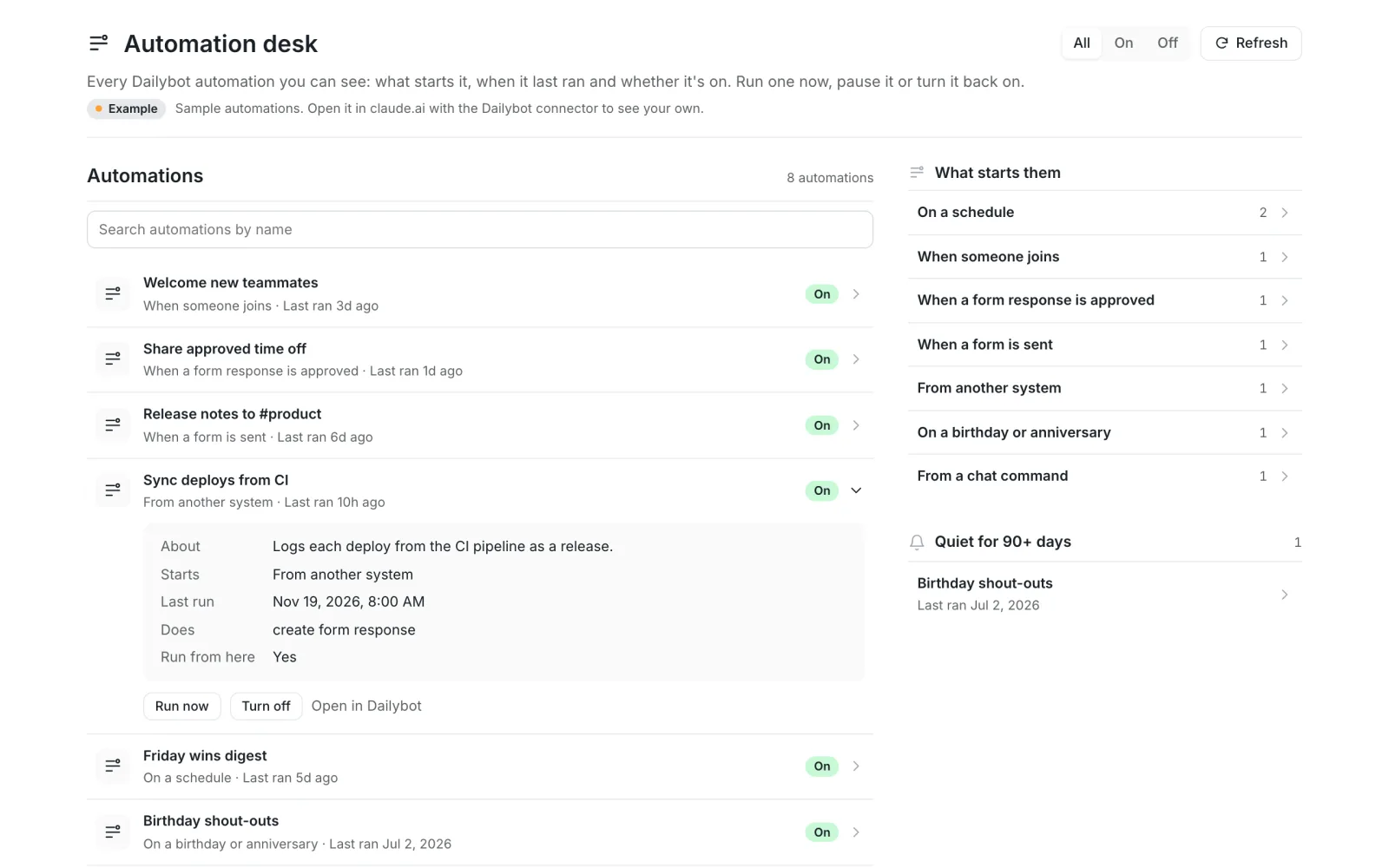
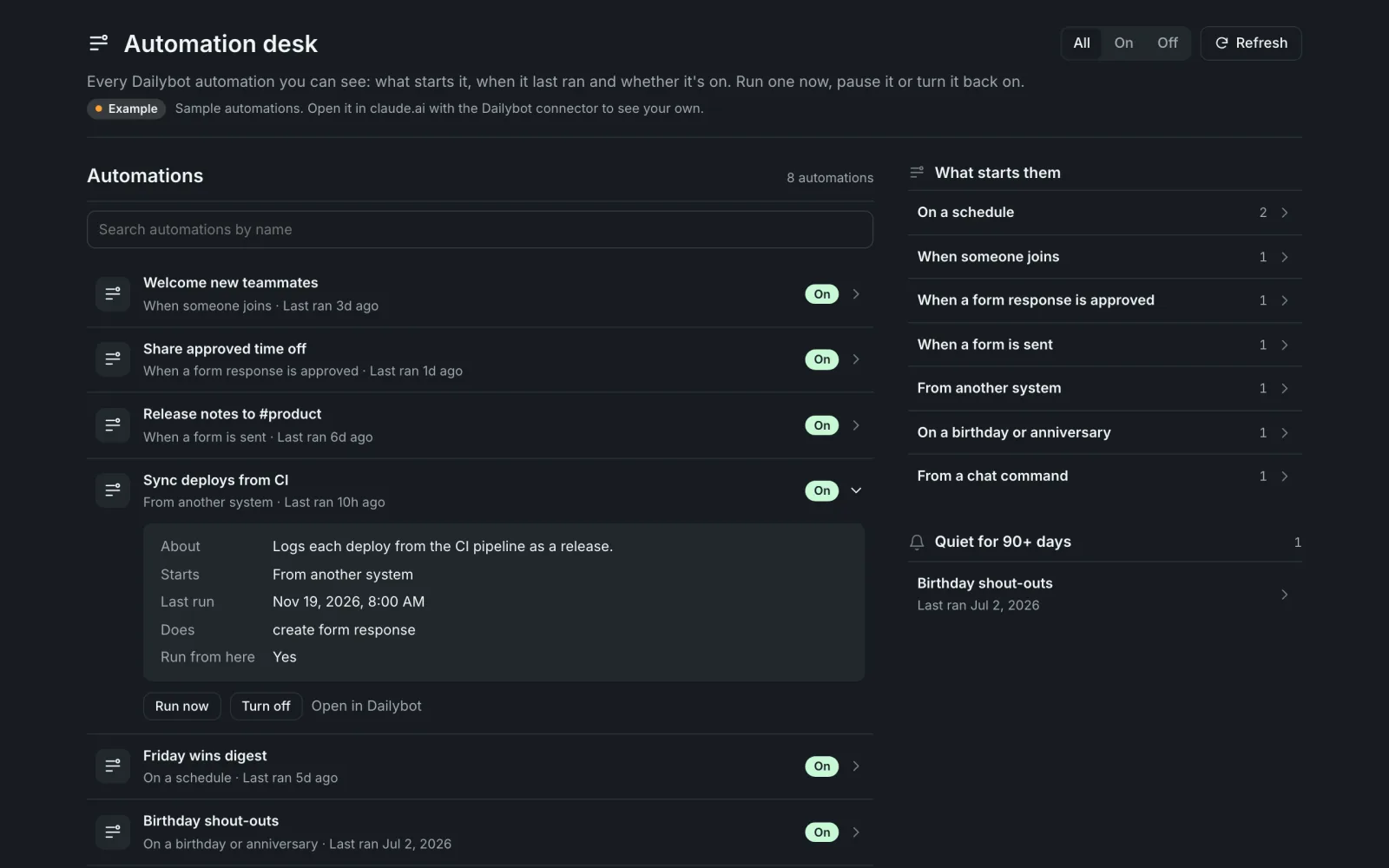
See every automation you can reach: what starts it, when it last ran and whether it's on. Turn one off or back on, or run it now.
2 read tools · 3 actions
see templateNo page needed. Paste the prompt in Claude with the Dailybot connector on.
You need Claude and a Dailybot workspace with MCP access.
Customize (claude.ai/plugins) → Connectors → Add → Add custom connector. Name it "Dailybot" exactly, use https://mcp.dailybot.com/mcp, then Connect and Allow.
Open it, then Share → Duplicate. Your copy runs on your Dailybot.
Without a connector named "Dailybot", a template shows example data. Using Claude Code, Cursor, VS Code or ChatGPT? open the setup guide
It sees what your Dailybot account can see in the organization you signed in to. Nothing more.
Every action shows you what it will send or change, and waits for your yes inside the page.
Without the connector, or outside your workspace, it shows fictional data with a clear label.