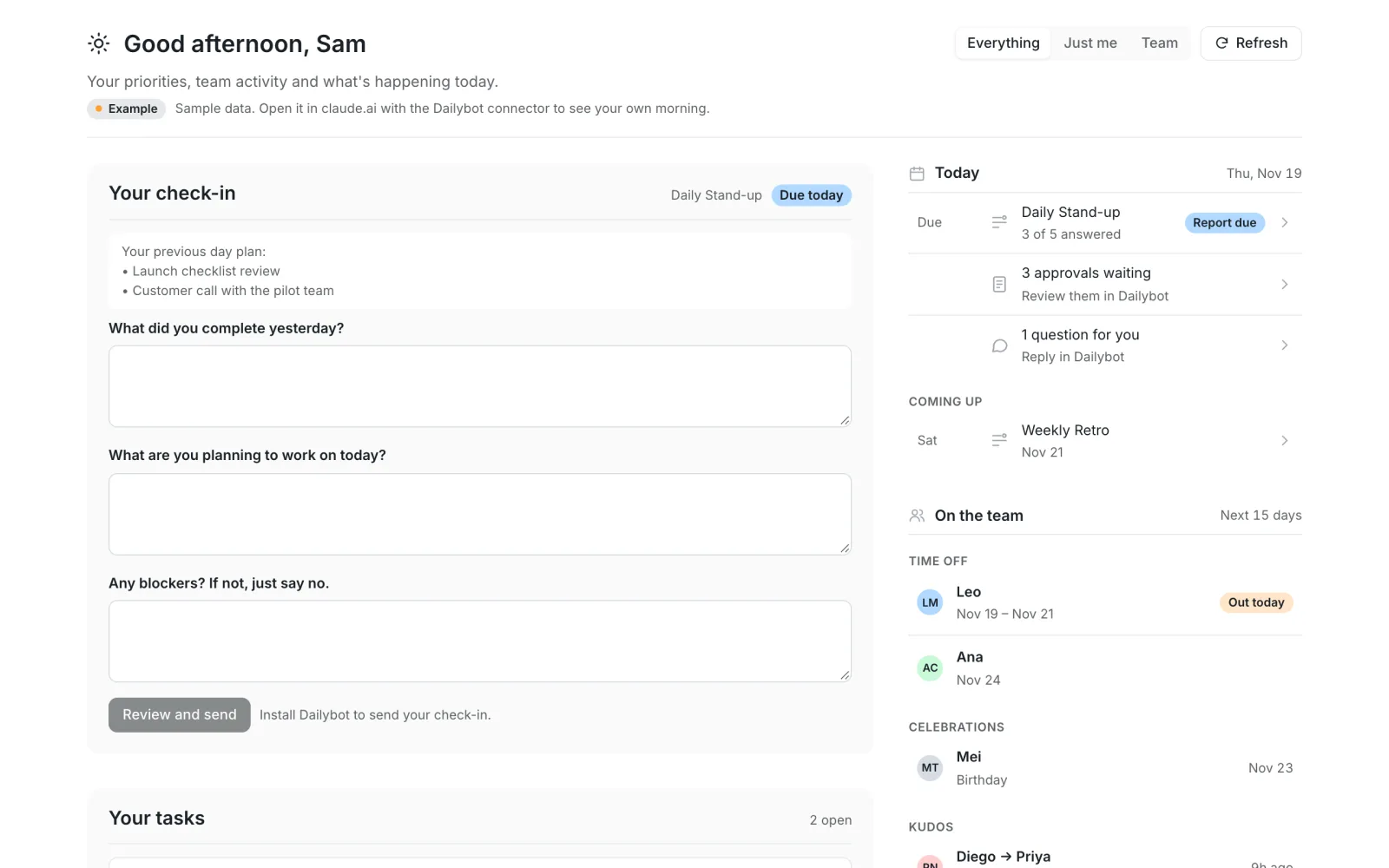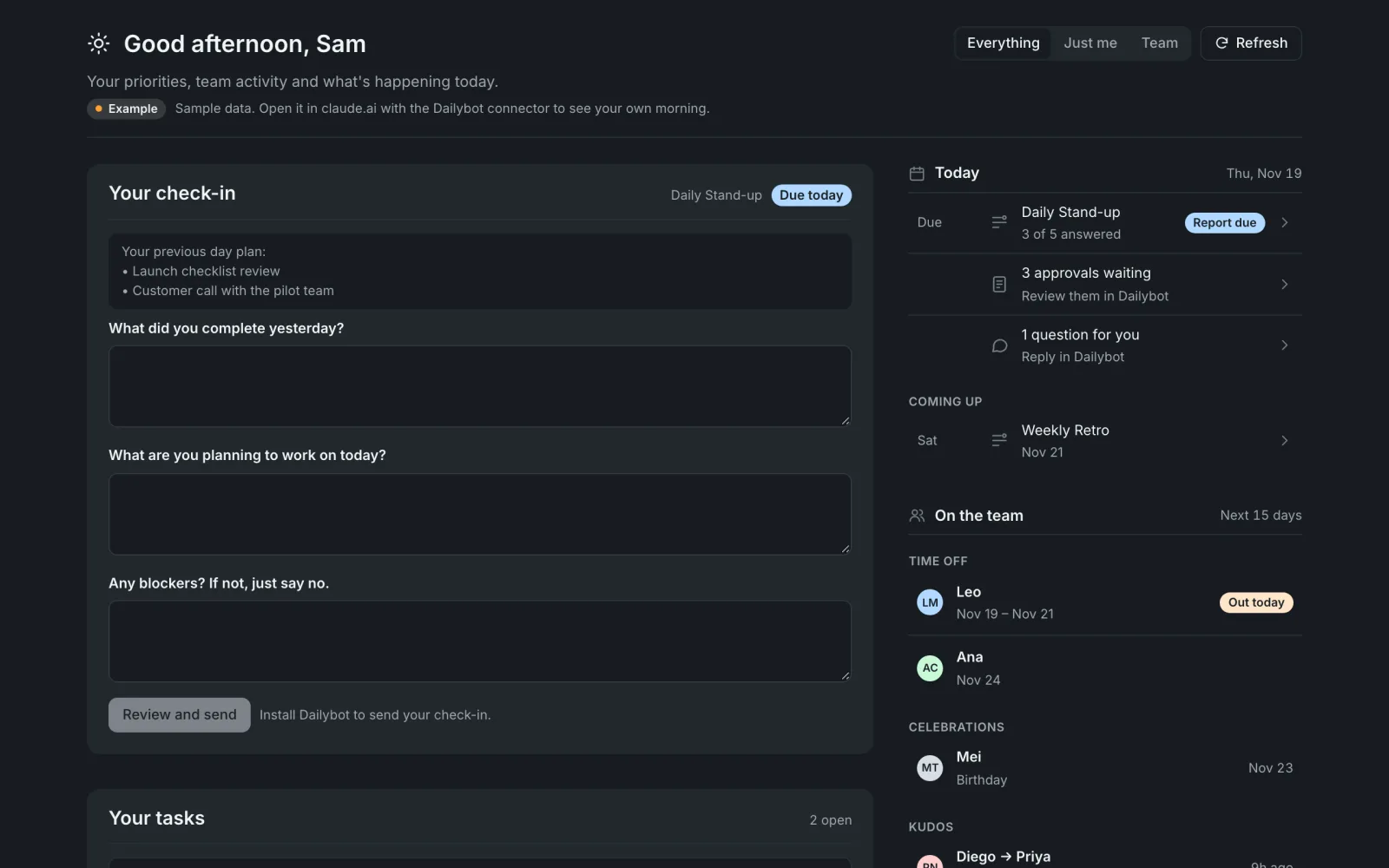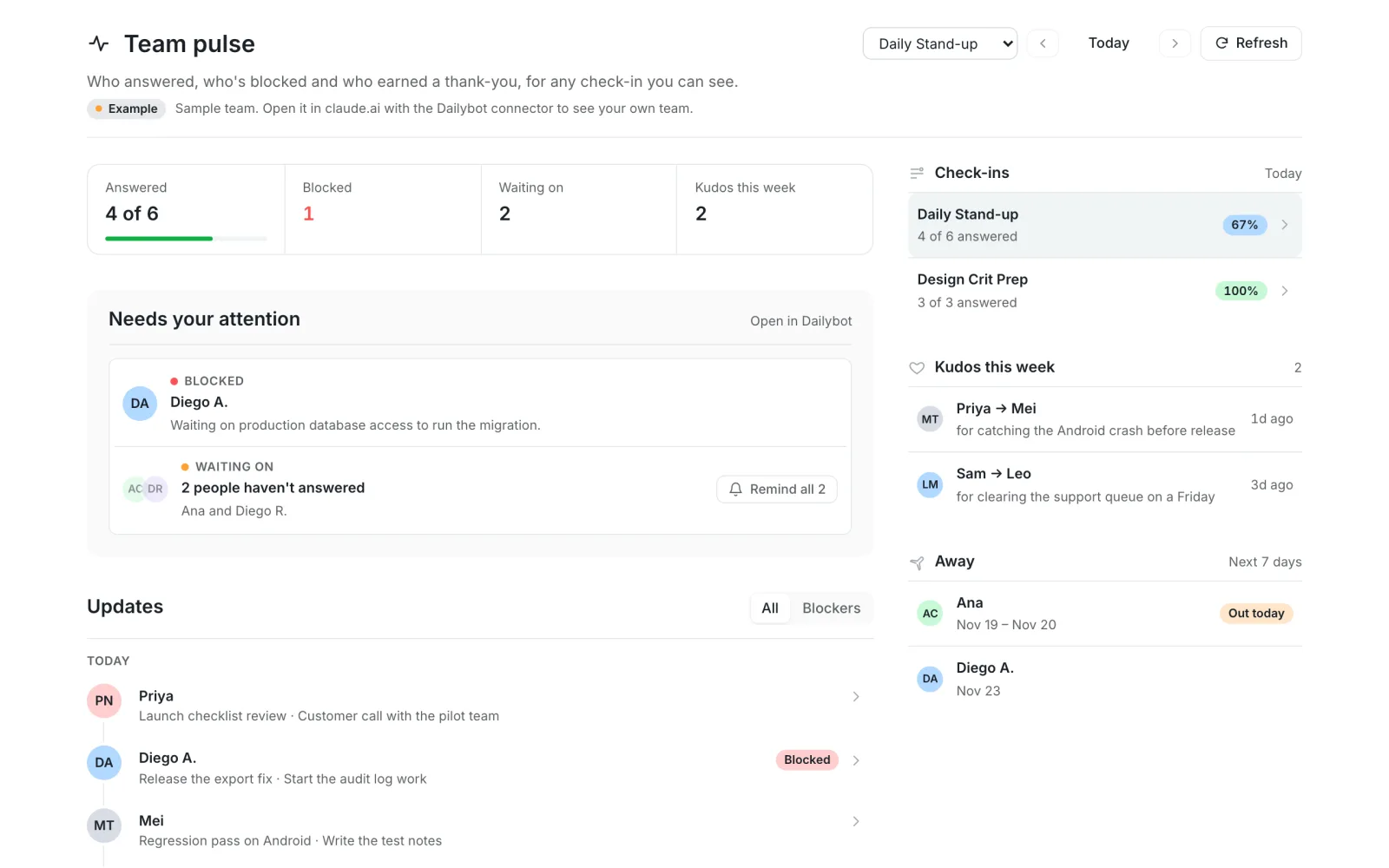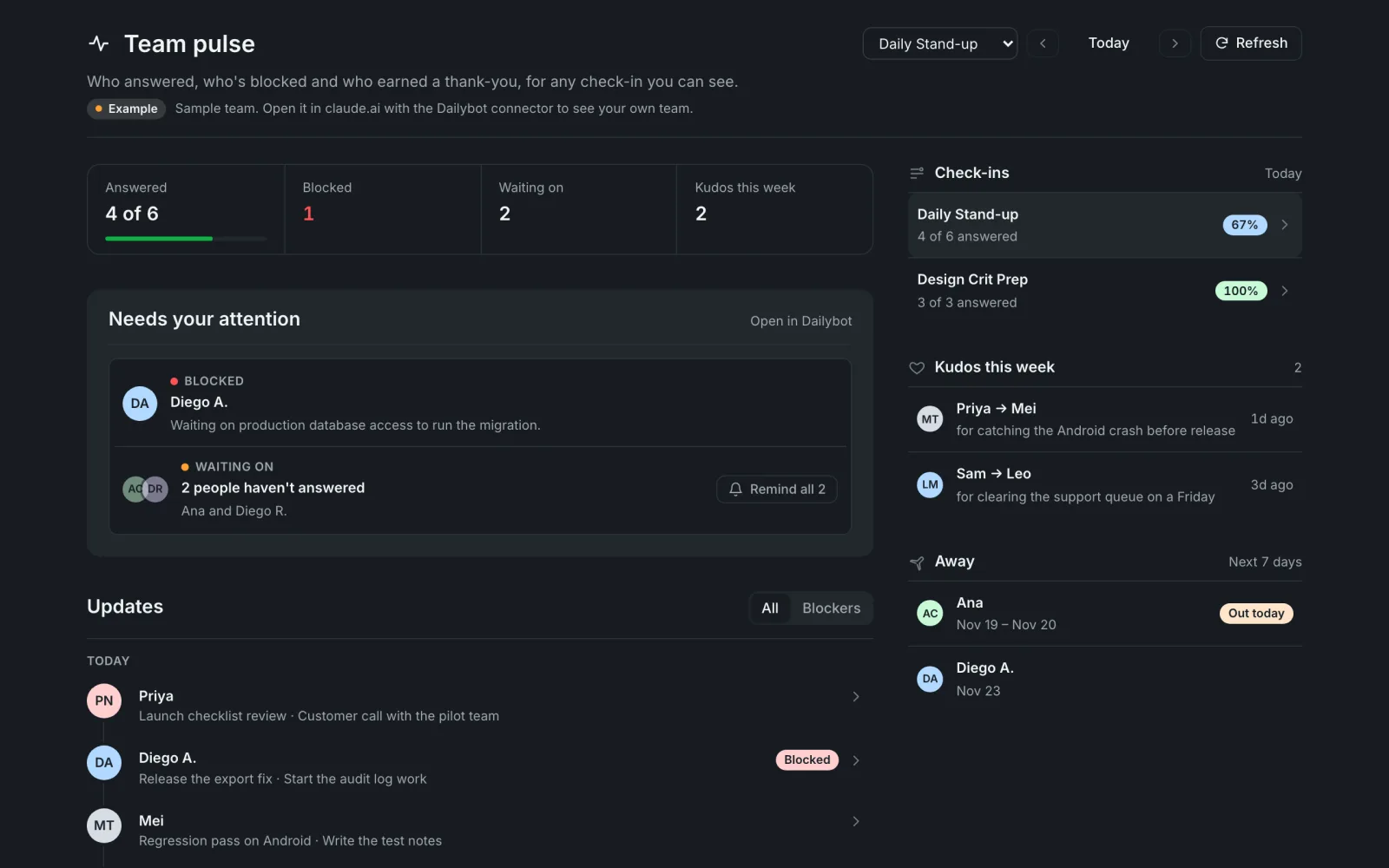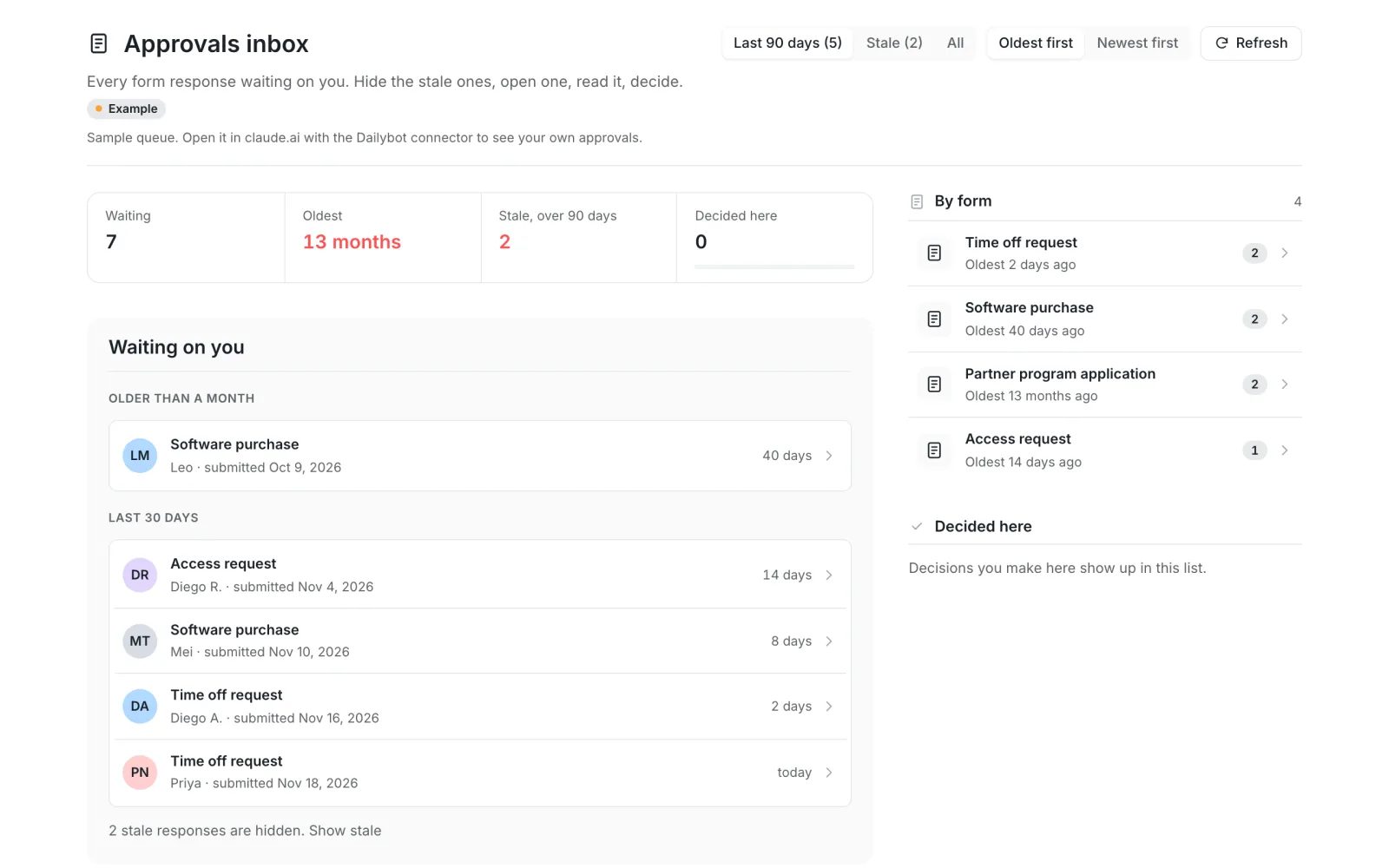
What it’s for
1:1 Prep gets you ready for a conversation with one teammate. Pick a person and the page gathers what they are working on, what is stuck, what you promised each other and what deserves a thank-you, so the meeting starts from facts instead of “so, how’s it going?”.
What you see
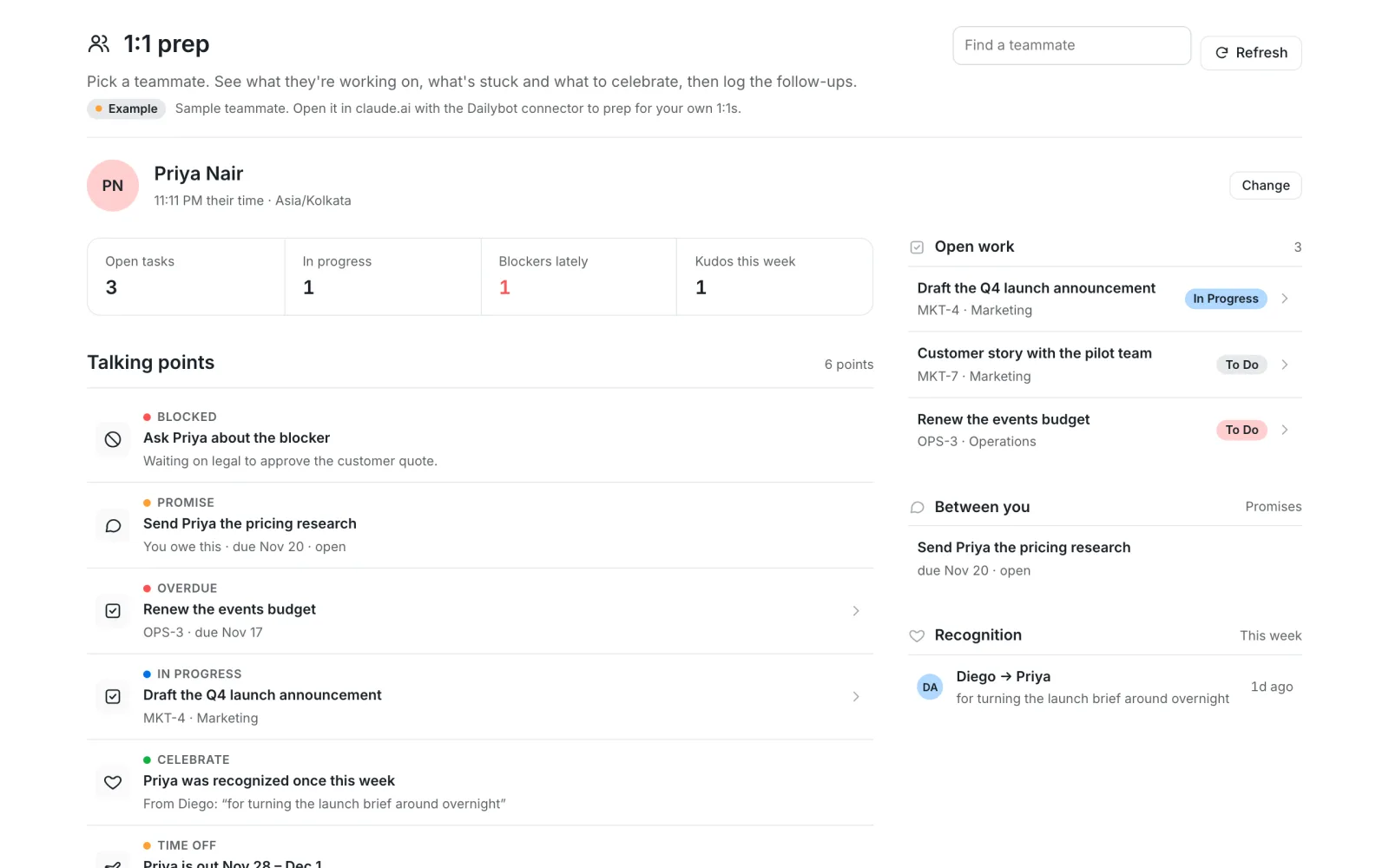
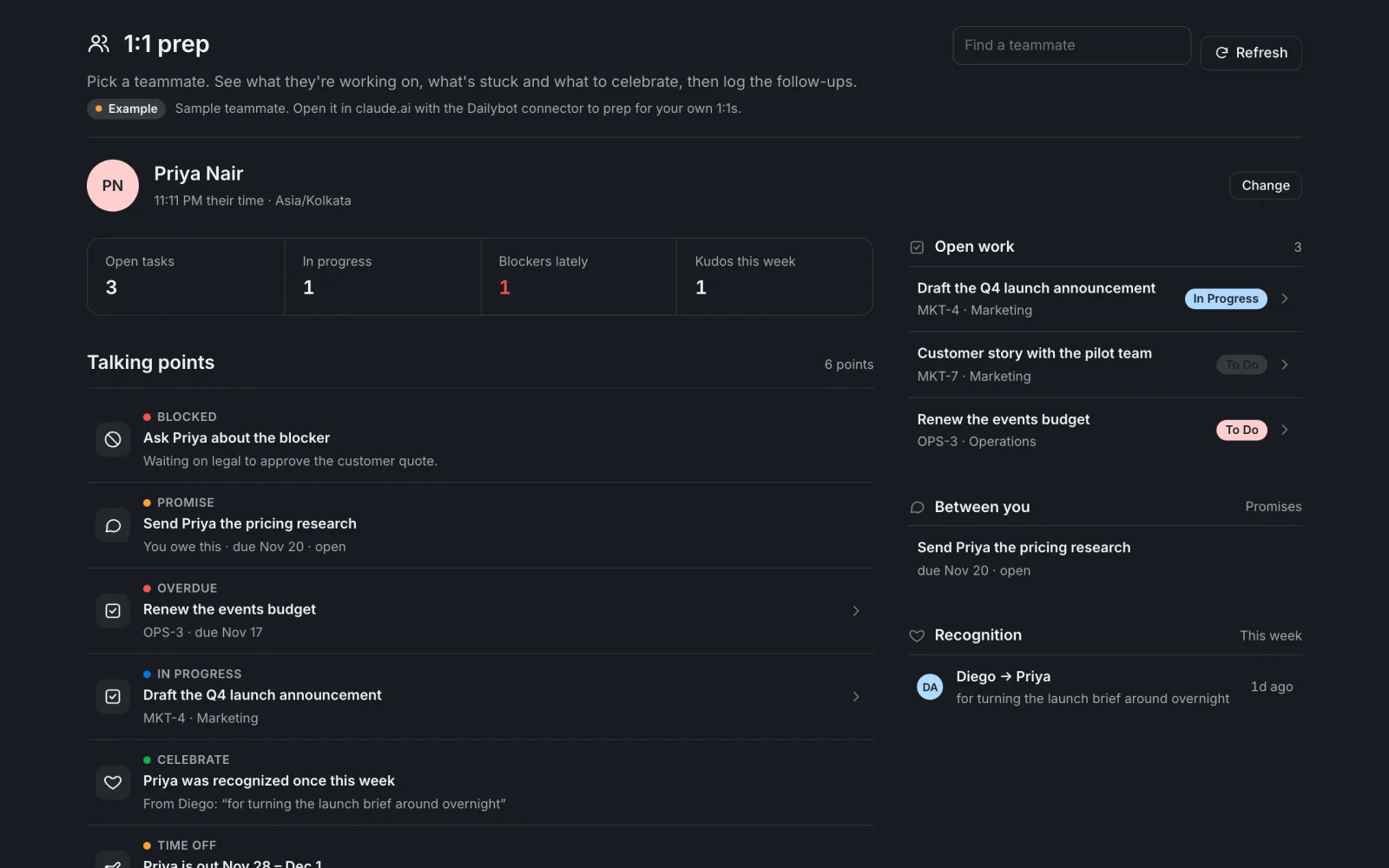
The header. A search box to find a teammate and a refresh button. An Example label appears when the page shows sample data.
The person. Their name, their local time and time zone, and a button to switch to someone else.
The numbers. Open tasks, tasks in progress, blockers they reported lately and kudos they received this week.
Talking points. A ready-made agenda, each point tagged: a blocker from their check-ins, a promise one of you owes the other, an overdue task, work in progress, a recent win to celebrate, upcoming time off.
The side column. Their open work with each task’s status, the open promises between the two of you (both ways), and the recognition they received this week.
What it can change
Two things: add an action item from the conversation, and give your teammate kudos. Each one shows you the text first and waits for your confirmation before anything is saved or sent.
Make it yours in two steps
You need Claude and a Dailybot workspace with MCP access.
- Add the Dailybot connector to Claude. Customize (claude.ai/plugins) → Connectors → Add → Add custom connector. Name it "Dailybot" exactly, use https://mcp.dailybot.com/mcp, then Connect and Allow.
- Duplicate a template. Open it, then Share → Duplicate. Your copy runs on your Dailybot.
Without a connector named "Dailybot", a template shows example data.
Using Claude Code, Cursor, VS Code or ChatGPT? open the setup guide
Prefer to ask?
Type this in Claude with the Dailybot connector on to get the same result without the template.