What it’s for
Release Notes turns what your team logged in a Dailybot release form into notes you can send. It suits teams that already file each release in a form, and the person who writes up what shipped each week.
What you see
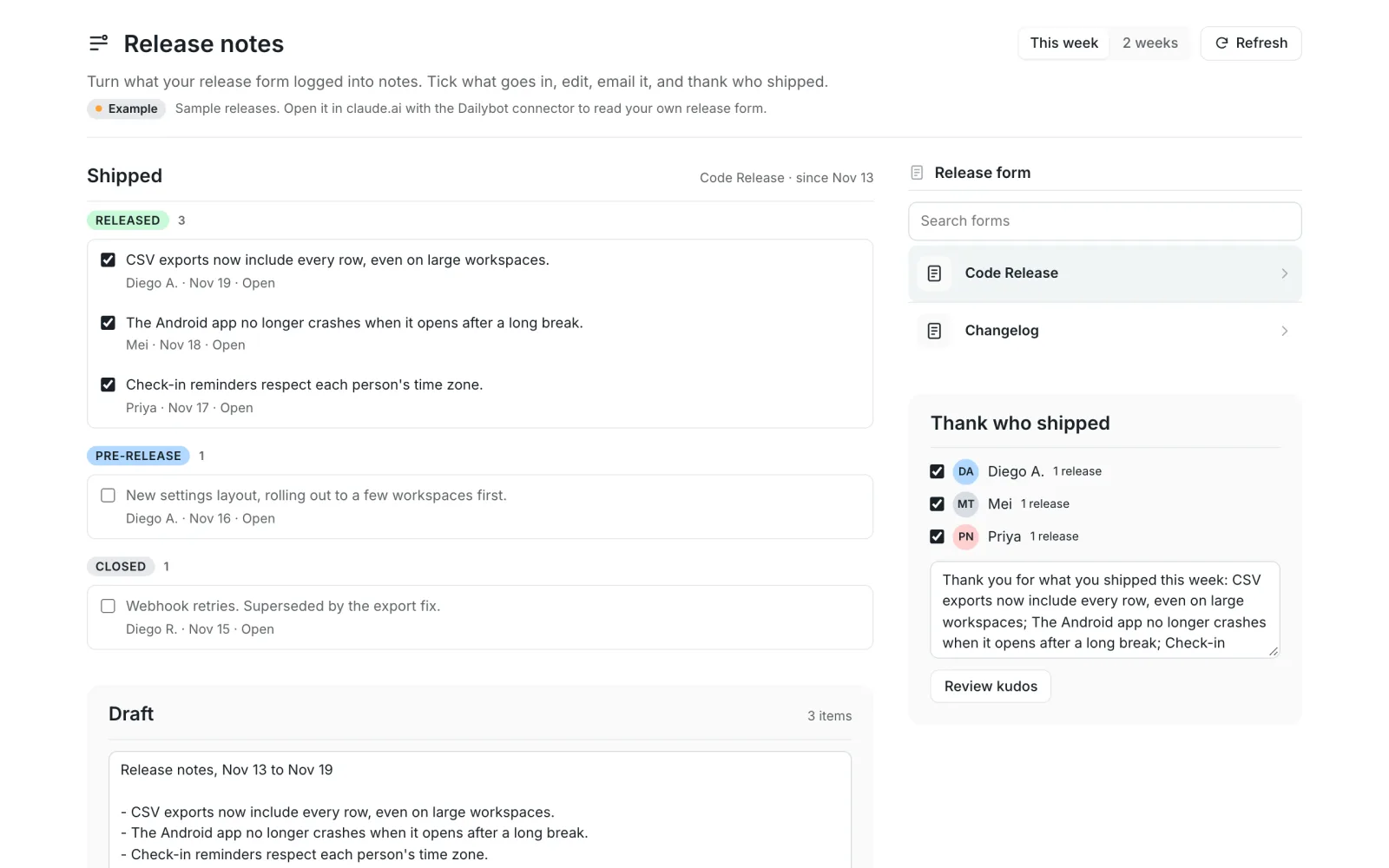
The header. A switch between this week and the last two weeks, and a refresh button. An Example label appears when the page shows sample data.
Shipped. Every entry in the period, grouped by its workflow state (for example, Released and Pre-release). Each one shows a line taken from the release notes answer when the form has one, or from the scope answer, plus who logged it and when. Released entries start ticked. Tick or untick any entry to choose what goes in.
Draft. The notes built from what you ticked, in a box you can edit. Your edits stay until you choose to rebuild from the ticks. A field lets you add other people to the email.
The side column. The release form in use, picked by name, with a search box to switch to another form. Below it, the people who logged the ticked entries, with a short thank-you message you can edit.
What it can change
Two things, each after you confirm in the page:
- Email the notes to you, and to anyone you add.
- Give kudos to the people you tick, with the message you wrote.
Make it yours in two steps
You need Claude and a Dailybot workspace with MCP access.
- Add the Dailybot connector to Claude. Customize (claude.ai/plugins) → Connectors → Add → Add custom connector. Name it "Dailybot" exactly, use https://mcp.dailybot.com/mcp, then Connect and Allow.
- Duplicate a template. Open it, then Share → Duplicate. Your copy runs on your Dailybot.
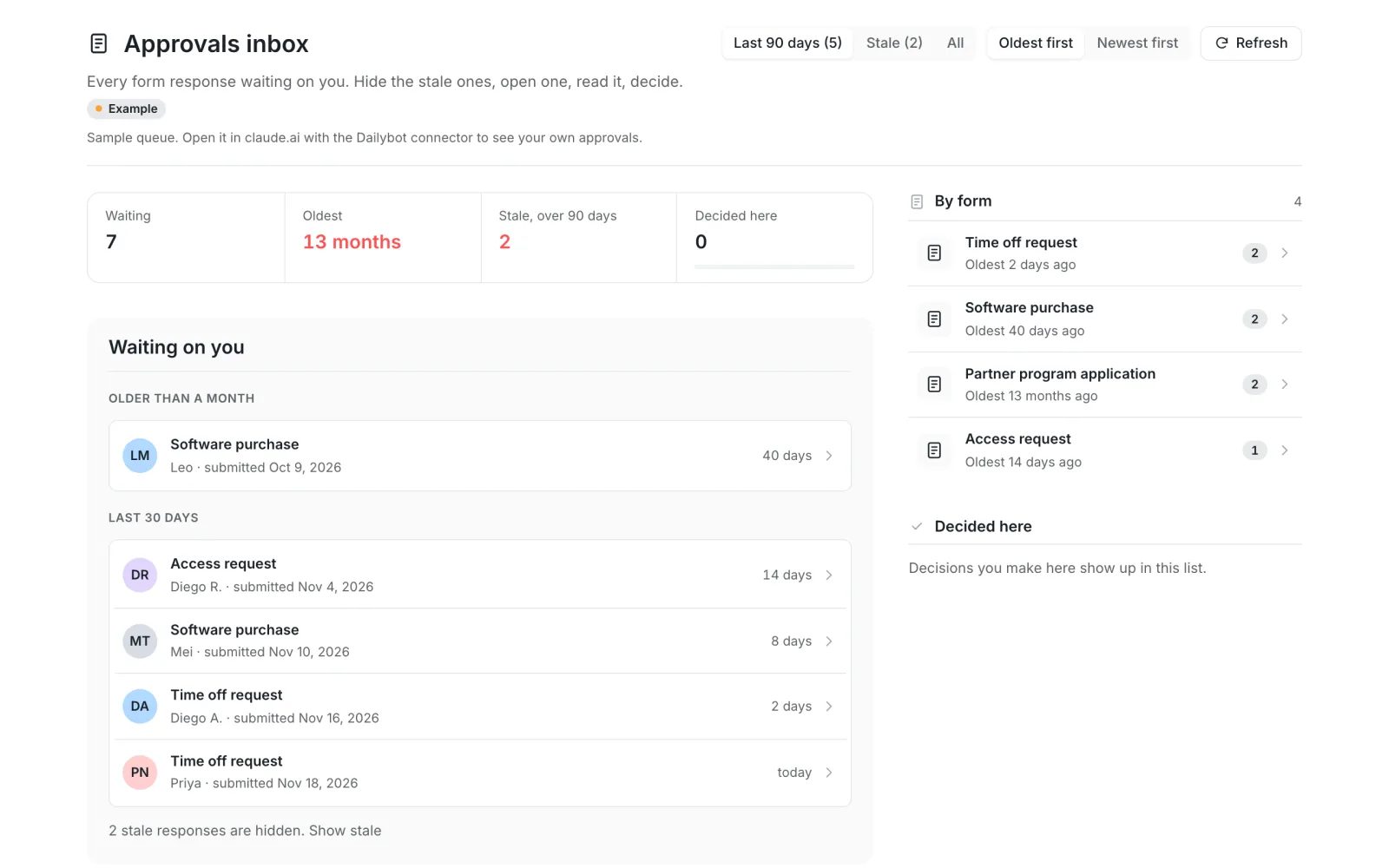
Without a connector named "Dailybot", a template shows example data.
Using Claude Code, Cursor, VS Code or ChatGPT? open the setup guide
Prefer to ask?
Type this in Claude with the Dailybot connector on to get the same result without the template.