What it’s for
Morning Co-pilot is the page you open first thing. It pulls together what you would otherwise check in four places: the check-in you still owe, the tasks on your plate, what your team posted, and who is out or celebrating. You read it in a minute and know where to start.
What you see
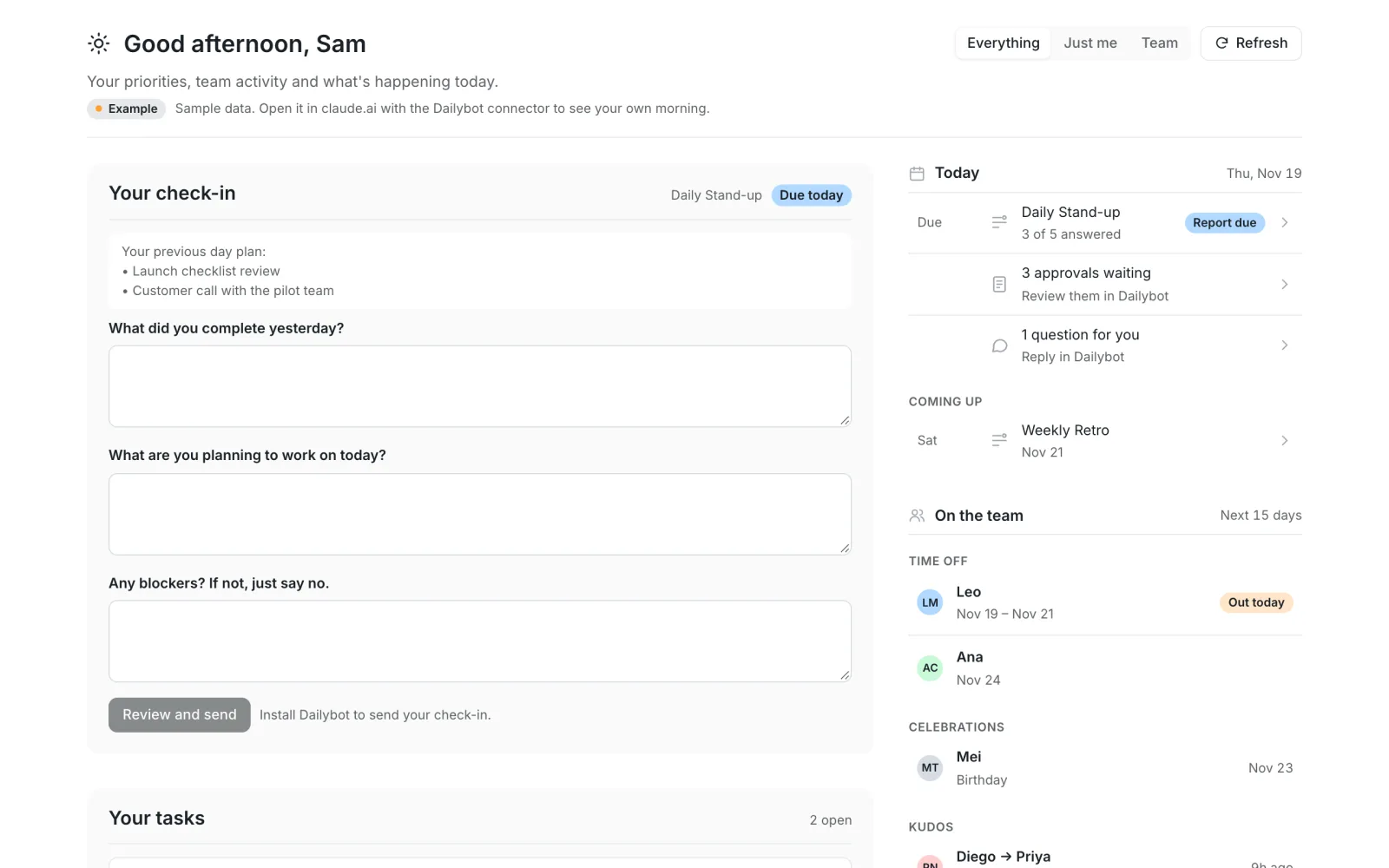
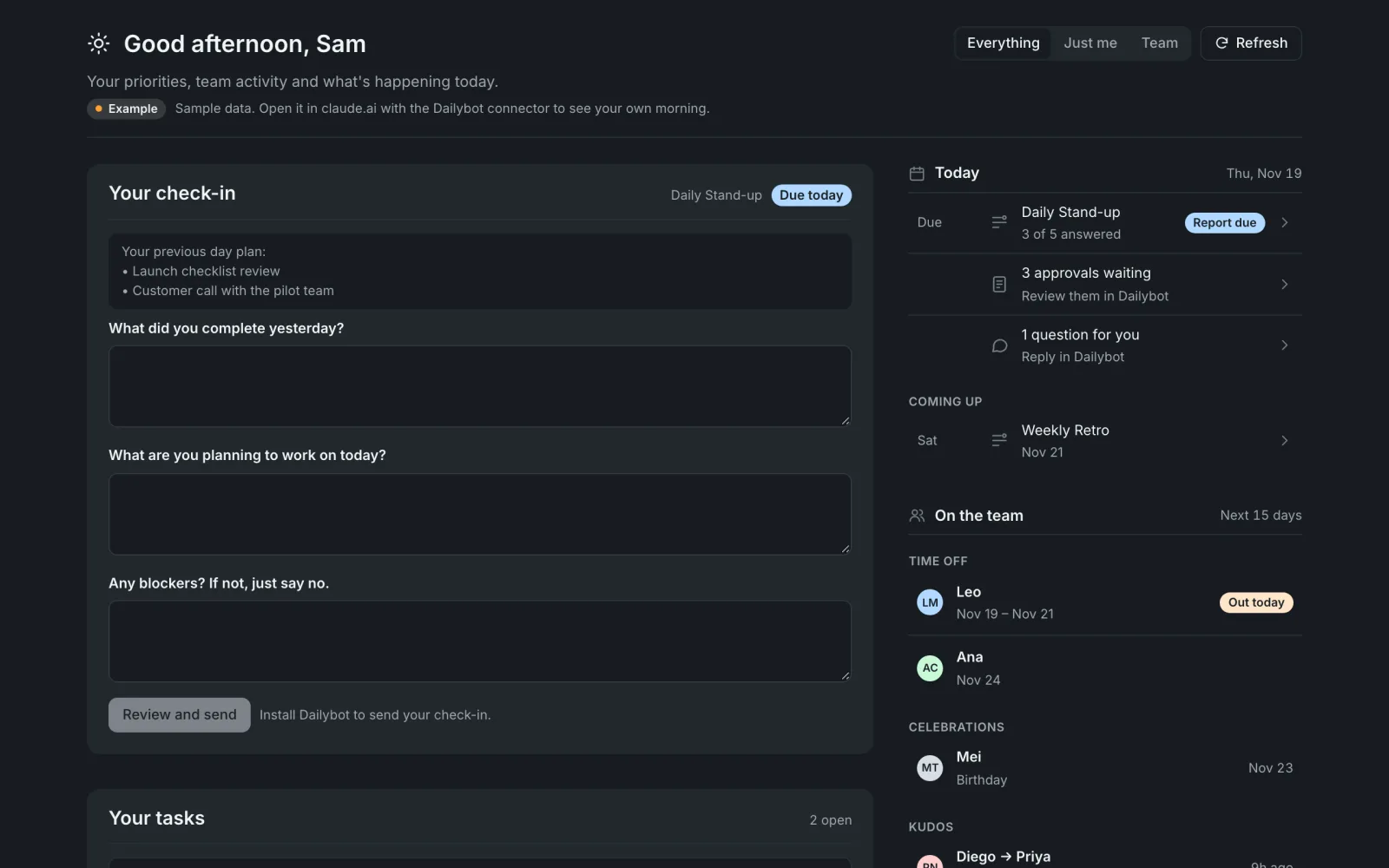
The header. A greeting, a switch between Everything, Just me and Team, and a refresh button. When the page is not connected to your Dailybot, an Example label says so.
Today. The right column starts with what needs you: check-ins that are due (with how many people already answered), form responses waiting for your approval, and questions teammates asked you. Below it, Coming up lists the next check-ins on the calendar.
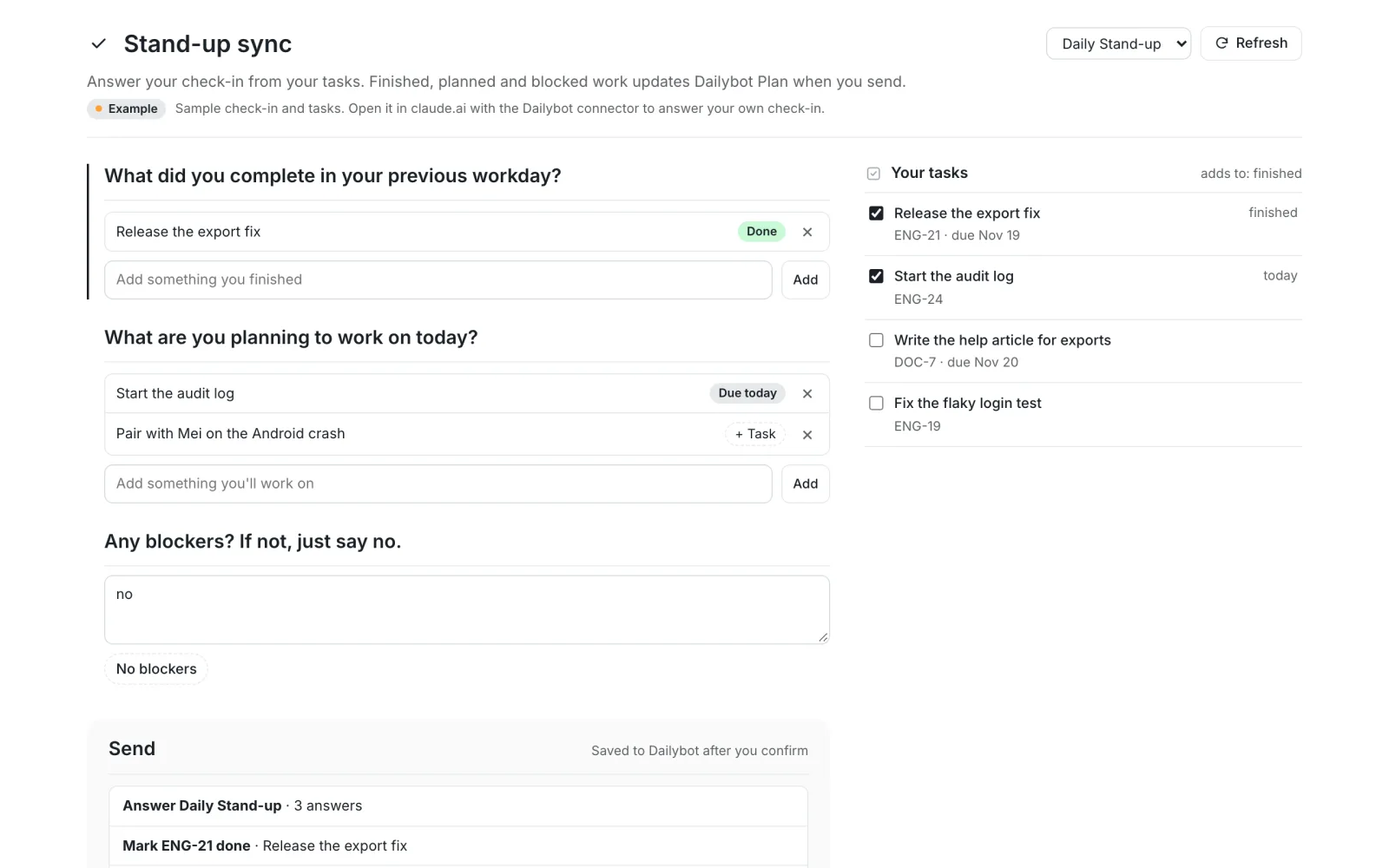
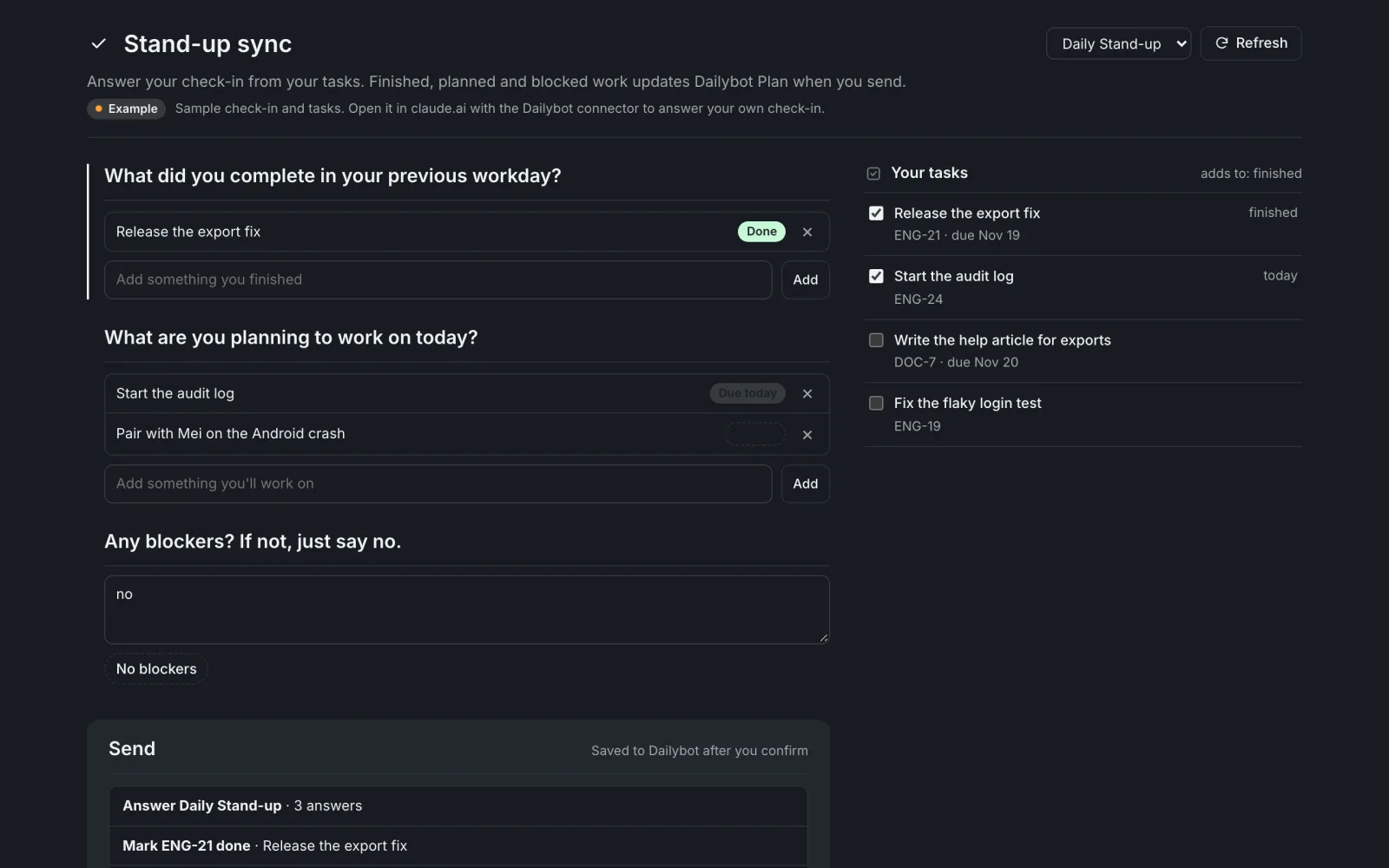
Your check-in. Your pending check-in, with the questions ready to fill in. Your last answer sits on top for reference, so yesterday’s plan is right there when you write today’s update.
Your tasks. Your open tasks, with overdue ones flagged so they don’t get buried.
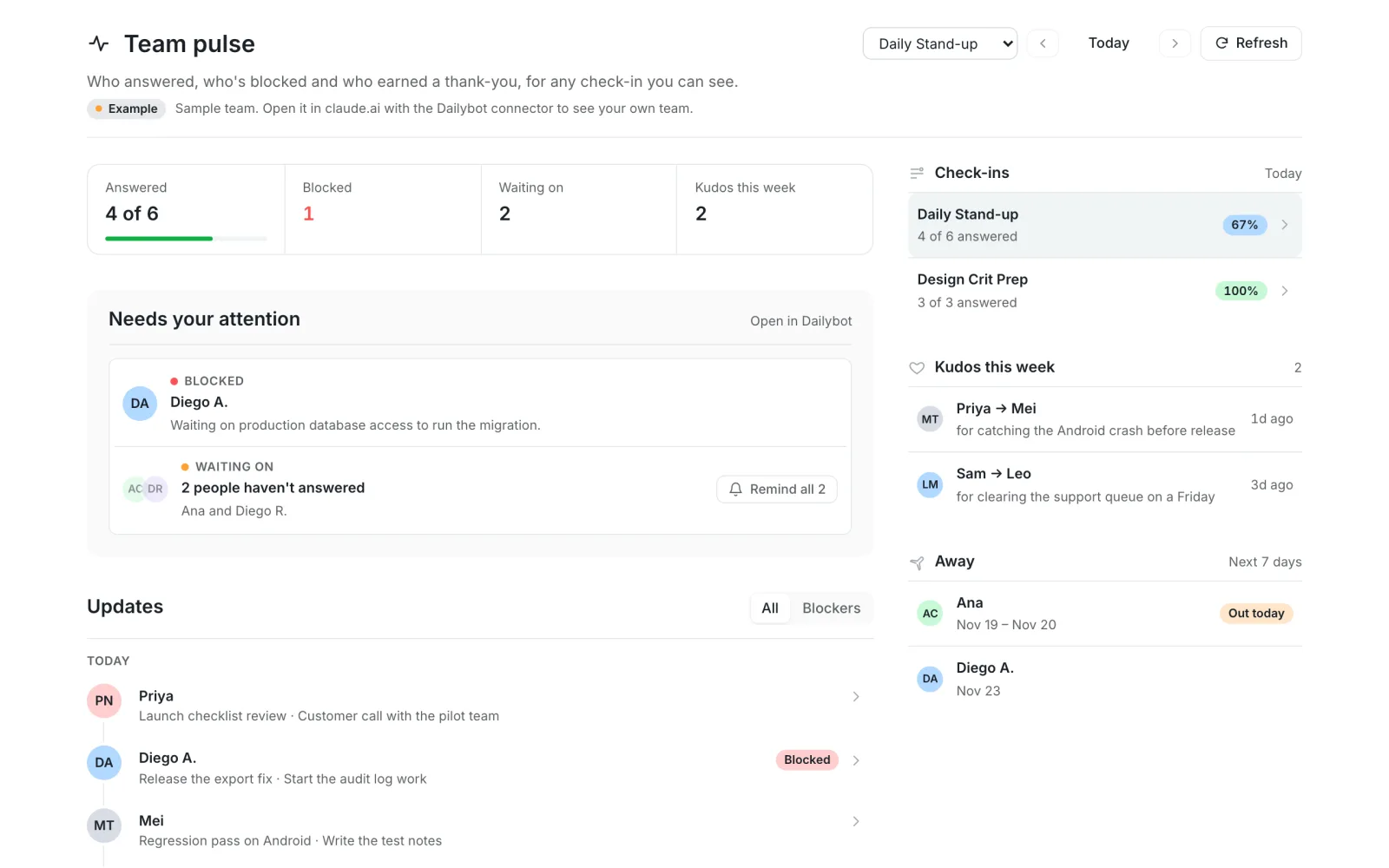
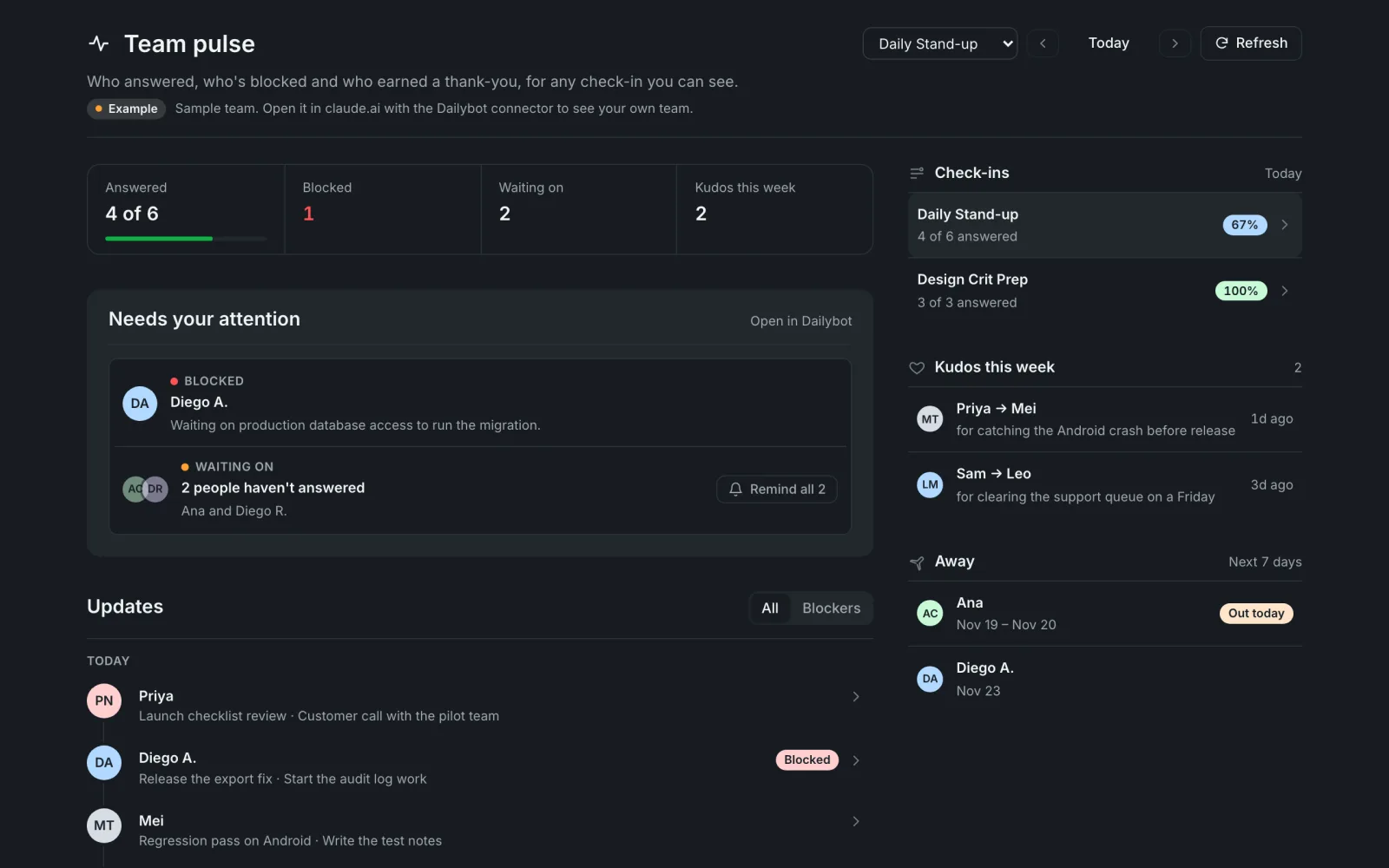
On the team. Who is out in the next two weeks, upcoming birthdays and work anniversaries, and the latest kudos. In the Team view you also see what people posted in today’s check-ins.
What it can change
Three things, all your own: send your check-in answer, mark a task as done, and create a task. Before anything is sent, the page shows you exactly what will change and waits for you to confirm. If you do nothing, nothing is written.
Make it yours in two steps
You need Claude and a Dailybot workspace with MCP access.
- Add the Dailybot connector to Claude. Customize (claude.ai/plugins) → Connectors → Add → Add custom connector. Name it "Dailybot" exactly, use https://mcp.dailybot.com/mcp, then Connect and Allow.
- Duplicate a template. Open it, then Share → Duplicate. Your copy runs on your Dailybot.
Without a connector named "Dailybot", a template shows example data.
Using Claude Code, Cursor, VS Code or ChatGPT? open the setup guide
Prefer to ask?
Type this in Claude with the Dailybot connector on to get the same result without the template.