What it’s for
Approvals Inbox lists every form response that is waiting on your decision: time off, purchases, access requests, applications. Old requests pile up in any approval queue. This page puts them in order so you can clear them one by one.
What you see
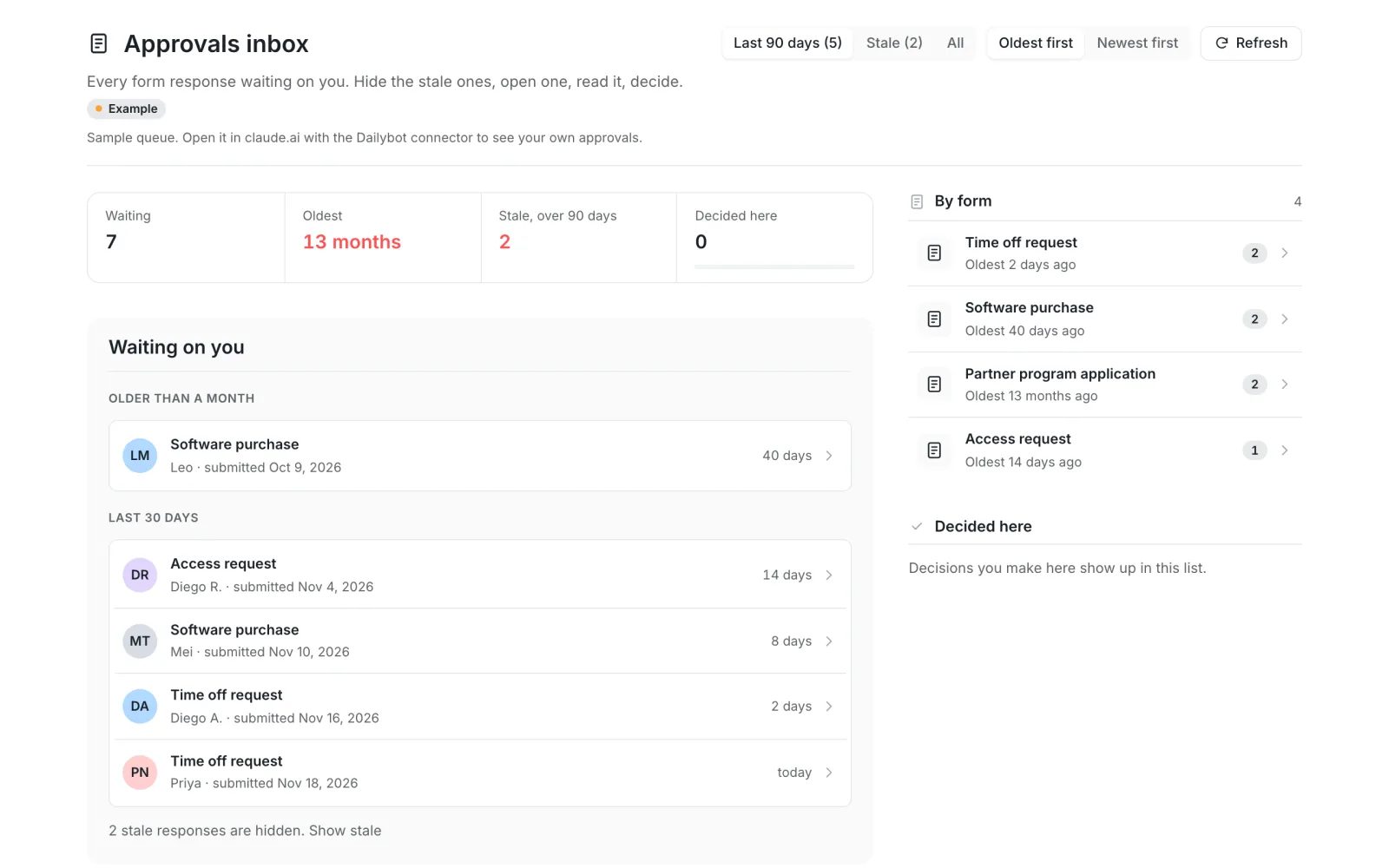
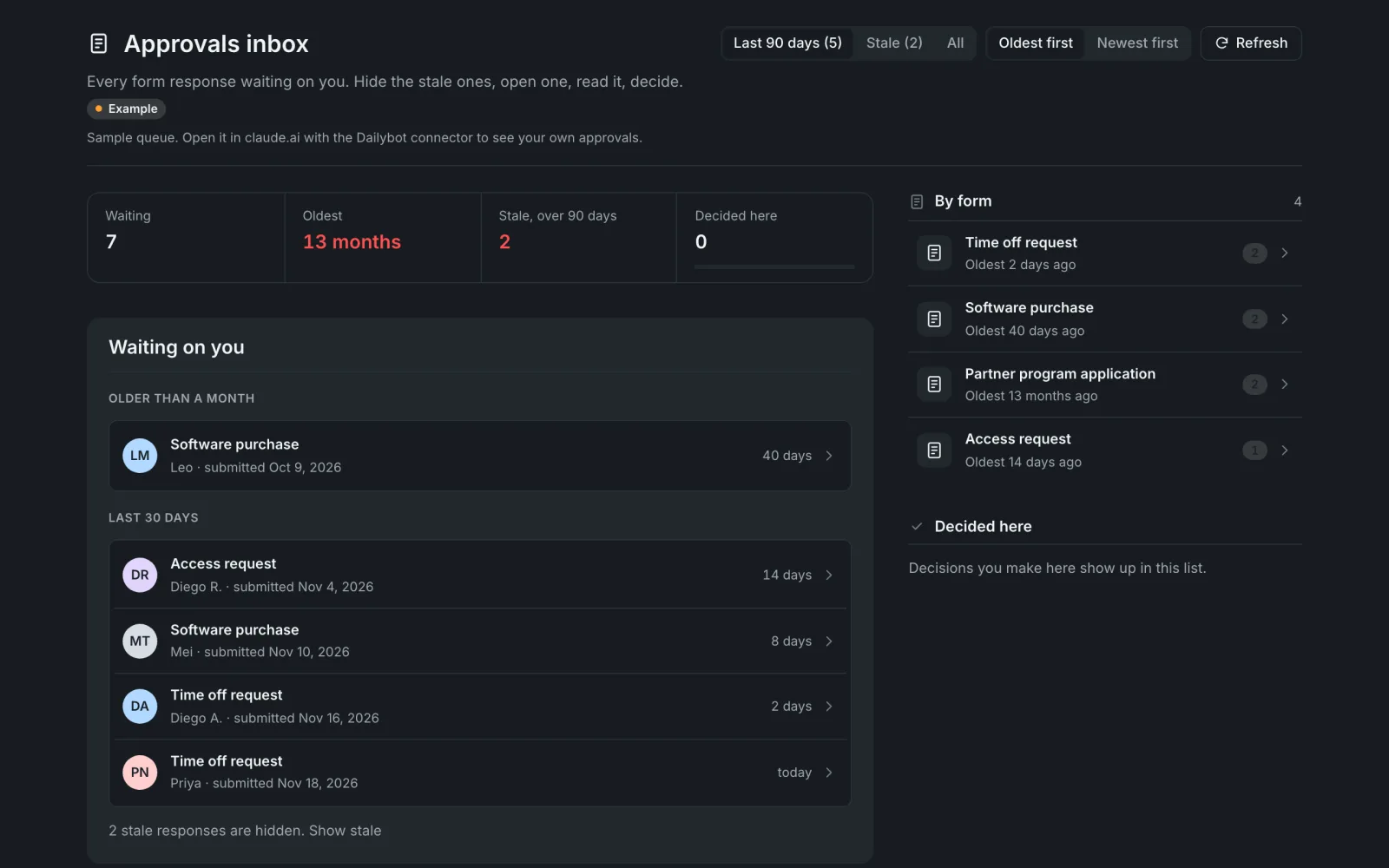
The header. Filters for the last 90 days, stale requests or everything, an Oldest first or Newest first sort, and a refresh button. An Example label appears when the page shows sample data.
The numbers. How many responses are waiting, how old the oldest one is, how many are stale (older than 90 days), and how many you decided from this page.
Waiting on you. The queue, grouped by age: older than a month, then the last 30 days. Each row shows the form, who submitted it, when, and how many days it has been waiting. Stale requests are hidden by default and one click away.
By form. The right column groups the queue by form, with a count and the age of the oldest response in each, so you can clear one kind of request at a time.
Decided here. Decisions you make on this page show up in this list.
What it can change
One thing: approve or deny a response. Open a response to read it question by question, choose Approve or Deny, and the page asks you to confirm before it sends the decision to Dailybot. It never decides on its own.
Make it yours in two steps
You need Claude and a Dailybot workspace with MCP access.
- Add the Dailybot connector to Claude. Customize (claude.ai/plugins) → Connectors → Add → Add custom connector. Name it "Dailybot" exactly, use https://mcp.dailybot.com/mcp, then Connect and Allow.
- Duplicate a template. Open it, then Share → Duplicate. Your copy runs on your Dailybot.
Without a connector named "Dailybot", a template shows example data.
Using Claude Code, Cursor, VS Code or ChatGPT? open the setup guide
Prefer to ask?
Type this in Claude with the Dailybot connector on to get the same result without the template.