What it’s for
Form Digest gives you a quick read of any Dailybot form: what came in recently, who sent it and where each response stands in its workflow. It suits forms that track a process, like releases, access requests or vendor reviews.
What you see
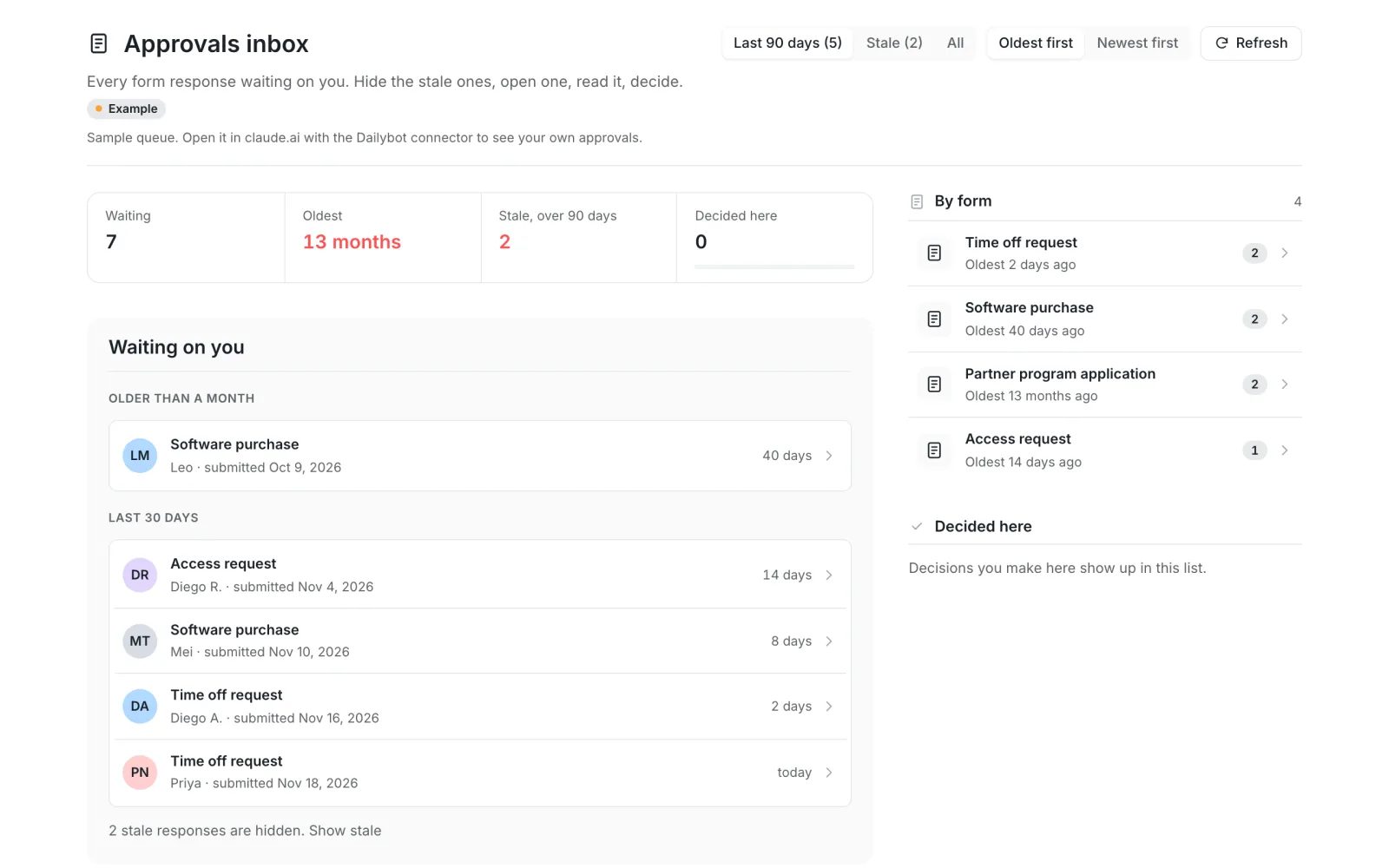
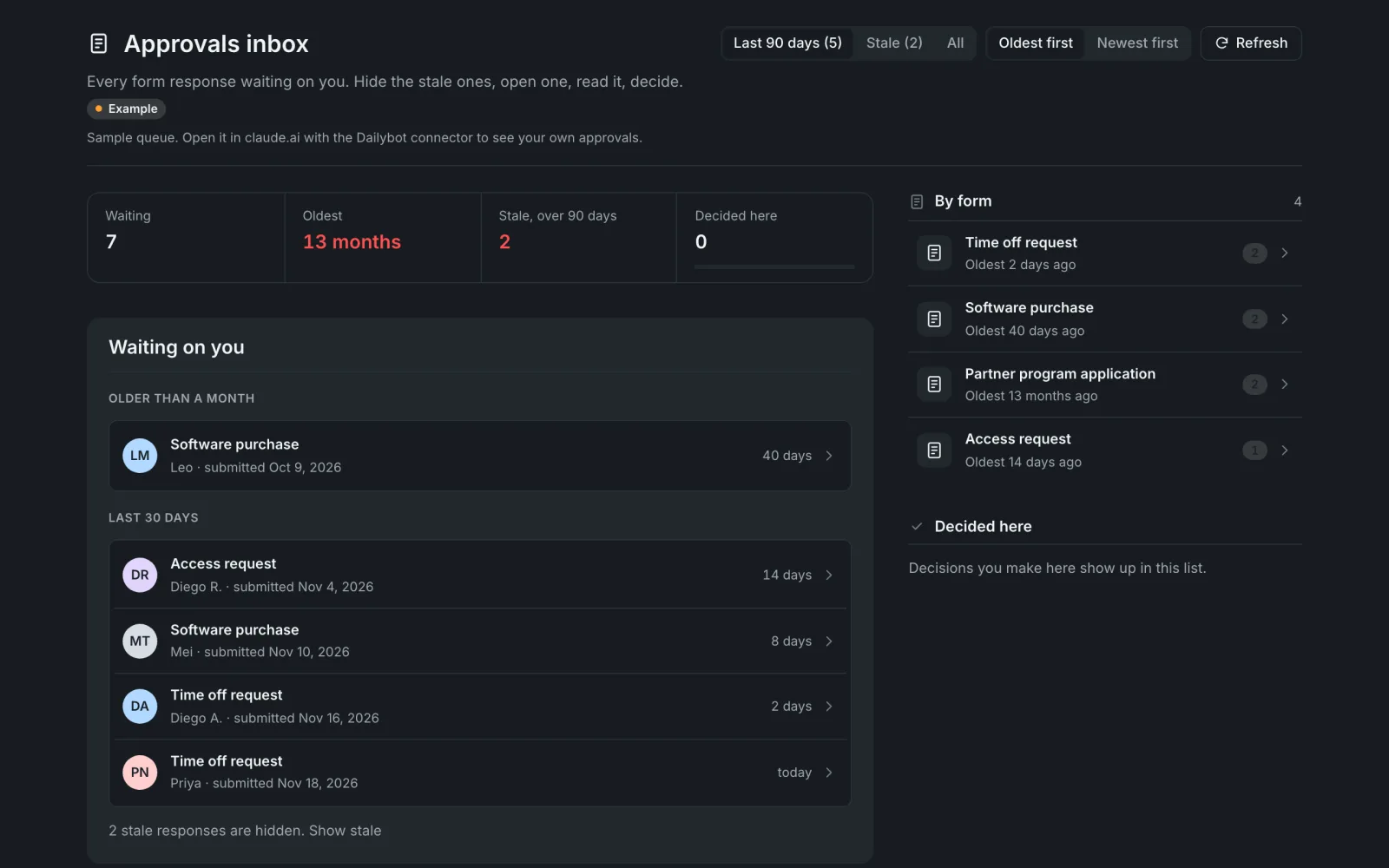
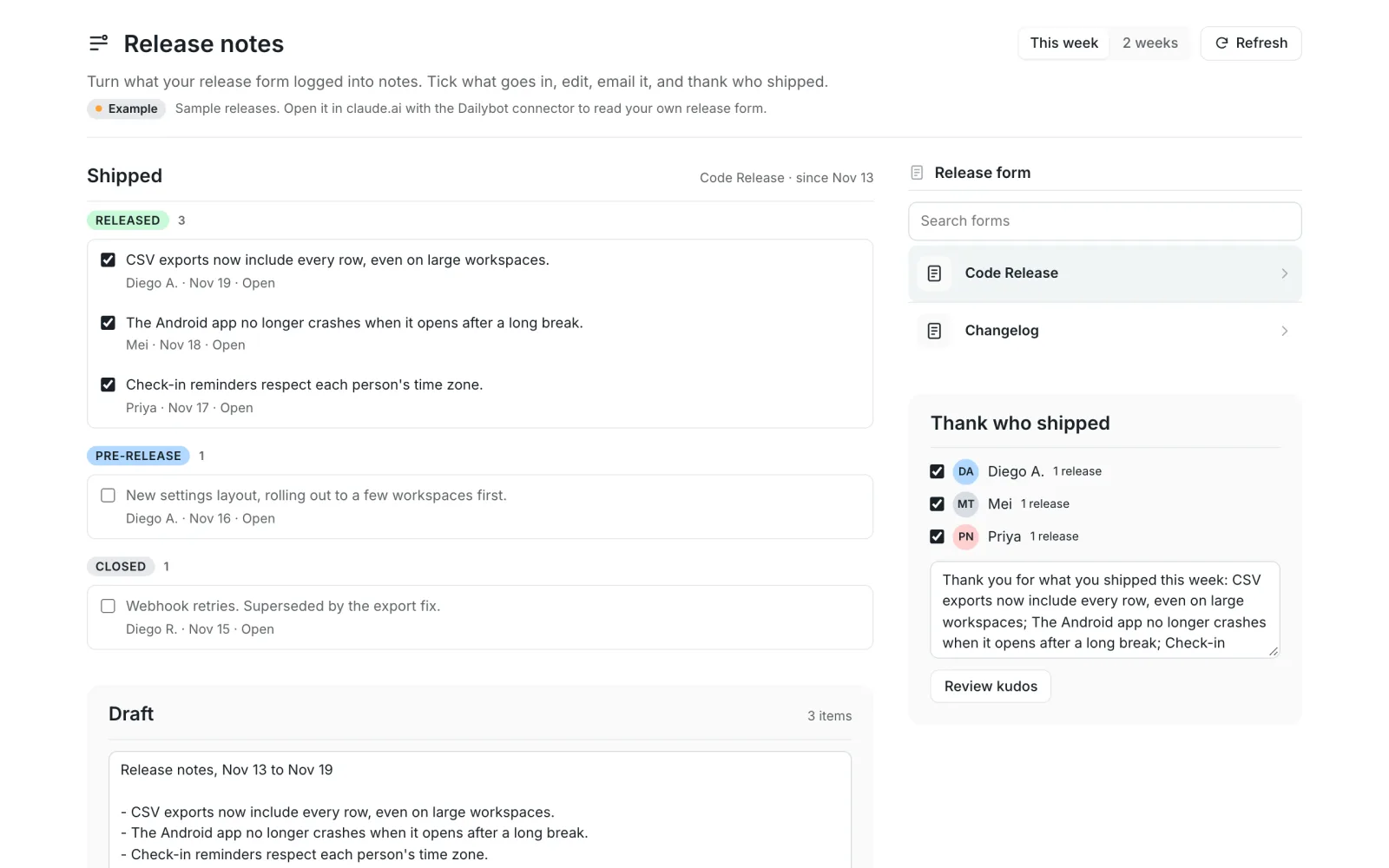
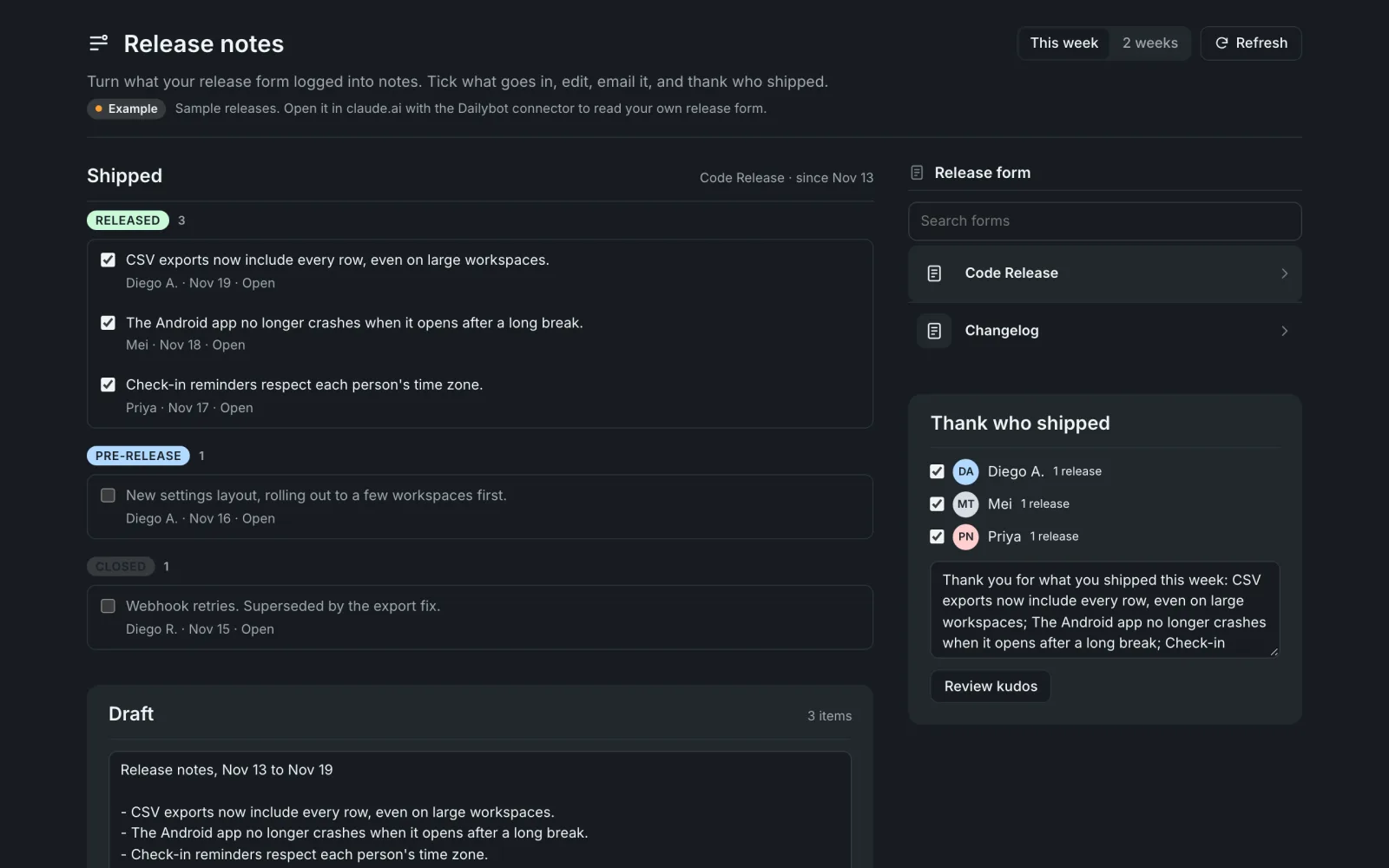
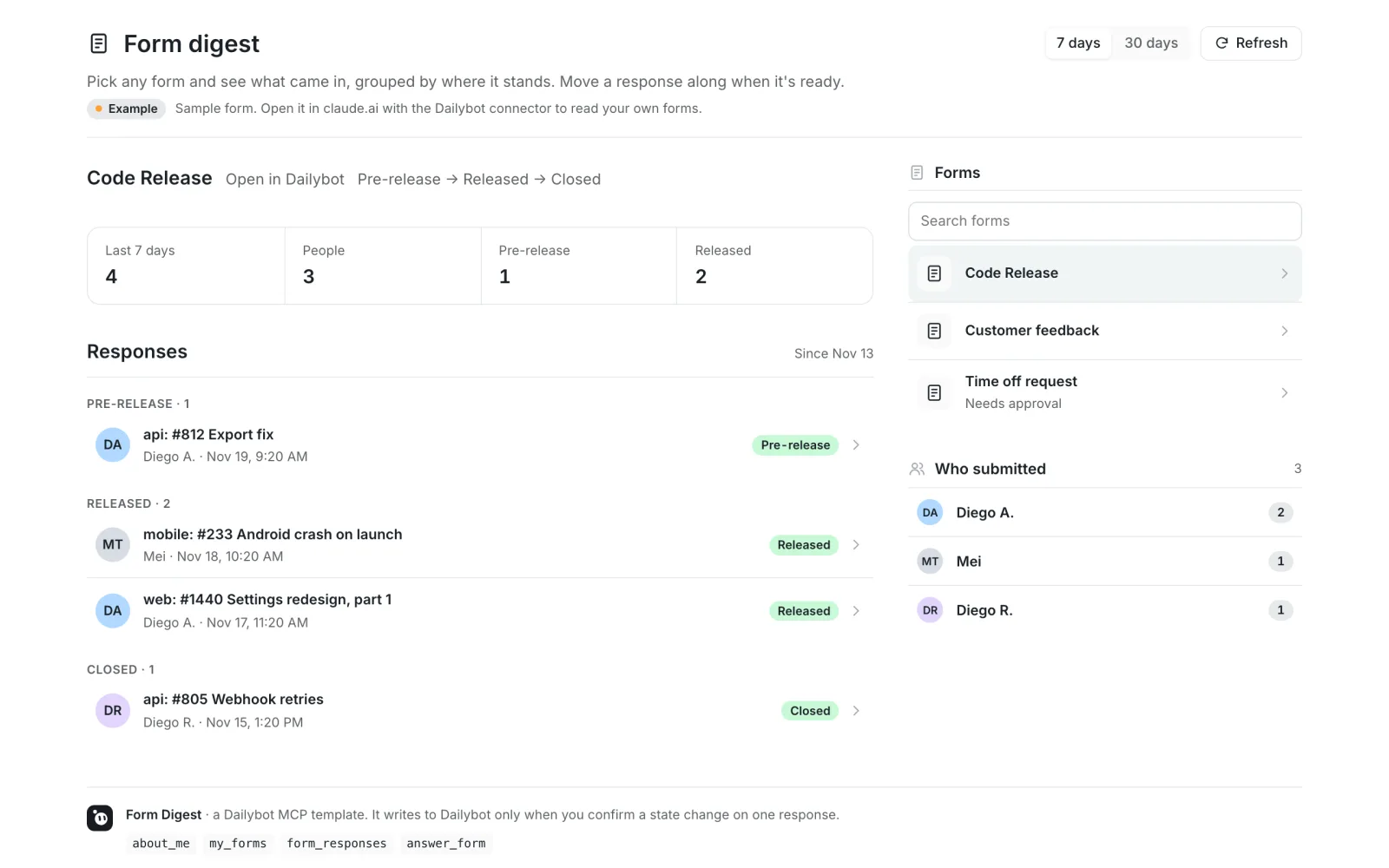
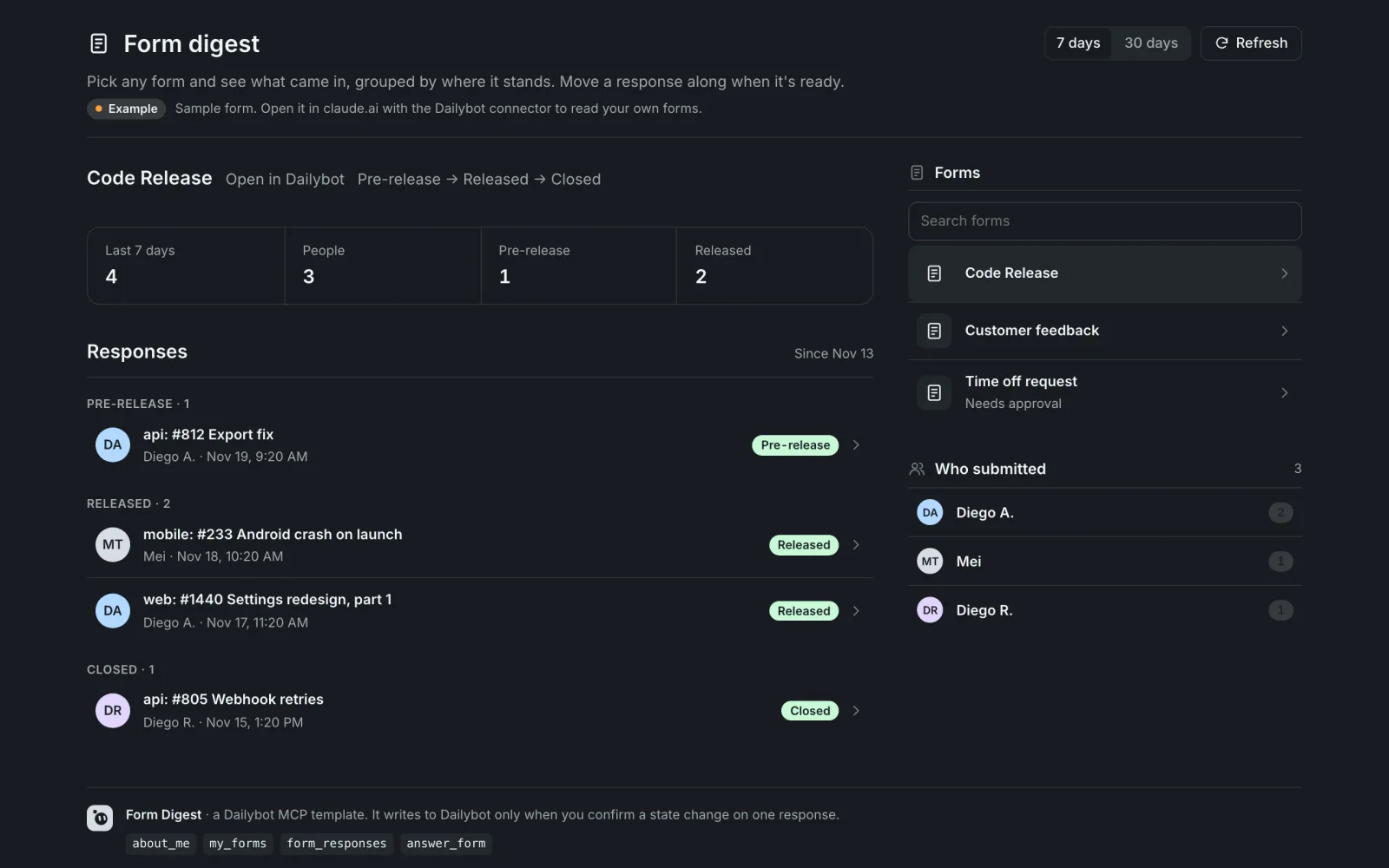
The header. A switch between the last 7 and 30 days, and a refresh button. An Example label appears when the page shows sample data.
The form. Its name, a link to open it in Dailybot, and its workflow states in order (for example, pre-release, released, closed).
The numbers. Responses in the period, how many people submitted, and how many responses sit in each state.
Responses. Grouped by workflow state, each with its title, who submitted it and when. Open one to read it in full.
The side column. Every form you can see, with a search box to switch forms, and the list of who submitted in the period.
What it can change
One thing: move a response to another workflow state. The page shows the response and the new state, and asks you to confirm before it changes anything in Dailybot.
Make it yours in two steps
You need Claude and a Dailybot workspace with MCP access.
- Add the Dailybot connector to Claude. Customize (claude.ai/plugins) → Connectors → Add → Add custom connector. Name it "Dailybot" exactly, use https://mcp.dailybot.com/mcp, then Connect and Allow.
- Duplicate a template. Open it, then Share → Duplicate. Your copy runs on your Dailybot.
Without a connector named "Dailybot", a template shows example data.
Using Claude Code, Cursor, VS Code or ChatGPT? open the setup guide
Prefer to ask?
Type this in Claude with the Dailybot connector on to get the same result without the template.