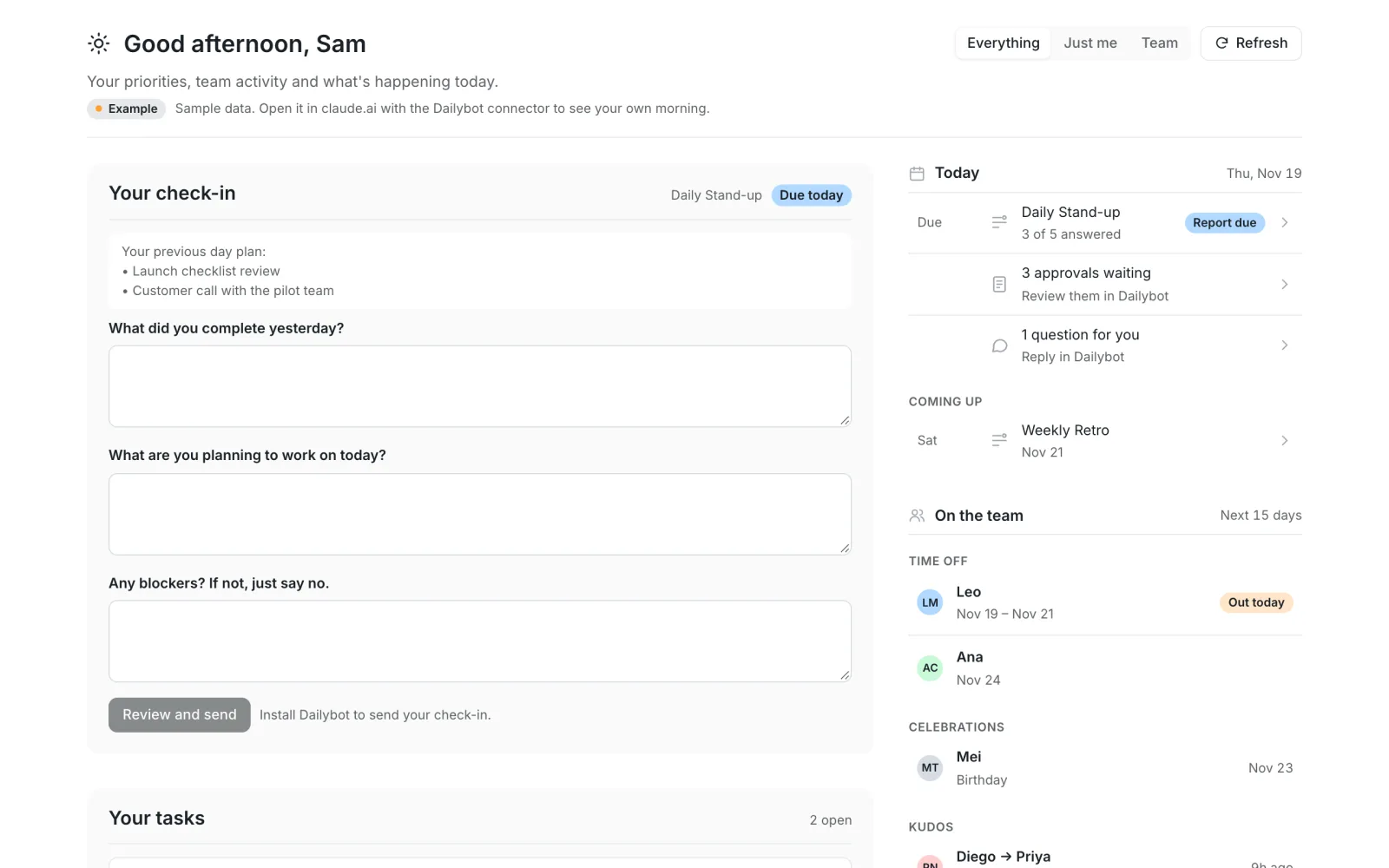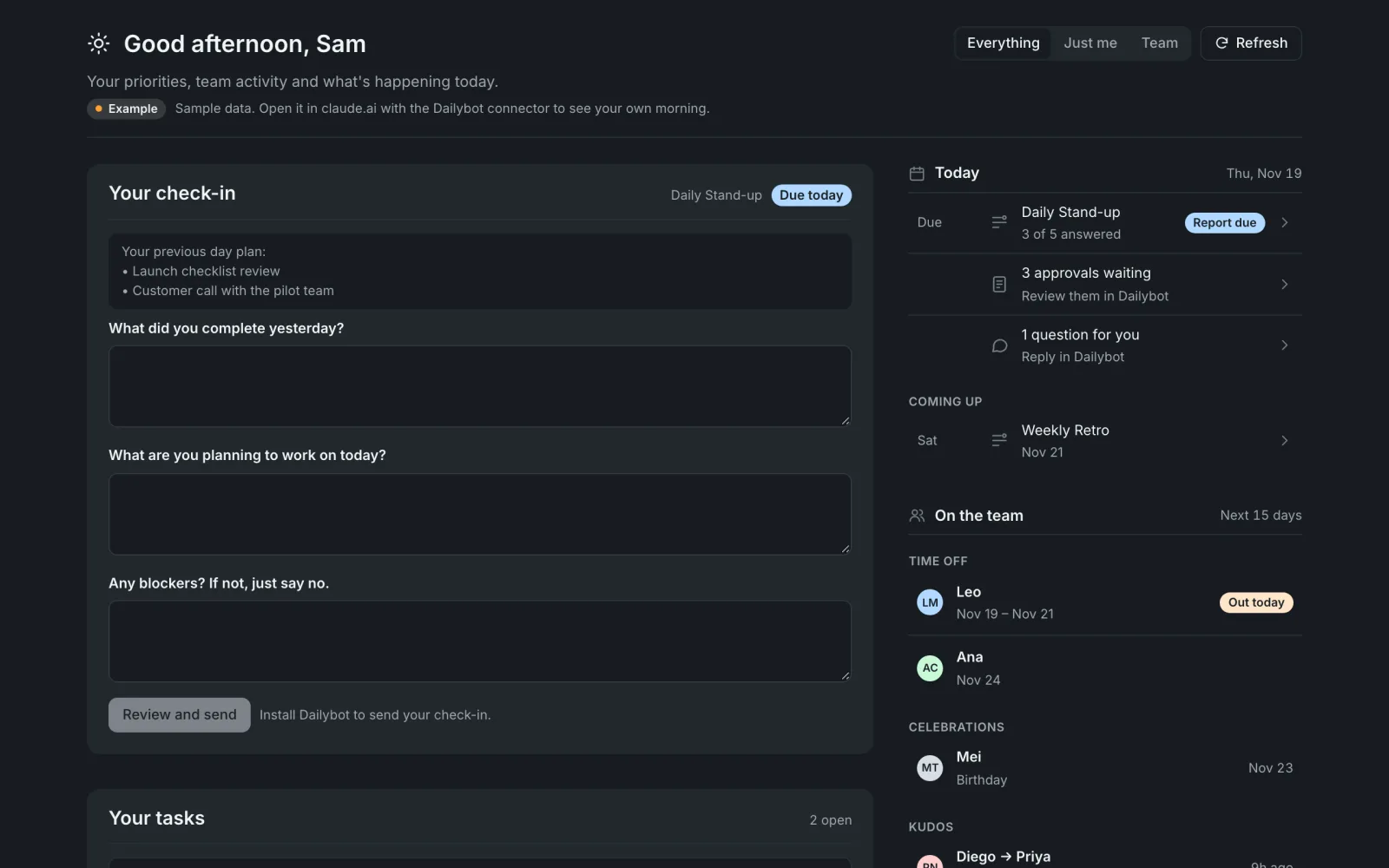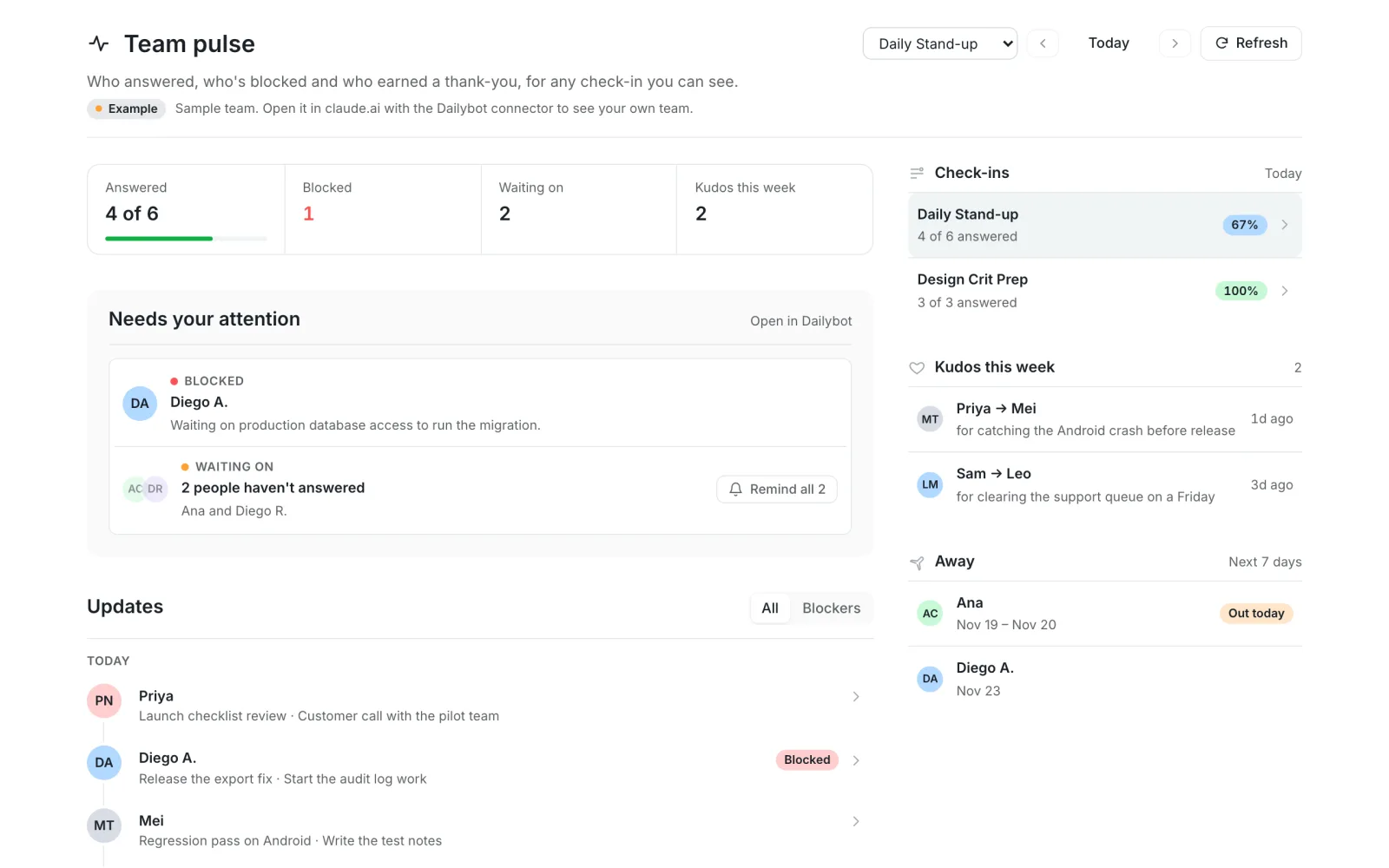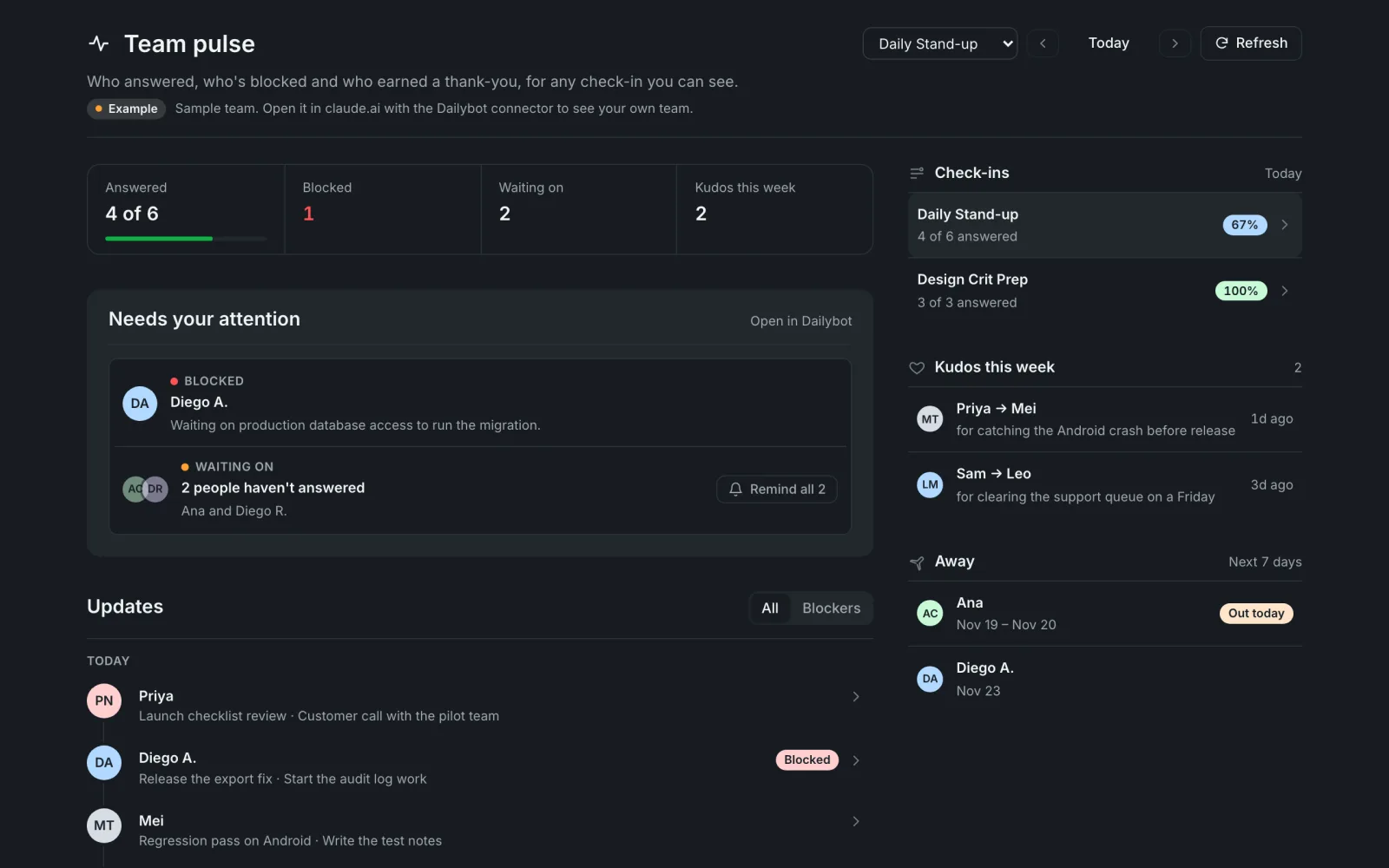
What it’s for
Kudos Finder helps you thank the right people for the right things. It reads what people shared in their check-ins this week, checks who already received kudos, and points you at the ones who moved work forward and haven’t been thanked yet.
What you see
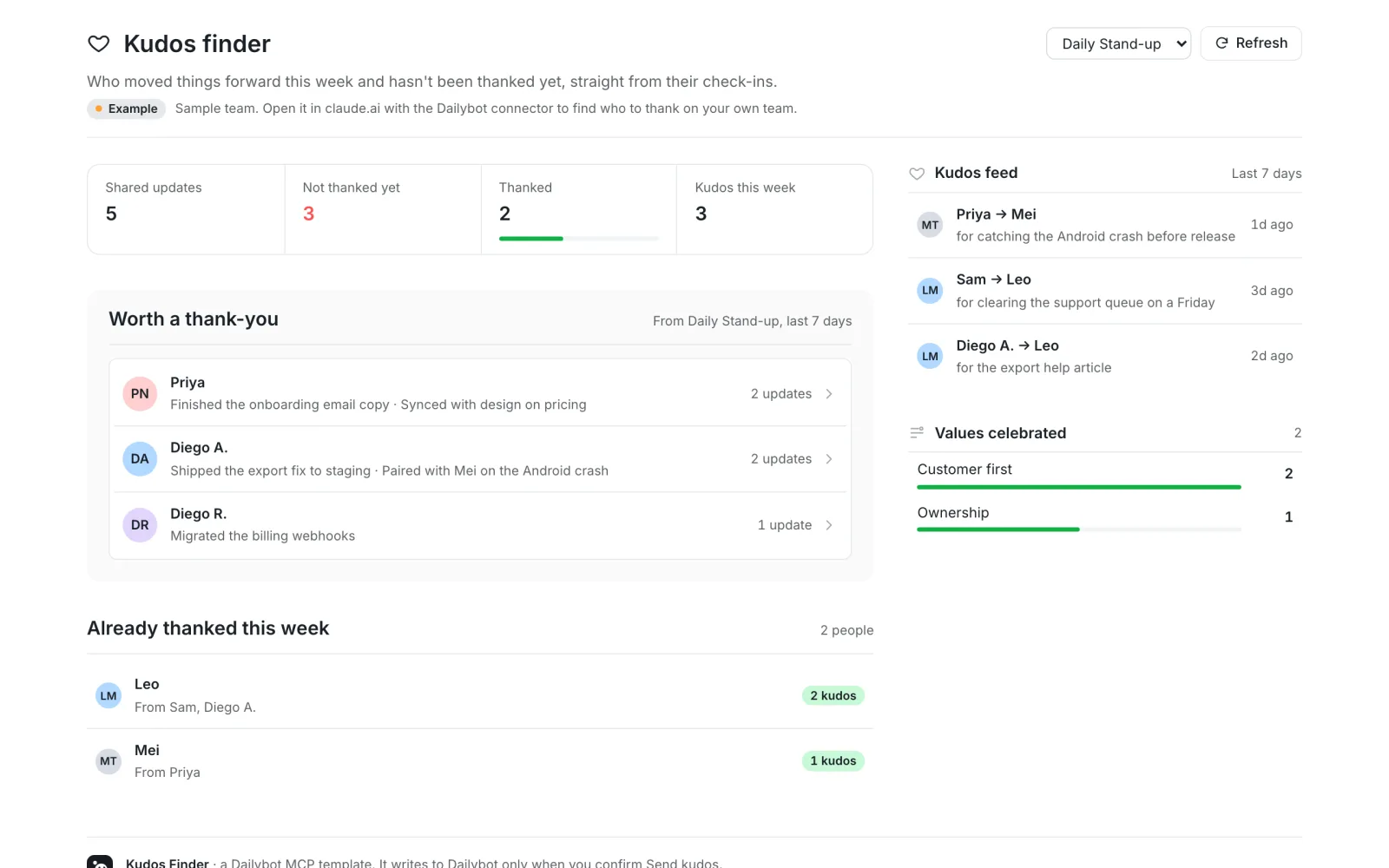
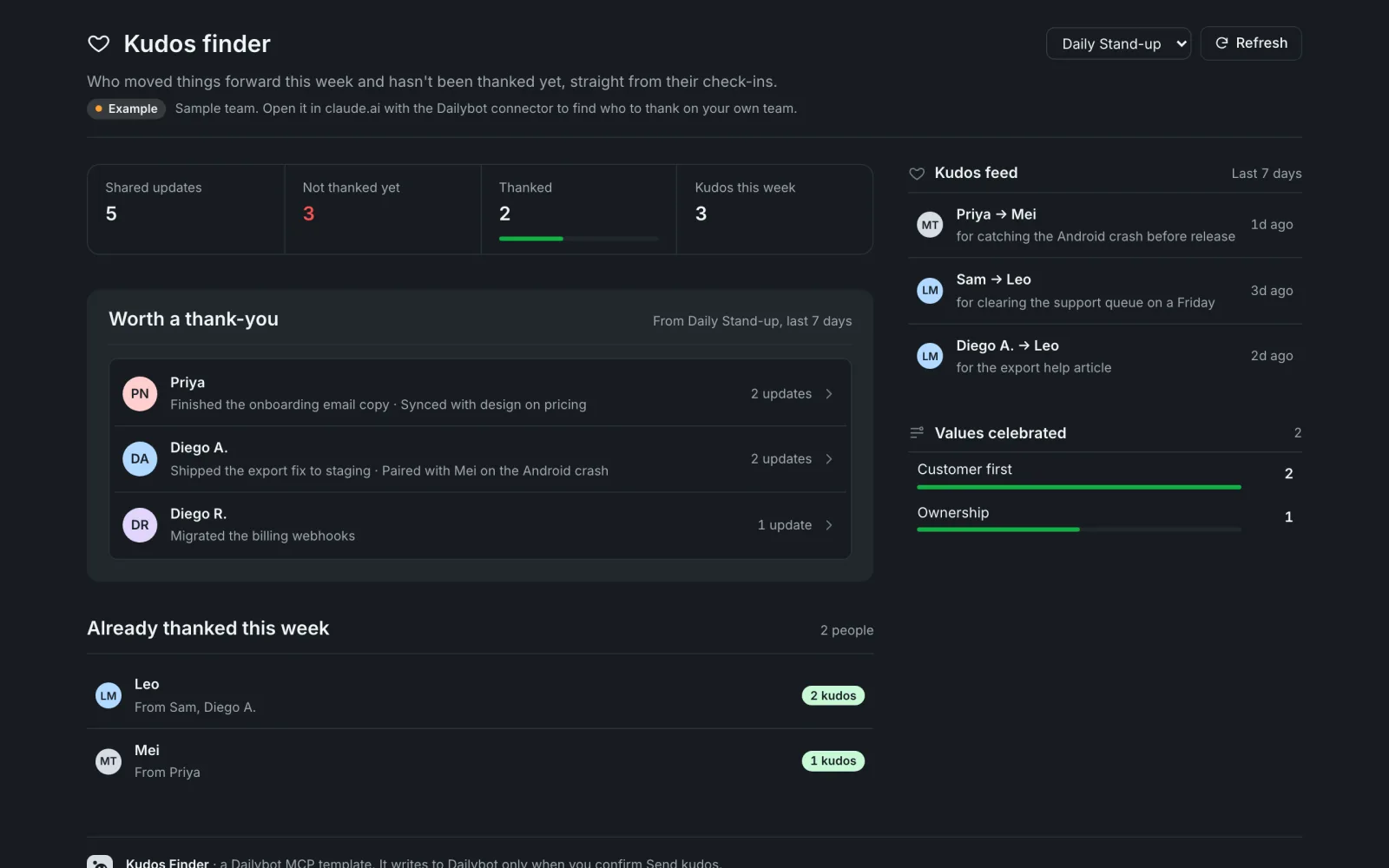
The header. A picker for the check-in to read from and a refresh button. An Example label appears when the page shows sample data.
The numbers. How many people shared updates, how many haven’t been thanked yet, how many have, and how many kudos the team gave this week.
Worth a thank-you. The people who shared progress and haven’t received kudos, with a short summary of what they reported and how many updates it covers. Open a person to see their updates and a kudos draft written from them.
Already thanked this week. Who received kudos and from whom, so nobody gets thanked twice and nobody is missed.
The side column. The kudos feed for the last seven days, and the company values those kudos celebrated.
What it can change
One thing: give kudos. The draft is only a starting point. You read it, edit it, and the page asks you to confirm before it sends anything. The person sees it only after you say yes.
Make it yours in two steps
You need Claude and a Dailybot workspace with MCP access.
- Add the Dailybot connector to Claude. Customize (claude.ai/plugins) → Connectors → Add → Add custom connector. Name it "Dailybot" exactly, use https://mcp.dailybot.com/mcp, then Connect and Allow.
- Duplicate a template. Open it, then Share → Duplicate. Your copy runs on your Dailybot.
Without a connector named "Dailybot", a template shows example data.
Using Claude Code, Cursor, VS Code or ChatGPT? open the setup guide
Prefer to ask?
Type this in Claude with the Dailybot connector on to get the same result without the template.