

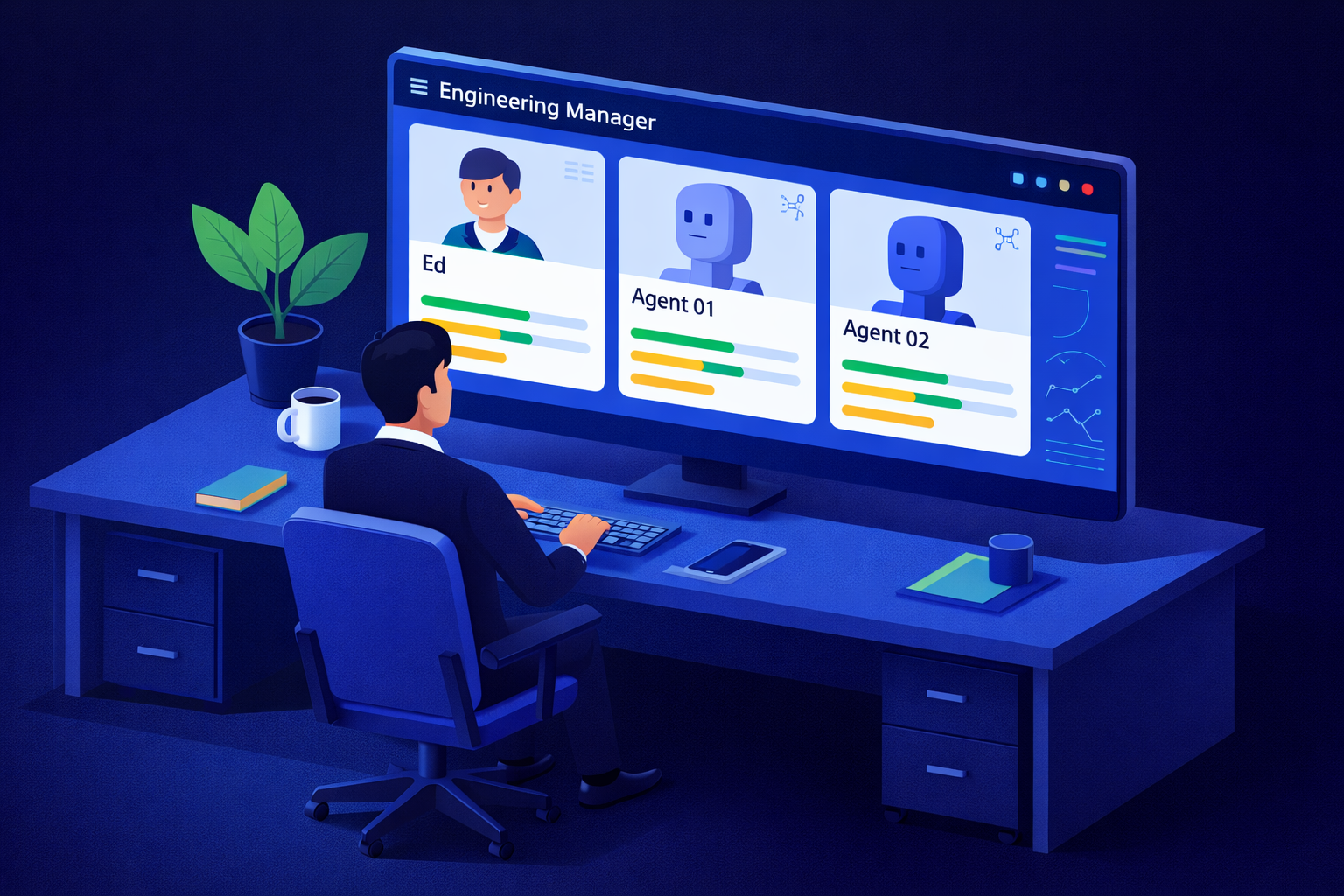
How to integrate autonomous AI contributors into your team without losing visibility, accountability, or your sanity.
If you're an engineering team lead right now, you're probably absorbing a steady drip of pressure from above ("we need to leverage AI") while also managing the ground-level reality that your team is already stretched, your processes are already fragile, and nobody has handed you a playbook for what "AI integration" actually means in practice.
This guide is that playbook — or at least a starting point for one. It covers what AI agents actually are in a team context, the four real management challenges they create, how to onboard one without chaos, and how to run rituals and use tools that keep human+AI teams coherent.
What AI Agents Actually Are (And Why "Chatbot" Is the Wrong Mental Model)
Most conversations about AI in the workplace conflate two very different things: AI assistants and AI agents. The distinction matters enormously for how you manage them.
An AI assistant (like a chatbot or copilot) responds when asked. You prompt it, it answers, end of interaction. It has no persistent goals, no ongoing tasks, and no footprint in your team's workflow beyond the conversation window.
An AI agent is something different. In a team context, an agent is a system that can be assigned ongoing work, execute multi-step tasks autonomously, interact with tools and APIs, and produce outputs that affect shared systems — often without a human in the loop for each step. Think of an agent that monitors your CI/CD pipeline and automatically triages failing tests, or one that ingests your sprint backlog, cross-references documentation, and drafts implementation tickets with context already filled in.
The key shift: agents are contributors, not tools. They hold tasks in a queue. They write to shared systems. They block or unblock other work. And unlike a hammer, they make decisions — even if those decisions are probabilistic and bounded.
This framing isn't hype. It's a practical warning. If you manage AI agents the way you manage a chat interface — reactively, episodically, without structure — you will eventually have a production incident where nobody can explain what happened because half the decision chain was invisible.
The 4 Management Challenges AI Agents Create
1. Observability
With human contributors, you have natural observability: standups, Slack messages, PRs, commit history. With AI agents, work often happens in the background, across systems, at off-hours. Unless you deliberately instrument your agents, you can easily end up with a situation where something "just happened" and no one has a clear audit trail.
The fix isn't more surveillance — it's structured logging. Every agent should emit human-readable activity summaries at regular intervals, tied to tasks, not just system events. If your agent opened 14 tickets and commented on 6 PRs overnight, your team should see a digest of that, contextualized by intent.
2. Accountability
When an AI agent makes a mistake — and it will — the question "whose fault is this?" gets murky fast. The agent doesn't own the failure. But neither should a random engineer who happened to be on-call.
You need to assign a human owner to every agent that has write access to shared systems. That person is the agent's sponsor: they set its scope, review its outputs periodically, and are the escalation point when things go wrong. This isn't punitive — it's structural. Accountability requires a name.
3. Coordination
Agents don't know about team context the way humans do. They don't know that the team agreed last Tuesday to pause refactoring work until after the release. They don't know that the ticket they're about to close was actually blocked waiting for a decision from product. Without explicit coordination mechanisms, agents will confidently do the wrong thing at the wrong time — not out of malice, but because they're working from incomplete context.
The solution is context injection: regular updates to the agent's operating instructions that reflect current team priorities, blockers, and decisions. Treat it like briefing a contractor who's been out of the office for a week.
4. Performance Review
You cannot review an AI agent the way you review a human — but you also can't just ignore their output quality over time. Agents can drift, degrade, or develop systematic blind spots as your codebase evolves. Without periodic review, you end up with agents that are confidently wrong in consistent, hard-to-notice ways.
Set a lightweight review cadence (monthly is usually sufficient) where the agent's sponsor evaluates output quality, scope creep, and whether the agent's current instructions still match what the team actually needs.
A Practical Framework for Onboarding an AI Agent to Your Team
Think of onboarding an AI agent the same way you'd onboard a new contractor: they need a defined scope, access that matches their responsibilities, a point of contact, and a way for the team to give feedback.
Step 1: Define the agent's charter. Before the agent touches anything, write a one-paragraph description of what it does, what it doesn't do, and what "done well" looks like. This becomes the agent's standing instructions and the benchmark for performance review. Keep it narrow — agents that try to do everything tend to do nothing well.
Step 2: Assign a human sponsor. Pick one person who is responsible for the agent's output. This isn't a full-time job — it's more like being the point person for a vendor. The sponsor reviews the agent's digest, fields questions from teammates, and escalates when scope creep occurs.
Step 3: Start in read-only mode. For the first one to two weeks, configure the agent to observe and report rather than take action. Let it surface recommendations — "I would have closed this ticket" or "I flagged these three PRs as potentially conflicting" — and have the sponsor review them. This builds team trust and catches miscalibrations before they matter.
Step 4: Introduce write access incrementally. Move from read-only to limited write access (e.g., commenting on tickets) before full write access (e.g., closing tickets, merging branches). Each expansion of access should come with a short retrospective: did the read-only phase surface anything we need to address first?
Step 5: Add the agent to your team's communication channels. The agent should report its activity somewhere the team can see it — a dedicated Slack channel, a daily digest, a shared dashboard. Visibility is not optional. If the team can't see what the agent is doing, it's not a team member — it's a black box.
How to Run Team Rituals That Include AI Contributors
Team rituals — standups, sprint planning, retrospectives — are how teams stay aligned. When you add AI agents to the mix, these rituals need minor but deliberate adjustments.
Daily standups. If your team uses an async standup tool, the agent's sponsor should post a one-line summary of significant agent activity alongside their own update. This doesn't need to be exhaustive — just enough to flag if the agent did something notable or unusual. Tools like Dailybot make this easy by supporting automated check-ins that can include AI activity summaries, so agent output is surfaced in the same rhythm as human updates. Dailybot's AI visibility features allow teams to track what automated contributors are doing without creating a separate reporting burden.
Sprint planning. When sizing and scoping a sprint, account for agent capacity explicitly. If your triage agent is going to handle first-pass review of all incoming bugs, that should appear in your capacity model — and so should the human review time required to validate the agent's work. Don't treat agent capacity as "free." It has a quality cost that someone pays.
Retrospectives. Add a standing agenda item: "Agent health check." Ask three questions: Did the agent do what we expected? Did it cause any confusion or friction? Does its charter need updating? Keep it short — five minutes is enough — but don't skip it. Agents left unreviewed will eventually cause the kind of incident that burns an entire sprint to clean up.
Incident reviews. When something goes wrong that involved an agent, treat it exactly like a human-involved incident: blameless postmortem, clear timeline, root cause analysis. The fact that an AI made a decision doesn't exempt the incident from rigorous review. If anything, it requires more rigor, because the decision logic may not be immediately legible.
Tools That Support Human+AI Team Management
The tooling landscape for managing mixed human+AI teams is still maturing, but a few categories are worth knowing.
Async communication and standup tools. Tools like Dailybot are particularly useful here because they're designed for team-wide visibility across both human and automated contributors. Dailybot's check-in workflows and AI features help engineering leads see a consolidated view of what their team — human and agent alike — is working on, without requiring everyone to be online at the same time. For distributed teams running agents across time zones, this kind of async visibility layer is essential.
Observability platforms. LangSmith, Langfuse, and similar tools give you trace-level visibility into what your agents are doing and why. If you're running agents built on LLM frameworks, invest in at least one of these — they're the equivalent of application monitoring for your AI workers.
Task management with audit trails. Linear and Jira both support API-level integrations that let agents create, update, and close tickets while leaving a clear record of what was done and by whom (or what). Configure your agents to tag their actions so humans can filter agent activity from human activity in your task history.
Access management. Treat agent credentials like service accounts, not like personal accounts. Use the principle of least privilege, rotate keys regularly, and make sure the agent's access can be revoked instantly if something goes wrong. This isn't glamorous, but it's the difference between a contained incident and a very bad week.
The Bottom Line
Managing AI agents in the workplace isn't about becoming an AI expert. It's about extending the management skills you already have — clarity of scope, structured communication, accountability, retrospection — to a new kind of contributor.
The teams that will struggle are those that treat AI agents as infrastructure (invisible, unmanaged, assumed to be working) or as magic (capable of anything, requiring no oversight). The teams that will thrive are those that treat agents the way they treat any other team member with unusual capabilities: with clear expectations, appropriate visibility, and a human who's paying attention.
You don't need to have it all figured out before you start. You just need a charter, a sponsor, and a way for your team to see what's happening. Build from there.
.png)


