


DailyBot
APP
Check-in date:
December 10, 2025
We’re closing the year with a release that’s all about one thing: making Dailybot fit more naturally into your day.
Over the past few months we’ve been quietly shipping pieces of a bigger puzzle, bringing check-ins closer to where work happens, giving managers clearer summaries, and letting power users wire Dailybot directly into their tools and APIs.
Today we’re rolling all of that into one last product update for the year!
Async works best when it doesn’t pull you out of flow. Two new extensions help with that.
Developers shouldn’t have to alt-tab to fill a standup. Our new extension brings Dailybot check-ins straight into Visual Studio Code and Cursor, so you can share updates without leaving your editor.
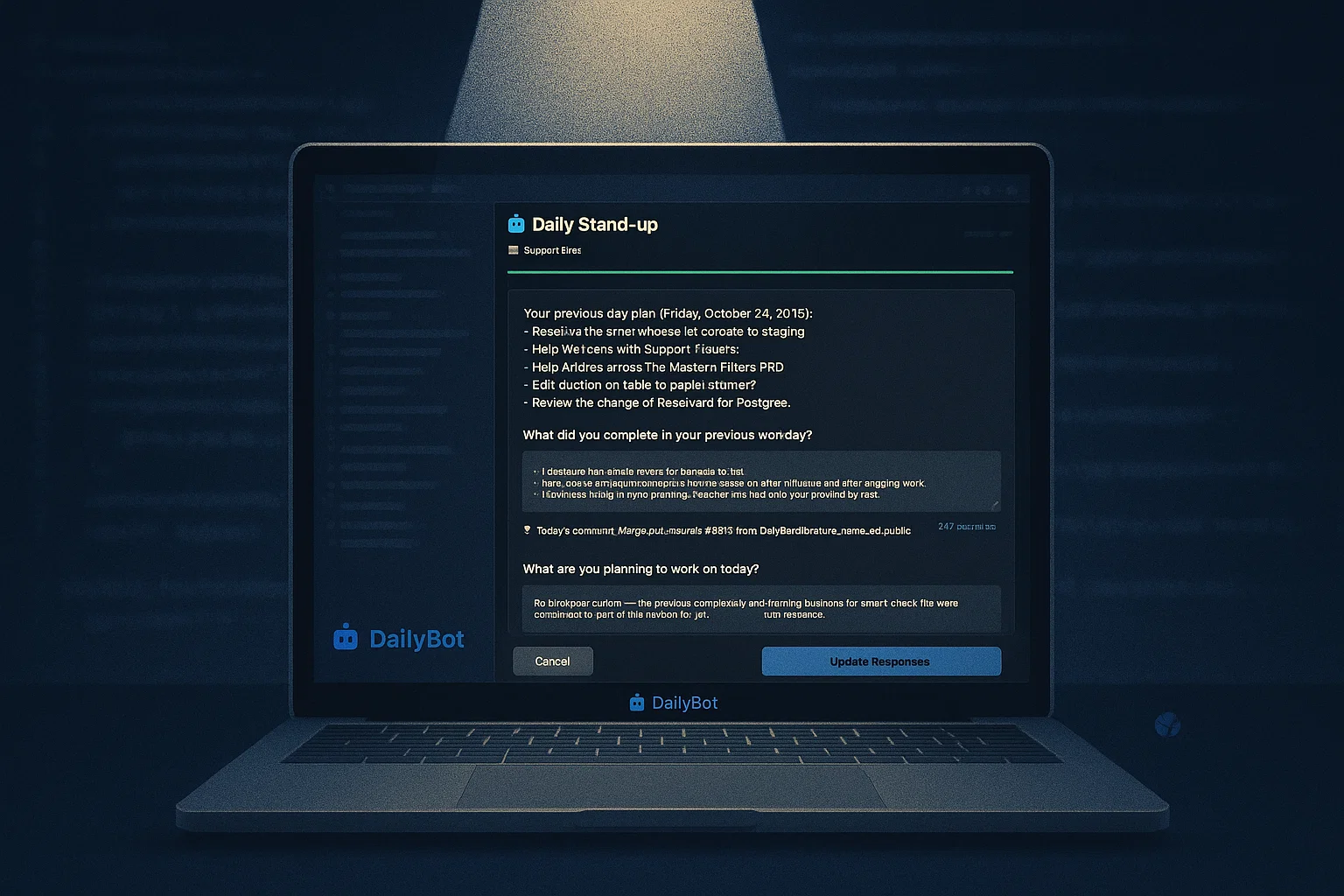
Tokens are scoped to you, so every update is posted as you wherever Dailybot lives (chat, web, reports). The extension also respects your Dailybot language preferences automatically.
If your team is dev-heavy, this one is for you.
For everyone else, there’s a new browser extension that keeps Dailybot a click away in your toolbar.
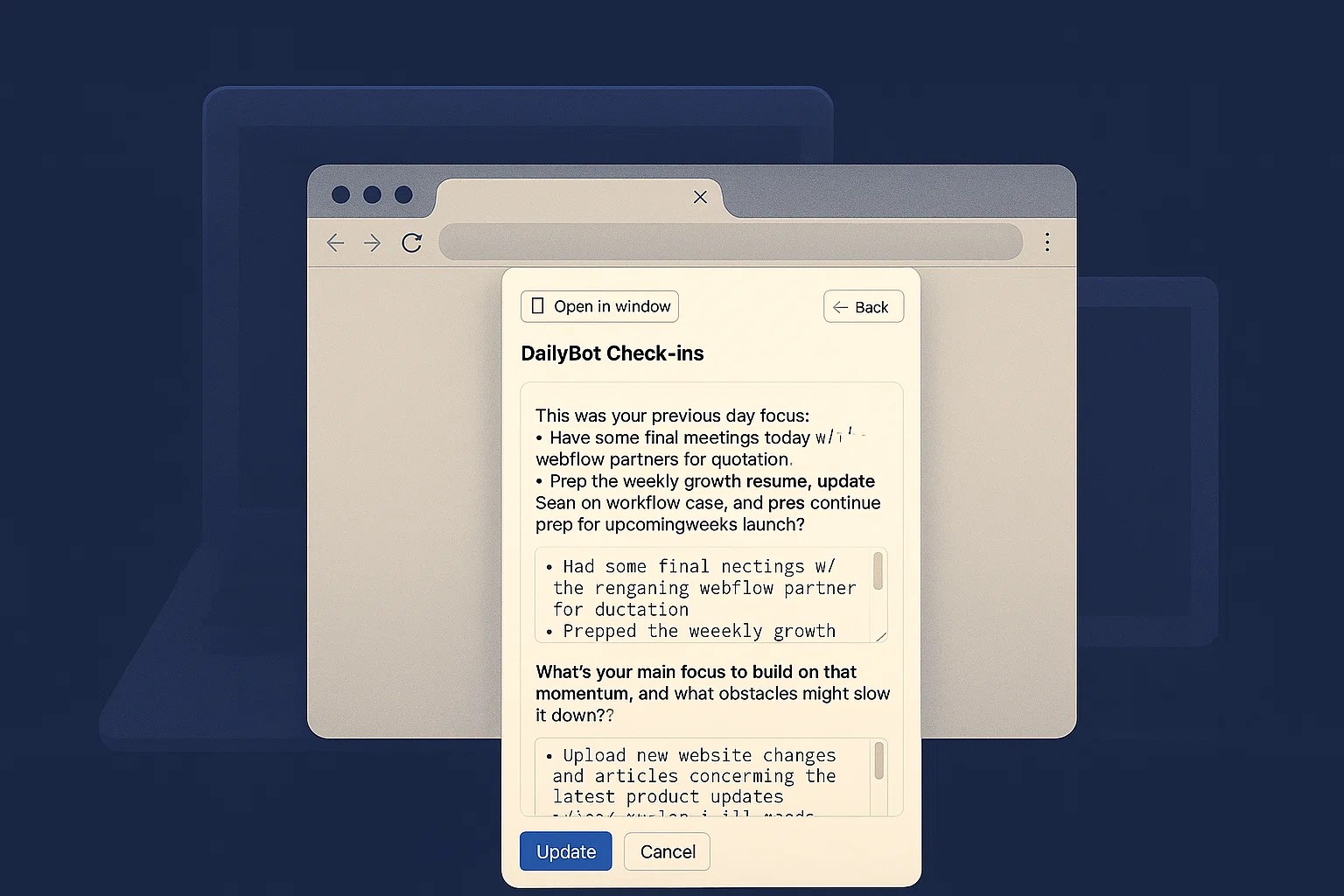
Open the popup and you can:
It works in Chrome, Brave, Edge, Arc, Opera, Vivaldi, and most Chromium-based browsers. With Dailybot, you don’t need to hunt for the right tab or wait for Slack to load just to say “here’s what I did today.”
If your team already runs async standups or weekly updates with Dailybot, this is a small change that can remove a lot of friction for some of you. Let us know how it goes.
⊡ Install from the Chrome Web Store →
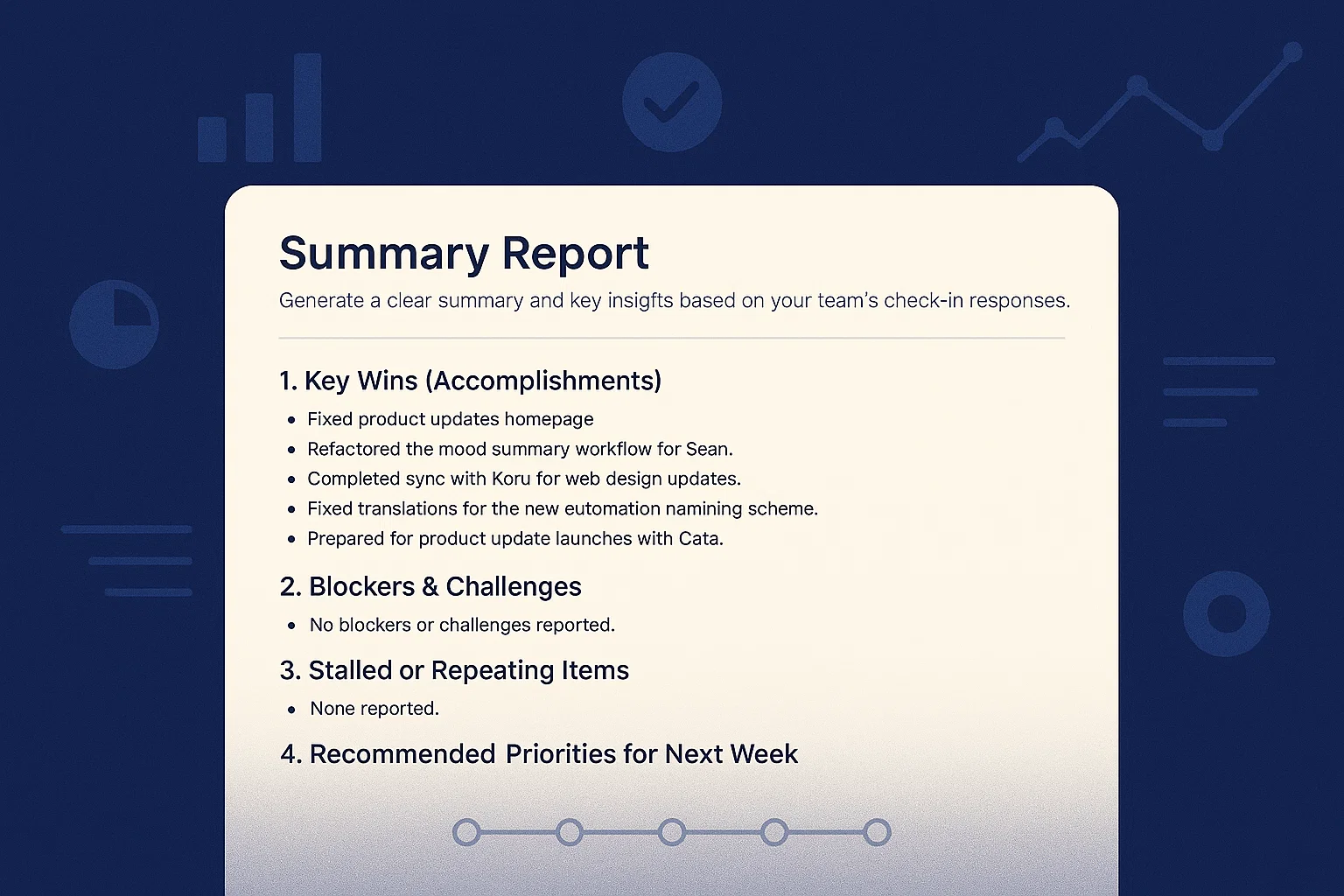
Also new in Check-ins is our native Summary Reports for all paid organizations.
Most teams at Dailybot don’t run just one ritual. You might have a daily standup, a weekly recap, and a Friday “wins” check-in. That’s great for structure, but not so great when you’re trying to understand what’s actually happening across your whole team/org.
Summary Reports is looking to fix that by giving you a single, focused snapshot. From the Check-ins home, you’ll find a “Generate summary” entry point. There, you can choose:
Dailybot then pulls in the matching responses and turns them into a clear summary of themes, highlights, and blockers. It’s perfect for:
Think of it as asking: “What’s the status on my team this week?” and getting a straight answer instead of ten separate reports.
This one is big for power users. If you’re a PM, engineer, or tech lead who lives in chat, MCP lets Dailybot talk directly to your tools e.g. GitHub, Linear, Monday.com, and any custom API without heavyweight integrations.
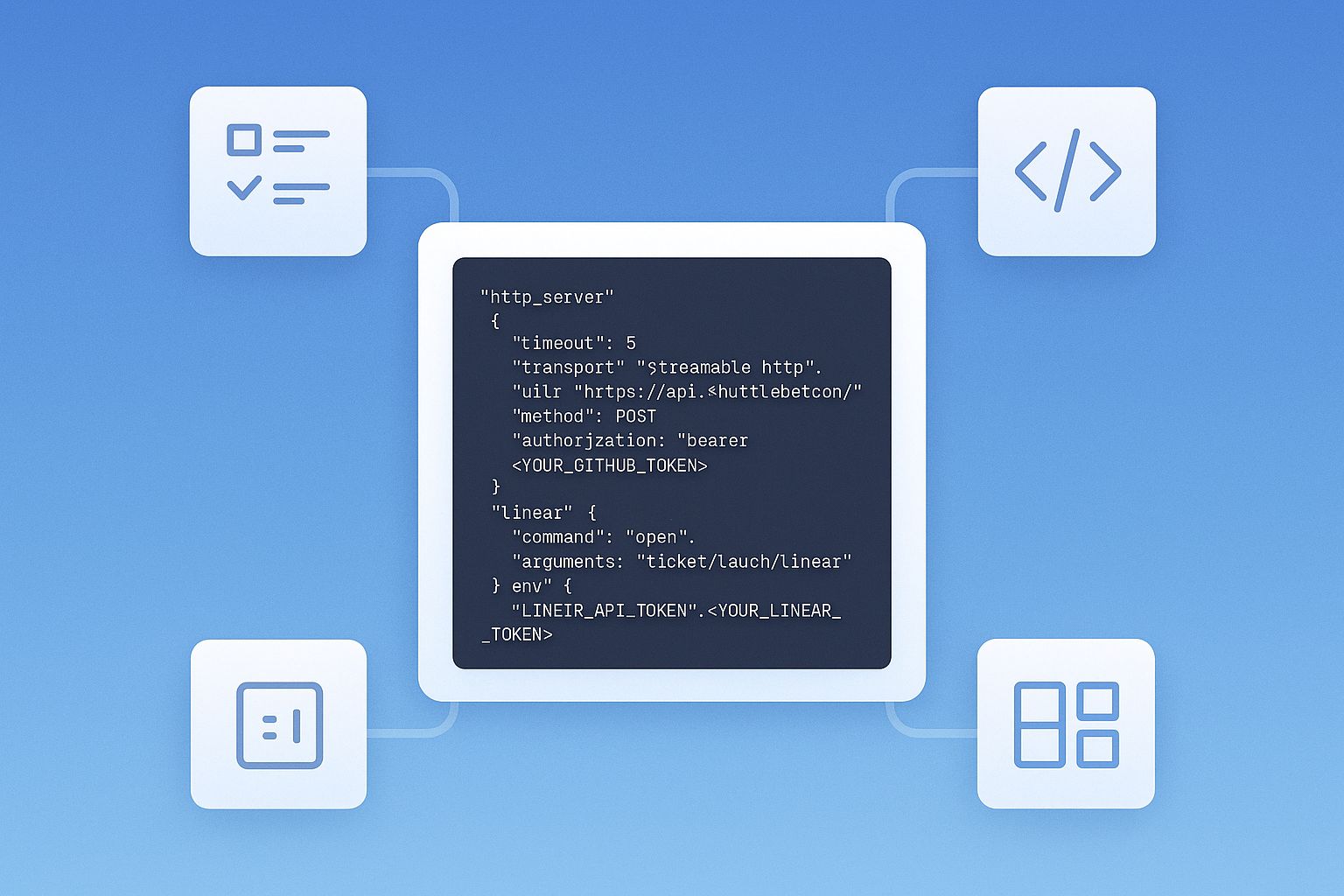
With MCP, you can:
A few real examples might be:
Because MCP is just a standard, you can plug in your own servers and make any internal service “speak” to Dailybot.
It takes a couple of minutes, and suddenly your standups and summaries can reach into your stack, not just talk about it.
To support all this, Workflows (now “Automations”) got a major boost too. In the builder you’ll see three important additions.
You can now trigger workflows based on words or phrases you define, essentially, custom commands for Dailybot. Now built into your automations.
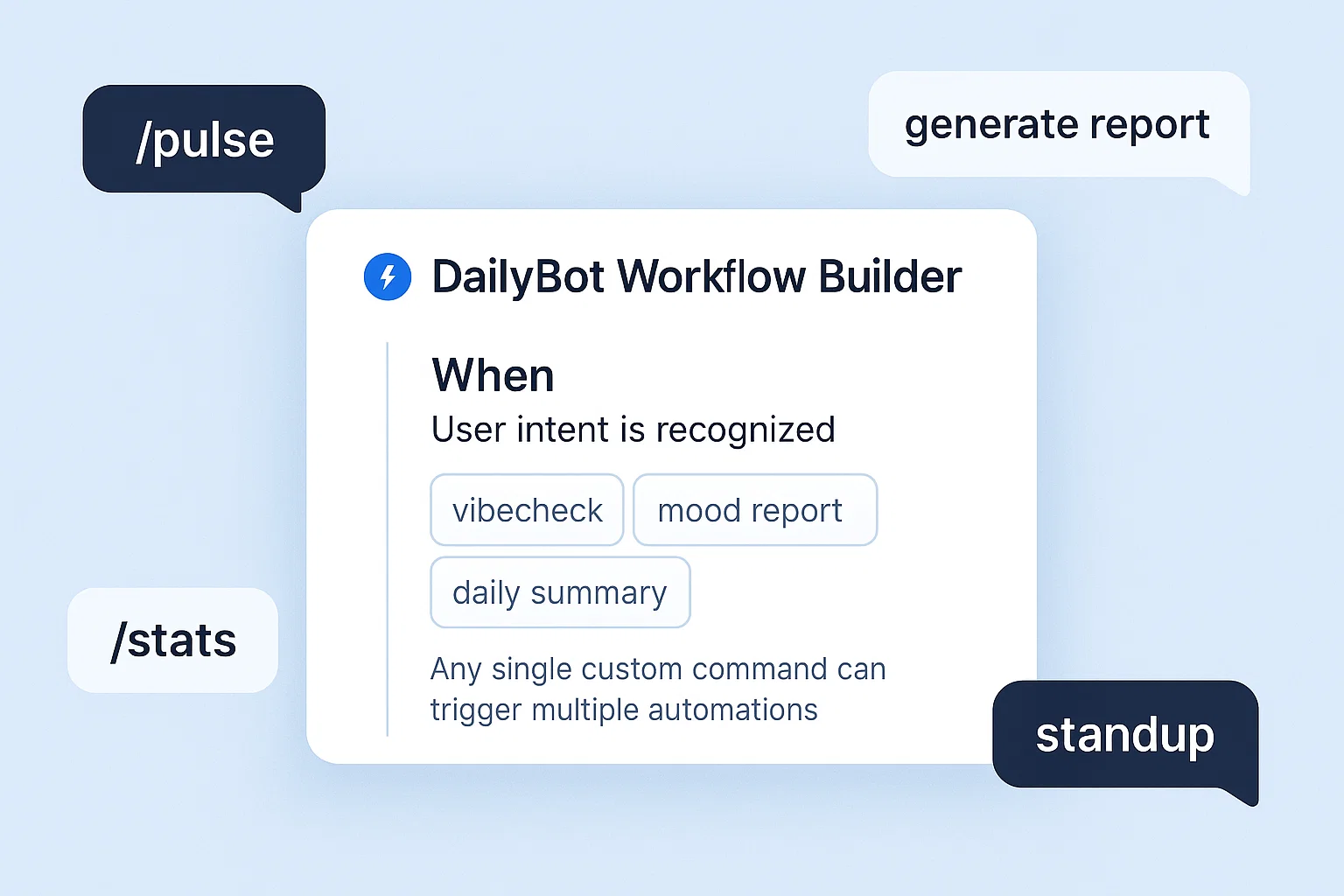
Example use cases:
You decide the words or phrases. Dailybot does the rest, chaining multi-step workflows from a single intent.
If you need to talk to another system, you can now send HTTP requests directly from an automation.
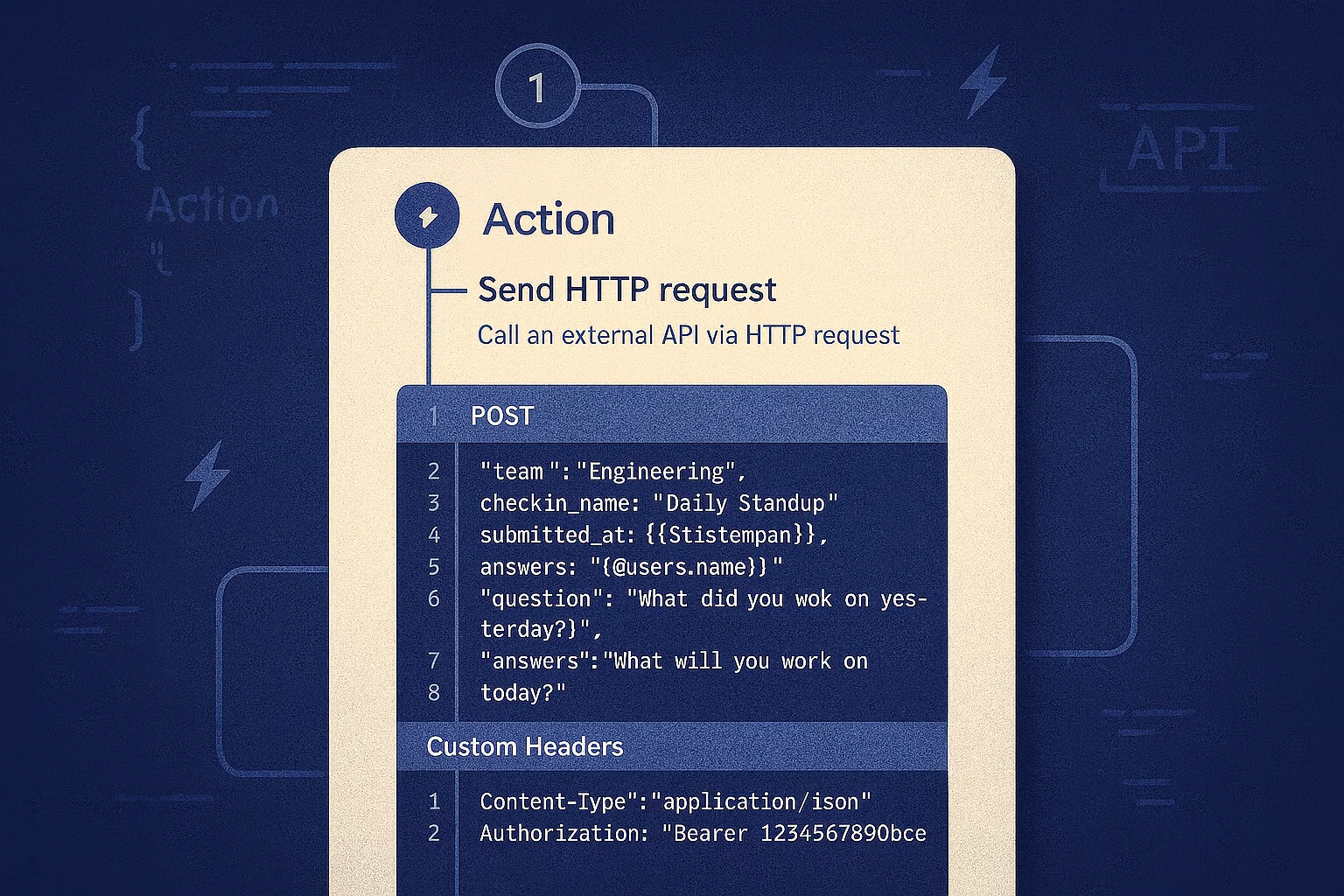
Example: when someone reports a blocker, send a POST request to your internal ticketing API with the details, and have it respond back in chat.
This is perhaps the most powerful piece.
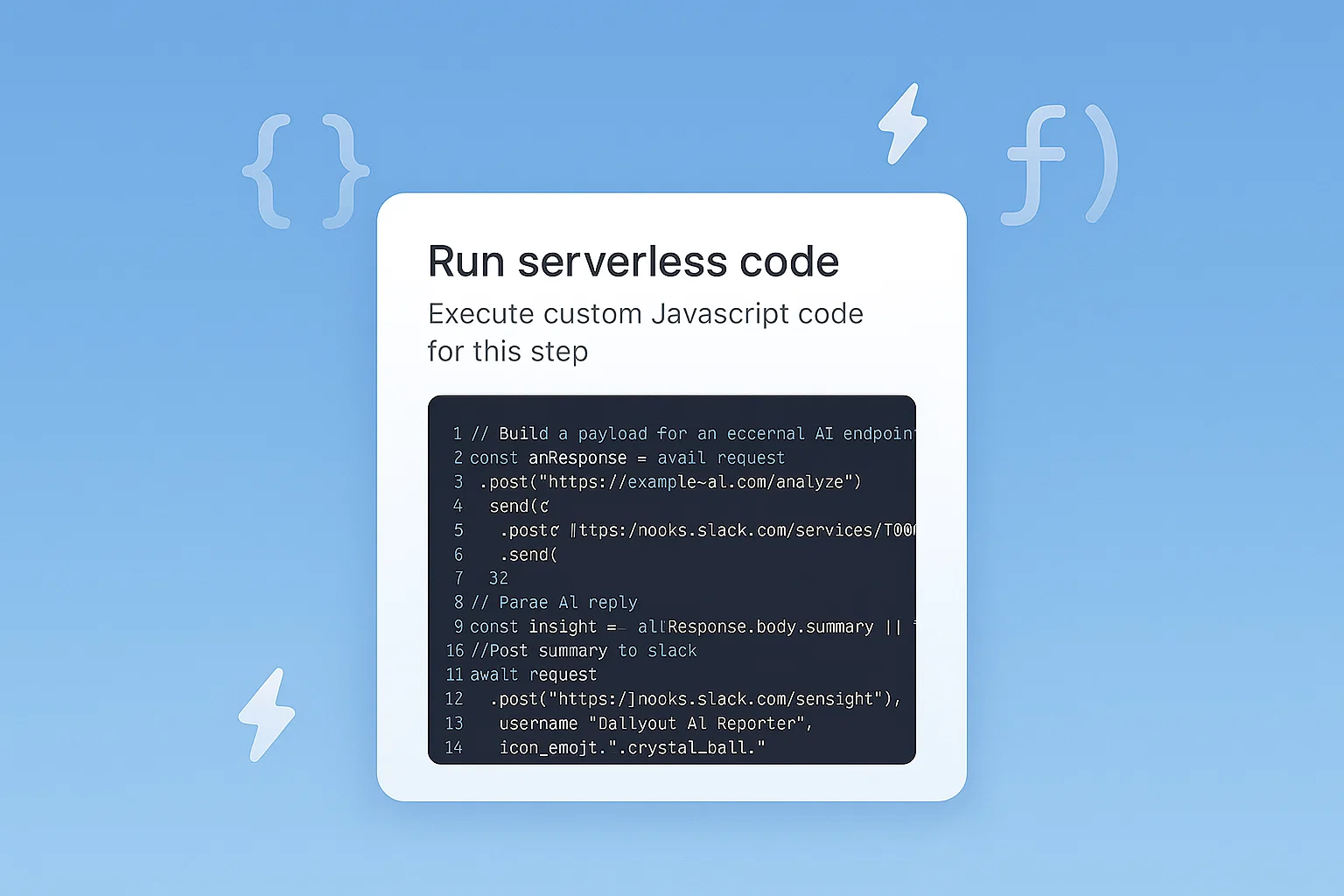
You can now run custom JavaScript right inside Dailybot for any workflow trigger: a submitted check-in, a schedule, a user intent, a webhook, and more.
Combine intent triggers, HTTP requests, and serverless code, and you get a pretty serious operations layer, managed right from your collaboration chat. How good is that? 😏
This is our last big product update of the year, and it reflects where we’re heading:
📝 Closer to your workflow: editor and browser extensions instead of extra tabs
♒ Clearer visibility: summaries that turn scattered updates into a single story
🤖 Deeper automation: MCP and serverless actions to connect your stack end-to-end
Thank you for using Dailybot, for all the feedback, bug reports, and “what if it could just…” messages. They’re what shape these releases.
We hope these updates make your end of year a little calmer, you know? Fewer tabs, fewer manual follow-ups, and a clearer view of what your team is working on.
And from all of us at Dailybot: thanks for an amazing year, enjoy the holidays, and see you in the new one. 🥹🙏


